
MaintainX vs. Limble CMMS

An honest comparision of Limble and MaintainX CMMS across pricing, features, and support.
-
Price Range
$ $ $ $ $$ $ $ $ $
- Starting Price Free
- Client OS iOS, Android, Web
-
Price Range
$ $ $ $ $$ $ $ $ $
- Starting Price Free
- Client OS iOS, Android, Web
MaintainX and Limble are two of the most commonly compared CMMS for teams moving on spreadsheets or disconnected tools.
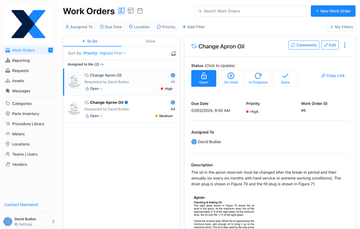
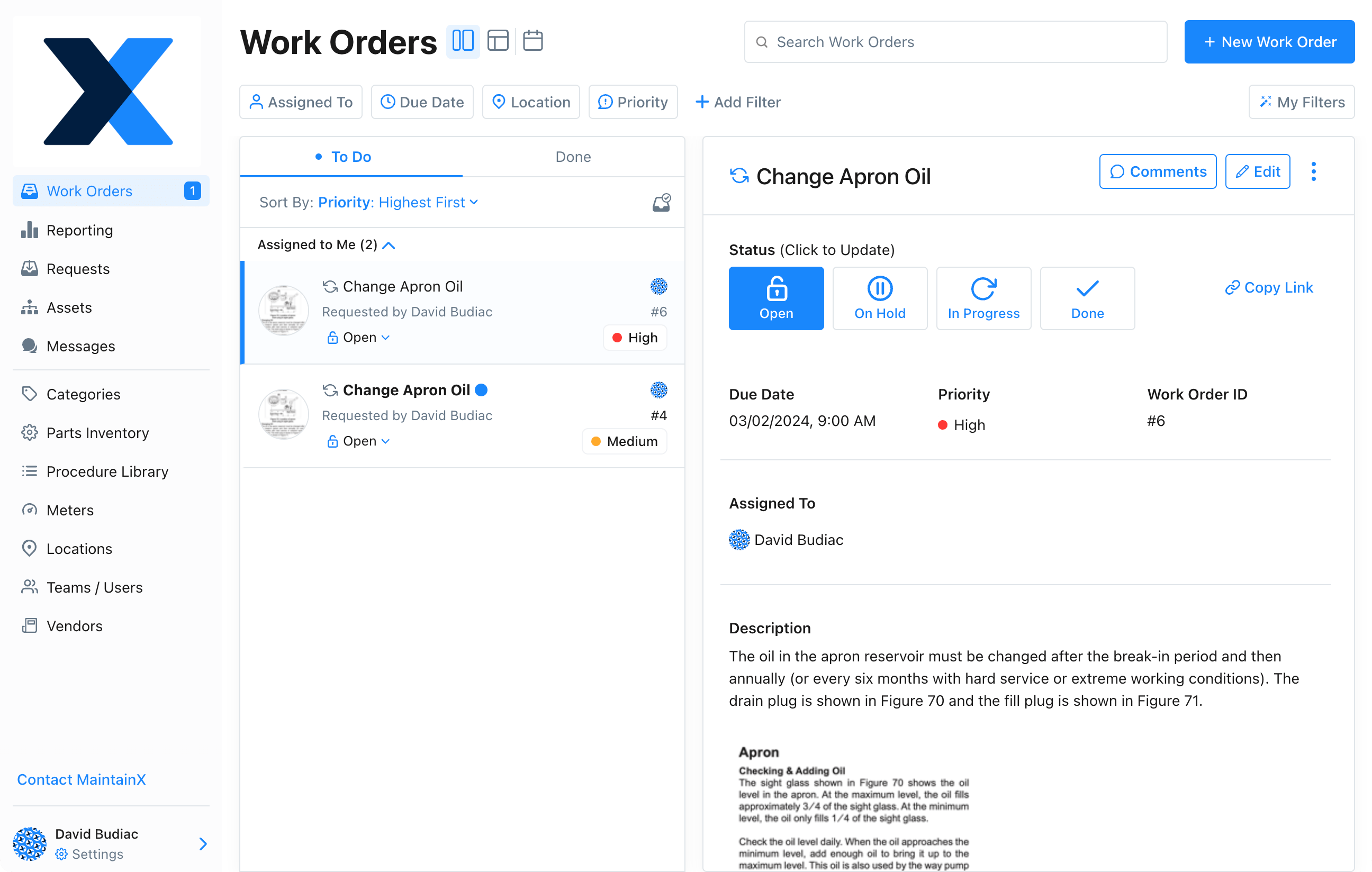
MaintainX is a web-based maintenance and CMMS software with strong mobile support; the app is the primary interface. It centralizes work orders, in-app chat, photos, and updates all in one place. Built around speed and real-time communications, it’s best if you’re a small to mid-sized company in facilities, manufacturing, property management, education, and hospitality.
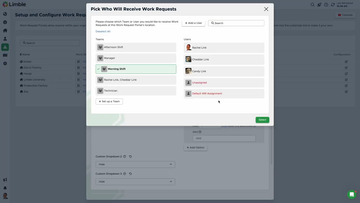
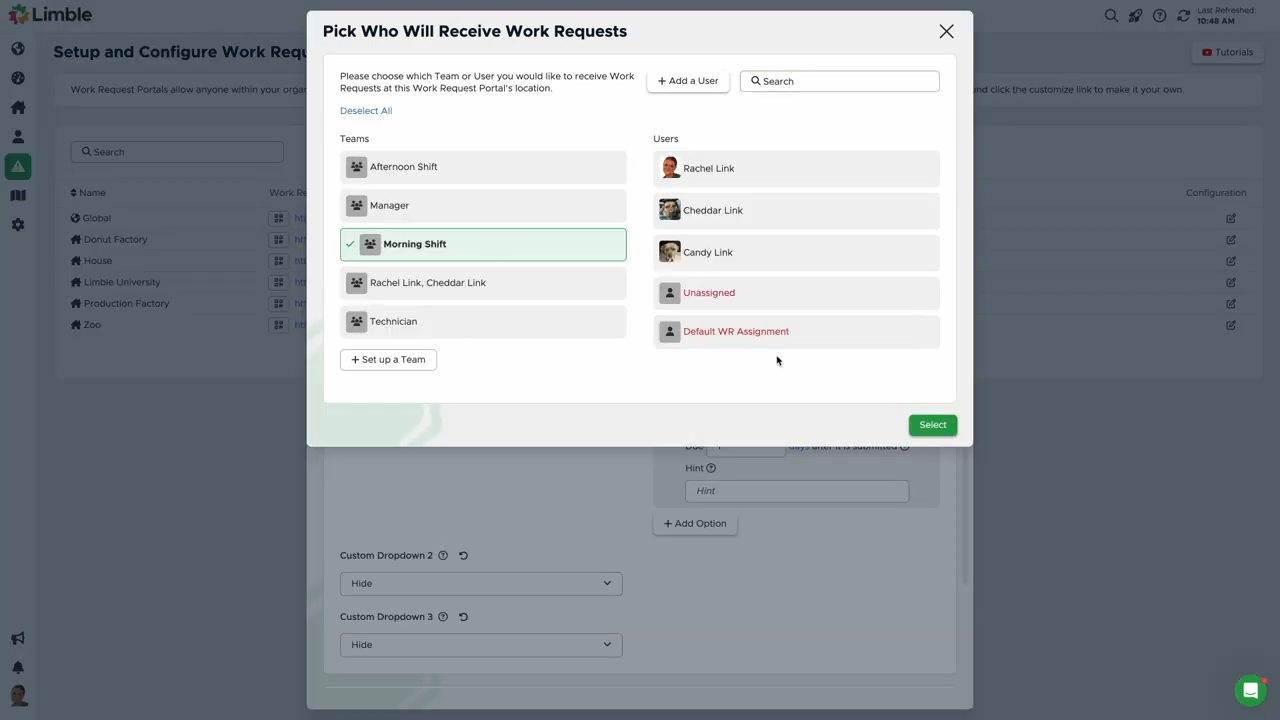
Limble is a mobile-first CMMS that’s easy to learn, and it offers structured workflows and configurable process control. If your operation is growing and you need a system that scales from 2 sites to 20 quickly, Limble is built for that. Designed for structured workflows and scalable process control, it’s ideal for sectors like manufacturing and healthcare.
MaintainX Company Profile
Founded in 2018, MaintainX gained traction by focusing on technician adoption and prioritizing live collaboration and ease of use. It embeds messaging directly into workflows. Technicians can create work orders, attach photos, tag coworkers, and log updates all within the same system.
Key capabilities include:
- Work order management with real-time messaging
- Asset tracking with QR/barcode scanning
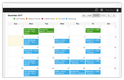
- Preventive maintenance scheduling
- Downtime tracking and asset status monitoring
- Parts inventory and purchasing (higher tiers)
- Mobile-first interface with near-identical web experience


Limble CMMS Company Profile
Limble launched in 2015 and has positioned itself as a system that grows with operational complexity—particularly in regulated or multi-site environments.
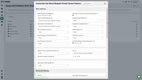
Limble emphasizes structured processes over speed-to-launch. It provides tools for building standardized workflows, approval chains, and compliance-ready audit trails.
Key capabilities include:
- Preventive maintenance with advanced scheduling (meter/condition-based)
- Custom workflows, dashboards, and approval chains
- Procedure templates with inspections, signatures, and conditional logic
- Parts inventory and purchasing
- Multi-site management and permissions
- Audit trails, approvals, documentation workflows (for regulated environments, including those with 21 CFR Part 11 requirements)





Key Features Comparison
Work Orders & Execution
| Feature | MaintainX | Limble |
|---|---|---|
| Unlimited Work Orders | Yes | Yes |
| Real-Time Messaging | Yes (native, built-in) | Premium+ |
| Work Order Templates | Yes | Yes |
| Procedures with Signatures | Yes | Premium+ |
| Inspection Checklists | Yes | Premium+ |
| Conditional Logic in Procedures | Yes (higher tiers) | Yes (higher tiers) |
| Attached Procedures | Unlimited (higher tiers) | Unlimited (higher tiers) |
Preventive Maintenance
| Feature | MaintainX | Limble |
|---|---|---|
| Recurring Work Orders | Limited on lower tiers | Unlimited |
| Meter-Based Scheduling | Premium+ | Premium+ |
| Condition-Based Maintenance | Premium+ | Premium+ |
| Automated Corrective Actions | Premium+ | Premium+ |
| PM Templates | Yes | Yes |
Asset & Inventory Management
| Feature | MaintainX | Limble |
|---|---|---|
| Asset Tracking | Yes | Yes |
| QR/Barcode Scanning | Yes | Yes |
| Asset Hierarchies | Yes | Yes |
| Downtime Tracking | Yes (real-time status) | Yes (automated reporting, MTBF/MTTR) |
| Parts Inventory | Premium+ | Premium+ |
| Purchase Orders | Premium+ | Premium+ |
Reporting & Analytics
| Feature | MaintainX | Limble |
|---|---|---|
| Pre-Built Reports | Yes | Yes |
| Real-Time Dashboards | Yes | Yes |
| Custom Dashboards | Yes | Yes |
| Advanced Analytics | Premium+ | Premium+ |
| Root Cause Analysis | Enterprise | Enterprise |
Mobile & Usability
| Feature | MaintainX | Limble |
|---|---|---|
| Mobile App | Yes | Yes |
| Offline Mode | Premium+ | Premium+ |
| Interface Consistency | High (mobile = web) | Moderate |
| Real-Time Collaboration | Strong | Moderate |
Similarities
Both platforms:
- Are cloud-based CMMS systems
- Offer mobile apps for field technicians
- Support work orders, PM scheduling, and asset tracking
- Replace spreadsheets, paper logs, and disconnected tools
- Use subscription-based pricing models
They’re both strong options for teams modernizing maintenance operations.
Differences
Execution Style:
- MaintainX: Built around real-time communication and execution speed; technicians can create, update, and complete work orders quickly, with communication happening inside the workflow.
- Limble: Built around structured workflows and process enforcement; enforces how work gets done through approvals, standardized procedures, and defined workflows.
Adoption vs. Standardization
- MaintainX: Easier to roll out. Teams coming from spreadsheets or paper logs tend to adopt it quickly because it mirrors how they already work.
- Limble: Requires more upfront setup but gives you more control over how work is documented, approved, and audited.
Communication vs. Documentation Depth
- MaintainX: Centers communication; messaging, updates, and context live inside each work order.
- Limble: Centers documentation, like procedures, audit trails, and structured records.
Single-Site Agility vs. Multi-Site Governance
- MaintainX: Fits teams that need to move fast, especially within a single facility or a small number of locations.
- Limble: Better suited for organizations standardizing maintenance across multiple sites with shared processes and oversight.
MaintainX vs. Limble Pricing Guide
| Plan Level | MaintainX | Limble |
|---|---|---|
| Free Plan | Free | No longer listed on website |
| Entry Tier | ~$25/user/month | ~$28/user/month |
| Premium Tier | ~$75/user/month | ~$69/user/month |
| Enterprise | Custom | Custom |
Our Verdict
Choosing between MaintainX and Limble comes down to how your maintenance team actually works day-to-day.
Choose MaintainX if:
- Your team is mobile-first: Technicians rely heavily on phones in the field.
- Communication is a bottleneck: You need messaging, updates, and collaboration inside work orders.
- You want fast implementation: You need to get up and running in days, not weeks.
- You’re cost-sensitive early on: The free plan or lower entry pricing matters.
Choose Limble if:
- You need structured workflows: SOP enforcement, approvals, and standardized processes matter.
- You’re scaling across locations: Multi-site visibility and control are critical.
- Compliance is a priority: Audit trails and regulated workflows are required.
- You want deeper customization: Dashboards, fields, and workflows need to match your operation.