
The Best IT Asset Management (ITAM) Software
IT asset management (ITAM) software helps you manage your hardware and software assets from one place. We reviewed the top options for features like an integrated help desk and lifecycle management.

- Comprehensive IT asset management
- Integrates with Zendesk and Jira
- Can track physical assets and software licenses
- Has integrated barcode scanning in the mobile app
- Plans include unlimited users
- No-code and customizable
- Self-customizable with minimal cost or vendor involvement
- Affordable pricing compared to competitors
- Rapid deployment
IT asset management (ITAM) software can help you organize your business’s physical IT equipment and SaaS licenses.
- EZO AssetSonar: Best for Lifecycle Management
- Asset Panda: Strong Barcode Scanning
- Canfigure: Best Integrated Help Desk
EZO AssetSonar - Best for Lifecycle Management
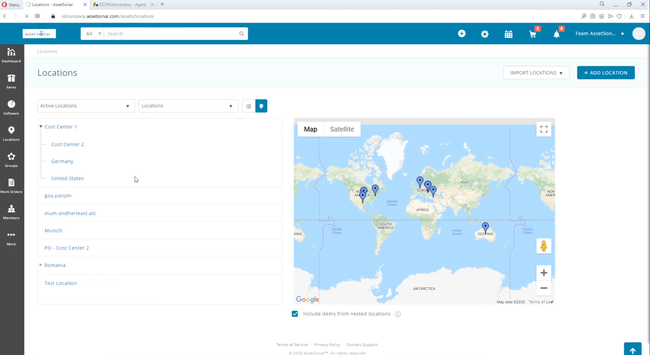
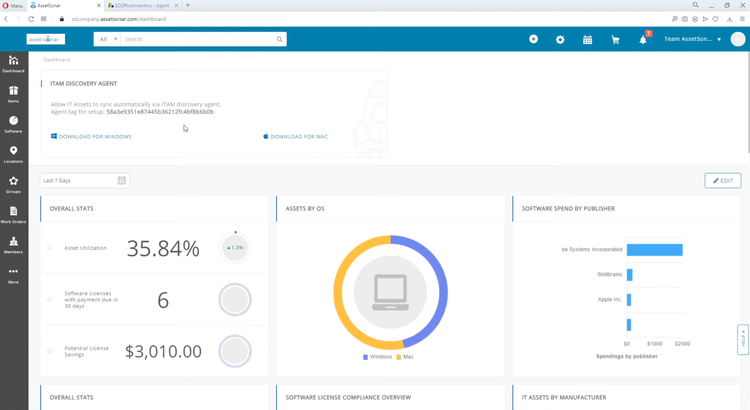
EZO AssetSonar is a great option for midsize companies needing hardware and software asset management without the overhead of an enterprise system. The system controls the entire lifecycle of each software or equipment, from initial purchase to retirement/replacement. This way, you can keep a more accurate record of what you have, as well as track services, warranties, and updates. It’s a great way to not only know what you have, but also how it’s used.
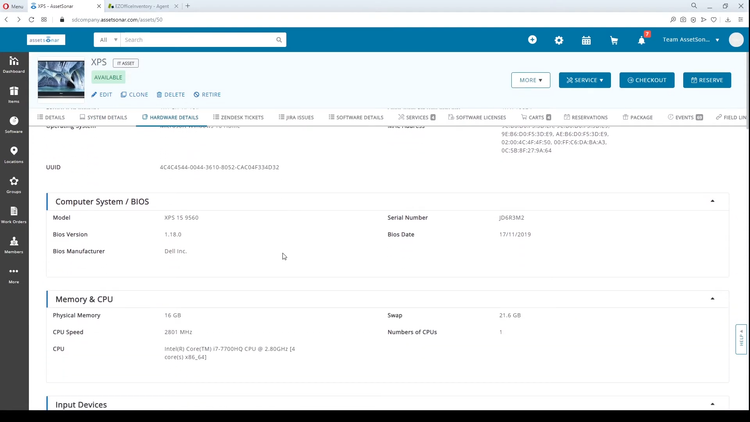
Additionally, AssetSonar offers strong asset intelligence built around your software licenses. It automates software discovery, with Chrome Browser Tracking for Shadow IT, and identifies unused tools within your business. You can also track renewals on a consolidated dashboard, plus customize alerts to ensure you renew on time or plan system replacements before contracts lapse. This helps you avoid unnecessary subscription payments.
AssetSonar offers both hardware and software asset management packages, as well as a combined suite for managing both. It also integrates with common service desk tools like Zendesk to create a unified suite. Unfortunately, EZO does not list prices publicly, so you’ll need a custom quote for exact costs for each package.
Asset Panda - Strong Barcode Scanning
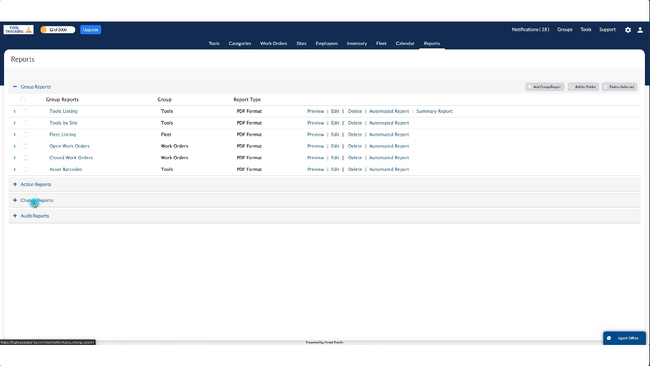
Asset Panda offers a strong mobile barcode scanner app for organizations with extensive IT equipment. Teams can scan hardware like laptops, monitors, and peripherals in seconds and update the asset record immediately from their phones. These include details like who it’s assigned to, location, and condition. It’s an easy way to keep data current and consistent.
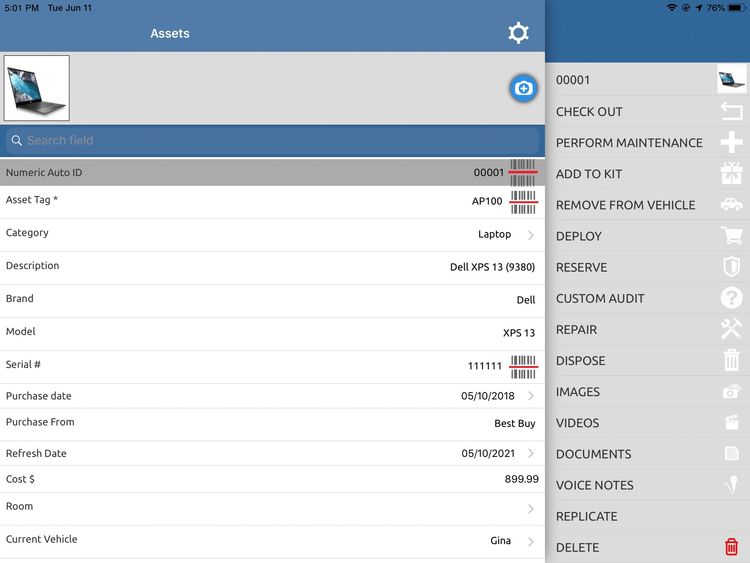
And if you need more reliable audit trails and lifecycle control, the barcode scanner app is good for that, too. Because codes are tied to asset records, you can run scheduled audits and quickly validate what’s actually present across your locations, whether that’s offices, classrooms, or clinics. The app interface makes it a great option for tracking your distributed assets in the field and physically verifying them.
Asset Panda is best for small to midsize teams across several industries. That said, it’s a more general asset management system, so it lacks some IT-specific features that you’ll find in more specialized options, like AssetSonar. Still, for printing barcodes and tracking hardware, it’s a solid option.

Canfigure - Best Integrated Help Desk
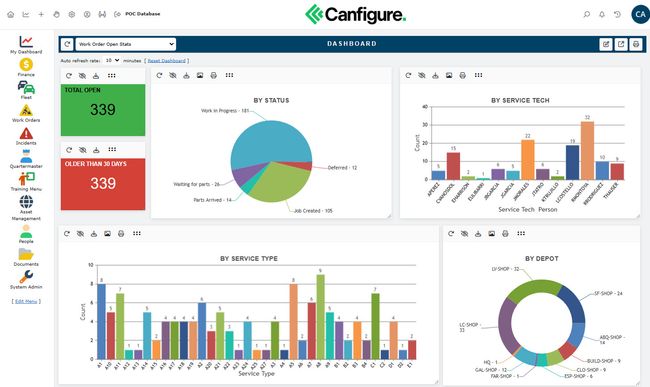
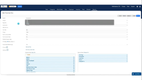
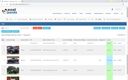
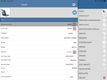
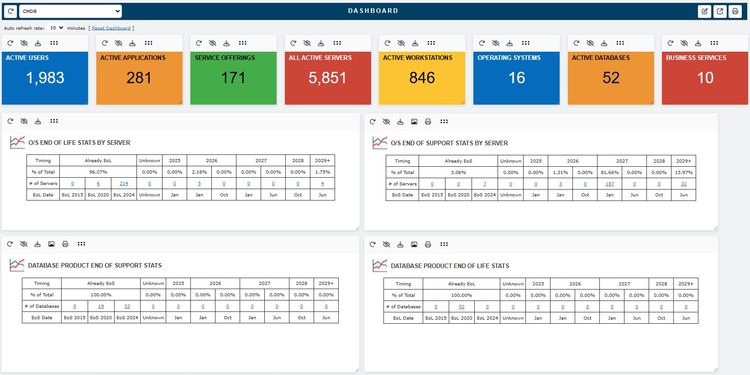
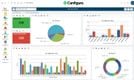
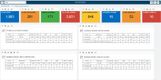
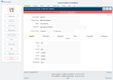
Canfigure is a modular platform that offers asset management and IT service management (ITSM) that you can use together on one system. The service management suite features tools like incident and change tracking alongside a unified CMDB (configuration management database) to support your IT workflows. This means your team can handle issues, requests, and changes from an auditable context instead of through spreadsheets or scattered systems.
You can integrate Canfigure’s asset management module with the ITSM to create an all-in-one workflow. By linking assets to service tickets directly, they turn from static inventory records to trackable items for IT support incidents. This enables your team to evaluate the impact of proposed changes or related configuration items before execution, reducing risk and enhancing planning. Additionally, this approach eliminates the need to switch between your ticketing system and asset management platform constantly.
Canfigure is best for companies looking to reduce the number of software products used and wanting an integrated system. That said, if you want to take a “best of breed” approach by combining separate platforms, you’ll need to look elsewhere. Canfigure starts at $395/month for five users on the Small plan.


What is IT Asset Management Software?
IT asset management (ITAM) software enables businesses to track, control, and optimize all their technology assets, including hardware, software, and cloud resources, throughout their lifecycle. It centralizes financial, inventory, and contract data so IT teams can reduce costs, improve compliance, and lower security risk.
It differs from regular asset management or asset tracking software, which are reserved for physical equipment only. ITAM software is more focused and used specifically for IT equipment and software.
Key Features & Benefits
- Automated Discovery & Inventory: Tracks hardware, software, cloud instances, containers, and endpoints in real time or through scheduled scans. This removes manual inventory processes and keeps the asset registry accurate.
- Software License Management & Compliance: Normalizes software titles, reconciles entitlements vs. installs/usage, and provides audit-ready compliance reporting to reduce overspend.
- Lifecycle Management: Covers the full asset journey from procurement and deployment through maintenance and retirement.
- Cost Optimization & Visibility: Identifies underutilized licenses and assets, and tracks total cost of ownership (TCO). It also informs budgeting decisions for hardware and software spend.
- Security Risk & Integration: Exposes unmanaged or unknown assets, enhances vulnerability workflows, and supports patch and compliance status to improve risk posture through tighter governance.
- Reporting & Dashboards: Provides customizable, role-specific insights on inventory health, license consumption, audit readiness, and asset trends. This enables data-driven decisions and compliance evidence.
How to Choose an ITAM Software
- Consider What Assets You Have: Understand what assets your company manages to ensure that whatever software you choose supports every type. Whether that’s hardware, software, or a combination of the two, it’s better to have one system with every asset under one roof instead of having one for software and one for the rest.
- Help Desk Module or Integration: Consider whether you want your asset management and IT help desk on one system, or if you prefer to keep your existing service platform. If you opt for separate, make sure that they can integrate together.
- License and SaaS Management Capabilities: If you need software cost control, check for things like entitlement reconciliation, usage measurement, and contract/license repository. For SaaS, check for API connection support and shadow IT discovery.