
The Best CRM Software
We reviewed the top CRM software for small businesses and enterprises alike. Our comparisons touch on popular names from Zoho CRM to HubSpot, examining AI tools, mobile apps, and marketing automation tools.

- Near-total customizability
- Integrated gamification features
- Video guides help understand complex features
- Very customizable user experience
- Service tickets from social media
- Large app and integration marketplace
- Easy to set up
- Strong team collaboration features
- High customer support satisfaction
After researching and comparing the best CRM software solutions through our own independent review process, here are our top picks.
- Zoho CRM: Best for Real Estate
- Zendesk: Best for Tech/SaaS Companies
- Pipedrive: Best for Marketing Teams
- Sage CRM: Best for Financial Services
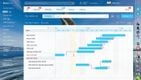
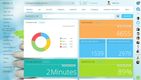
- Bitrix24: Best for Retail
- Salesforce Nonprofit Cloud: Best for Nonprofits
Zoho CRM - Best for Real Estate
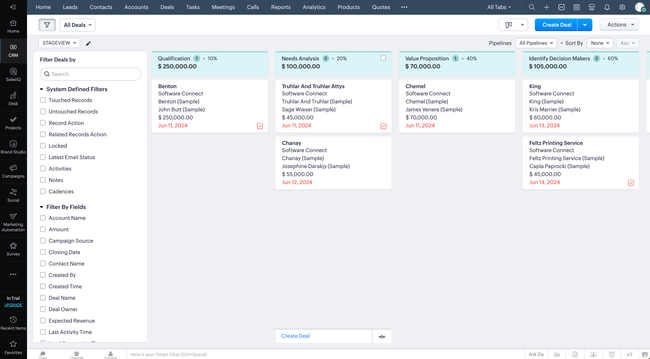
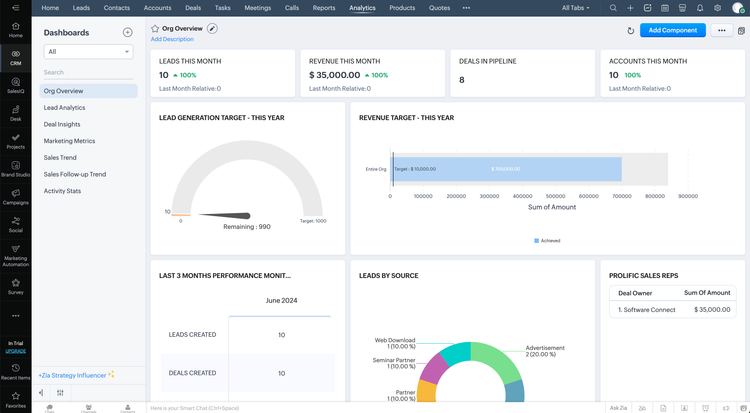
Zoho CRM is best for small to mid-sized businesses across any industry that manages customer interactions. Its AI assistant, Zia, goes well beyond the chatbot-style copilot most CRM platforms are bolting on. For real estate teams specifically, the tool that matters most is Best Time to Contact, which analyzes when individual leads actually pick up the phone and open emails. It then tells agents exactly when to reach out.
Zia also handles lead and deal scoring by studying patterns in your existing data, so agents can prioritize the prospects most likely to convert rather than working a list top to bottom. For real estate CRM software use cases, this pairs well with data enrichment, which auto-pulls contact details like phone numbers, social profiles, and company info from the web to fill in the gaps on new leads.
If a prospect submits a form with just a name and email, Zia can often build out the rest of the profile before an agent even opens the record. Record summaries give agents a quick read on a lead’s entire interaction history before a showing or follow-up call.
Zoho CRM is a cloud-based CRM software that works on any browser and has a full-featured mobile app for agents working in the field. It’s free forever for three users, and paid plans start at $14/user/month. However, Zia’s AI features, including scoring, predictions, and anomaly detection, don’t kick in until the Enterprise tier at $40/user/month.

Zendesk - Best for Tech/SaaS Companies
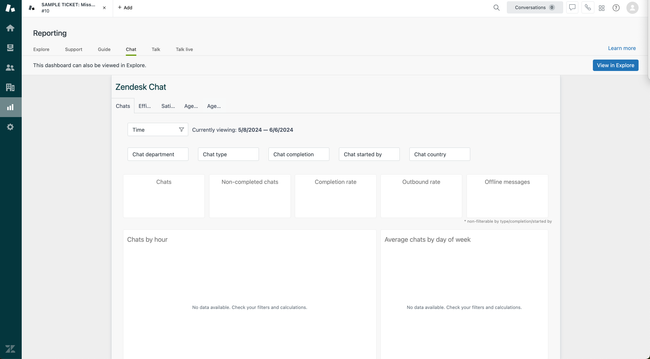
Zendesk is better known as a customer service platform. Zendesk Sell, its sales CRM module, connects directly to the support ticketing system. That way, sales and customer success teams share a single view of every customer interaction. In tech, where support tickets often signal upsell opportunities and churn begins in the help desk, standalone sales CRMs struggle to replicate that connection.
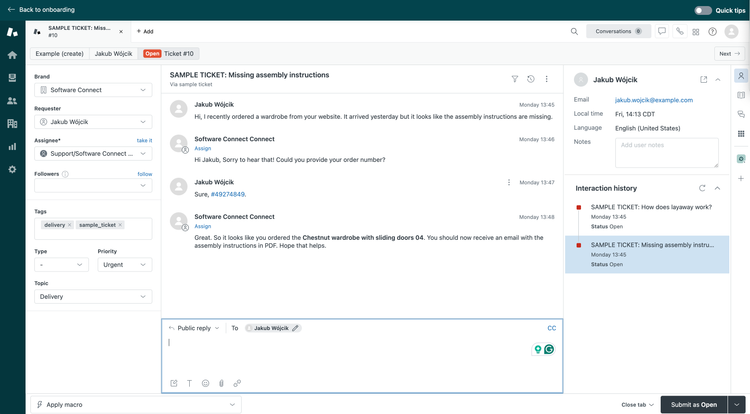
Additionally, Zendesk’s AI Agents can auto-resolve repetitive support queries, such as password resets, billing questions, and bug report triage. They can also surface real-time context from the customer’s full history and suggest next-best actions. For SaaS companies running product-led growth motions, this lets support reps see when a user hitting plan limits also has an open expansion opportunity. Then they can route the conversation to the right account executive.
Pricing on Zendesk Sell starts at $19/user/month for the Team plan. The AI add-ons are available on the Professional tier and above, and can add roughly $35 to $50/agent/month on top of the base price.
Pipedrive - Best for Marketing Teams
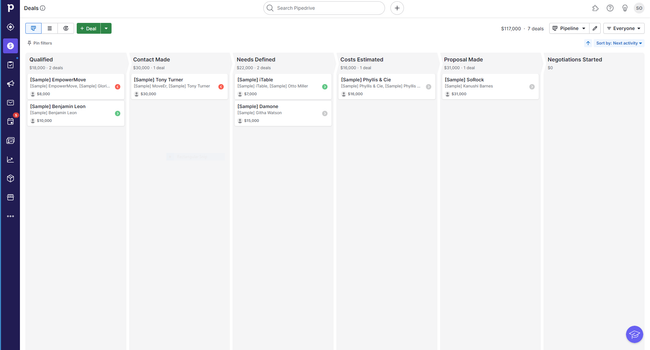
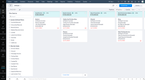
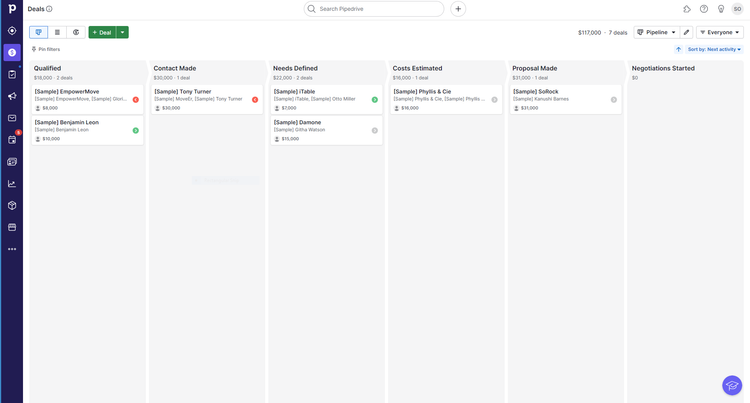
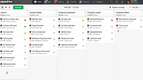
Pipedrive offers a highly visual pipeline, which uses a Kanban-style board to show every deal at a glance. Marketing agencies and in-house teams can customize pipeline stages to match your actual workflow (pitch, proposal, contract review, onboarded) and drag deals between stages. Color-coded cues flag deals that are going cold, so nothing slips through.
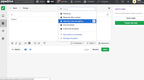
Pipedrive’s Campaigns add-on includes a drag-and-drop email builder, audience segmentation, and real-time engagement reporting. This lets you send targeted campaigns directly from the CRM without needing a separate email marketing tool. Additionally, there are over 500 integrations via the Pipedrive Marketplace, including Slack, Zoom, Google Workspace, and project management tools like Trello and Asana.
Pipedrive starts at $14/user/month on the Lite plan (billed annually), which covers basic pipeline and deal tracking. The Campaigns add-on costs extra on top of your plan. There’s no free tier, but a 14-day trial gives full access.
Sage CRM - Best for Financial Services
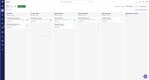
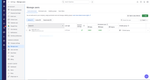
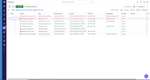
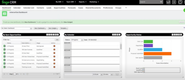
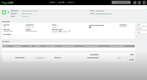
Sage CRM’s integrates with Sage’s accounting and ERP products, including Sage 100, Sage 300, Sage X3 and Intacct. For financial services firms, accounting practices, and insurance agencies that already run Sage for their back-office operations, this means CRM data and financial data live in one connected system.
Your sales team can see a client’s order history, outstanding invoices, and payment status without switching applications. Quotes created in the CRM can flow directly into orders and invoices on the accounting side. Plus, the reporting and forecasting dashboards surface pipeline data alongside live financial metrics. Your managers can view a monthly sales trend next to actual revenue collected and even see a won-deals leaderboard broken out by territory.
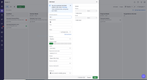
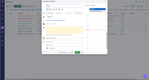
The system also supports workflow automation that connects departments: when a deal moves to “Sale Agreed,” it can trigger an invoice in Sage ERP and notify the fulfillment team without manual handoffs.
The CRM runs in a browser and supports mobile access on iOS and Android. Sage also includes Sage CRM Ally, an AI-powered chatbot that answers product and process questions for users directly in the application, helping with onboarding and adoption.
Bitrix24 - Best for Retail
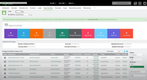
Bitrix24 bundles CRM with eCommerce, inventory management, and omnichannel communication in a single platform. This makes it a solid fit for retail businesses that need to manage both customer relationships and product operations without stitching together five different tools.
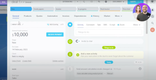
The CRM Store feature lets you build an online storefront directly within the platform, with a built-in product catalog, payment processing, and order tracking. For retail teams, the inventory management module handles stock adjustments, warehouse transfers, and order fulfillment; this syncs in real time with CRM deal data so you always know what’s available before committing to a sale.
The Omnichannel Contact Center pulls customer messages from web forms, live chat, email, social media, and telephony into a single interface. Each interaction auto-creates or updates a lead in the CRM. That means a customer who asks about product availability on Instagram and later calls the store sees one unified record, not two separate entries.
The free plan includes 1-2 users for basic CRM, tasks, and shared calendars. Paid plans start at $69/month for the website builder, web form designer, and email integration. Bitrix24 packs a lot of features into one interface, so the learning curve is steeper. Additionally, the UI and layout can feel clunky and unintuitive, which could slow down user adoption even further.



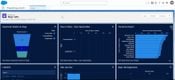
Salesforce Nonprofit Cloud - Best for Nonprofits
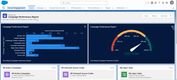
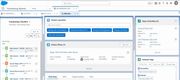
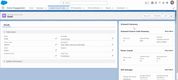
Salesforce Nonprofit Cloud is a purpose-built CRM for medium to large nonprofits with over 100 employees. It offers constituent relationship management, allowing you to organize your volunteers, beneficiaries, advocates, and donors all on one platform.
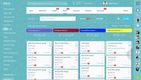
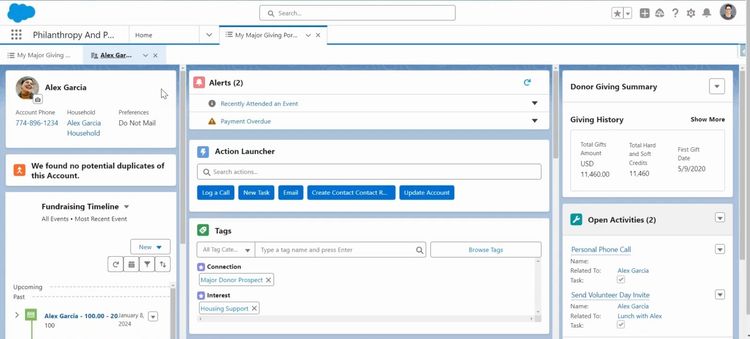
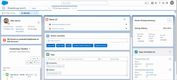
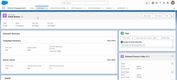
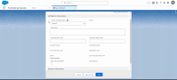
Salesforce lets your team create donor profiles and manage their wealth and giving information. You can even add customized alerts to a profile that trigger when important events occur for each donor. Salesforce also provides a drag-and-drop tool that lets you segment your donors by giving history, location, and communication preferences. That way, you can target outreach more precisely and improve donor engagement.
Additionally, volunteer management helps your team engage community support more effectively by capturing key details like names, contact information, affiliations, availability, and validated skills. From there, capacity planning and attendance tracking make it easy to assign the right number of volunteers and log their start and end times for check-in and check-out.
Pricing for this nonprofit CRM software starts at $60/user/month for the Enterprise edition. However, Nonprofit Cloud is a flexible platform. That flexibility means most organizations need a consulting partner for setup, data migration, and workflow configuration. Smaller nonprofits with limited IT resources may find the learning curve and implementation investment steeper than with lighter alternatives like Bloomerang or DonorPerfect.
Other Systems We Like
HubSpot is an apt choice for small- and mid-market companies needing a platform that integrates sales, marketing, and customer service capabilities. Its AI-driven Smart CRM automatically generates and enriches customer records and provides predictive deal signals and next-best actions.
Monday CRM targets a wide variety of sectors, from healthcare services to construction and real estate to media and advertising. It includes drag-and-drop capabilities and highly visual dashboards that make pipeline status and revenue forecasts easier to digest.
What is CRM Software?
Customer relationship management (CRM) software allows you to maximize the potential of hard-won customer relationships. CRM software presents an integrated view of your customers and prospects so you can get the most out of your marketing, sales, and customer service efforts. This guide provides a practical how-to for selecting the right CRM program to better manage your customer database and improve sales effectiveness.
Benefits of CRM Software
CRM software is a broad application category that provides functionality for managing business-customer relationships. CRM program provide features designed for supporting sales, marketing, and service activities.
Benefits of using effective sales CRM software include:
- More effective identification of new prospects through database marketing and outreach automation
- Reductions in time and labor costs of collecting, organizing, and managing customer information
- Easier customer upselling based on intelligent product/service suggestions and improved objection handling
- Increase ROI on marketing investments through lead source visibility
- Improved sales effectiveness by sharing best practice sales techniques
- Reduce training costs with guided selling features
- Increase sales win rates by understanding the frequency and best practices for sales and marketing outreach
Features of CRM Software
| Functionality | Definition |
|---|---|
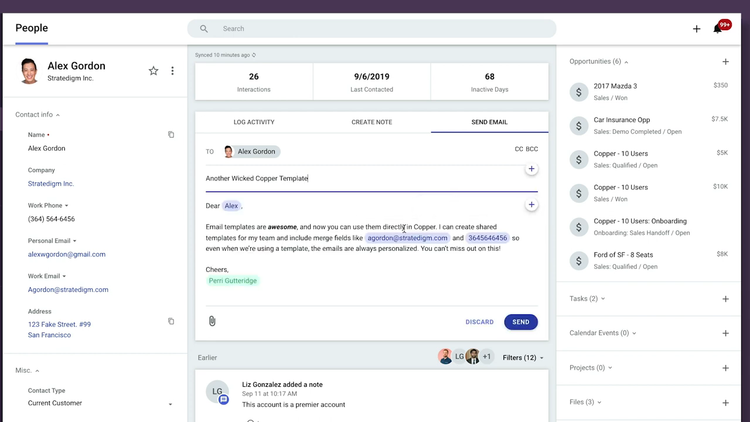
| Contact management | Contact management features provide the ability to capture, record, and classify event data related to customer interaction (such as calls, emails, website visits, social interaction, purchases, visits, etc) |
| Email integration | Email integration features enable the automated capture of emails to sales contacts with corresponding customer records enabling better visibility to customer activity and communication |
| Opportunity/lead tracking | Lead management capabilities support registering and detailing sales prospecting information, such as lead source and sales assignment |
| Follow-up scheduling | Manual and automated options for scheduling follow up help improve the reliability of ensuring proper customer follow-up occurs |
| Customer order history | Automatically capturing customer purchases (often via integration with applications such as invoicing and AR) helps complete the information about customer interaction |
| Cross-selling | Cross-selling and upselling suggestions utilize pre-defined associations between products to alert sales staff to additional items or services customers may be interested in |
| Call center integration | Phone-system integration allows for the CRM application to automatically identify when customers have been called and associate call data with customer records |
| Issue ticketing | Issue ticketing systems provide work order management tools that coordinate the registration and resolution of customer service issues |
| Quote creation | Quote creation capabilities allow for the origination of documents describing offered costs and terms for product and service purchases |
| Invoice creation | Invoices provide customer-facing documentation describing order details and payment responsibilities to clients |
| Marketing campaign management | Marketing campaign management tools organize and track marketing efforts, allowing for demographic and promotional sales targeting |
| Marketing email/template management | The ability to create, store, and edit marketing templates provides increased efficiency and more consistent use of best practice communications techniques for maximizing marketing effectiveness |
| Call scripts | Call scripts can help less ensure adherence to communication best practices and help salespeople overcome objections and improve customer engagement |
| Customer milestone notifications and triggers | Tracking milestones in customer engagement (such as initial engagement, meetings, or quote provisioning) yields improved sales forecasting and can be used to suggest appropriate follow-up actions |
Using Customer Relationship Management Software to Your Advantage
Using integrated CRM software allows your business to promote the visibility of key customer information and increase collaboration. By doing so you’re better able to prospect new customers, market to existing accounts, resolve service issues, and improve customer satisfaction.
When it comes to customer relationship management, it’s not a question of “if” it will be done. All businesses store contact information and manage customer relationships in one manner or another. The question is really whether or not your business will use an integrated CRM software tool to promote consistency and help improve customer satisfaction.
Many times, businesses have a tremendous amount of customer data, but it is locked away in different areas and not easy to access. For instance, individual employees may keep customer contact lists in Outlook files, accounts receivable will hold information in a master customer list, marketing will generate their own records, and sales staff will work off of self-produced call lists. The end-result is inefficient contact efforts and an inability to ensure consistency in customer interaction.
Maximize the Returns on Your Customer Relationships With CRM Software
CRM gives you the ability to track buying patterns, which can help you spot any potential problems with your customer relationships before it’s too late. It’s so much more cost effective to retain your current customers, especially when you take into account all the additional marketing costs it takes to establish new relationships. CRM applications also allow your sales staff to easily up-sell or cross-sell your products, which can increase your revenue totals and help your business to succeed.
Increase Efficiency by Integrating Your Customer Information
You can also improve your business performance by pulling information from finance, sales, marketing, and customer service into a central database. Having all your customer data in one place allows you to enhance your sales forecasting, maintain long-term customers, and strengthen your financial control.