

The Best POS Systems
We’ve reviewed the top POS software to help single and multi-site retailers and restaurants process payments, manage inventory, and improve customer satisfaction.

- Automated purchase order creation
- Built-in SEO tools for online stores
- Fully integrated inventory management
- Multiple users have praised customer support
- Supports multiple locations
- Credit card processing agnostic
- Industry-specific POS software made for LBM business needs.
- Features mobile connectivity and special-order handling.
- Offers barcode support
Point of sale (POS) systems process customer transactions, accept payments, issue receipts, and handle back-office processes for your retail environment. We’ve compiled our list of the best POS systems for your small business based on our review methodology.
- Lightspeed Retail: Best Overall
- KORONA POS: Best for Liquor Stores
- RockSolid MAX: Best for Hardware Stores
- TouchBistro: Best for Restaurants
- Clover POS: Best for Salons
- Square: Best for Startups
- The General Store: Best for Grocery Stores
- J3 POS: Best for Convenience Stores
- SimpleConsign: Best for Resale and Consignment Stores
- Shopify POS: Best for Clothing Stores
- eHopper: Most Affordable
Lightspeed Retail - Best Overall
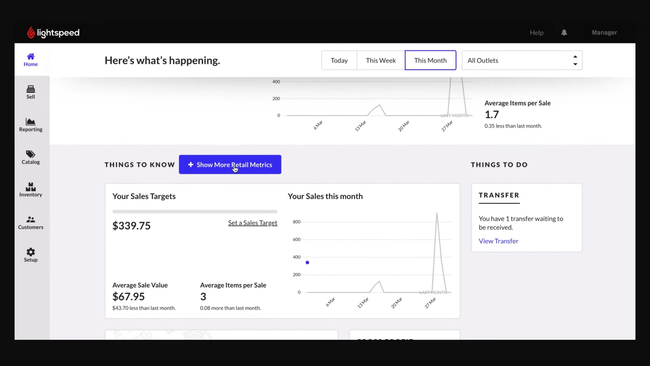
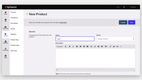
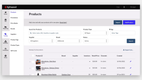
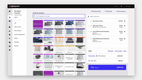
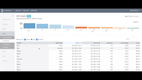
Lightspeed Retail’s inventory management module functions almost like a lightweight ERP for restaurants and retailers. You can upload your entire product catalog in bulk, which is especially useful if you’re switching from another system with thousands of SKUs.
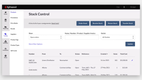
From there, Lightspeed automatically organizes them with details like categories, variants, and supplier details. Your team can set low-stock alerts that trigger before you run out of key products; Lightspeed will auto-generate POs anytime you dip below that threshold.
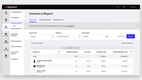
For multi-location companies, real-time inventory across all stores can be seen in one dashboard. Lightspeed makes it easy to transfer items between locations, and because everything syncs in the cloud, store managers don’t have to guess what’s available elsewhere.
In the restaurant edition, you can configure recipes for each menu item, and when a customer orders a dish, the system deducts that exact ingredient quantity from your stock. That way, your back-of-house always knows whether you have enough inventory to prep the next order.
For retailers, Lightspeed prevents overselling online and in-store, as stock updates across platforms like WooCommerce or Shopify. For restaurants, it stops revenue leakage caused by poor ingredient tracking. It also integrates with accounting software such as QuickBooks Online, managing inventory while the other platform handles financials. However, their basic plan starts at $89/month annually for one location, making it one of the more expensive options on the market. Still, it’s worth the price for larger retailers and restaurants needing a comprehensive system.
KORONA POS - Best for Liquor Stores
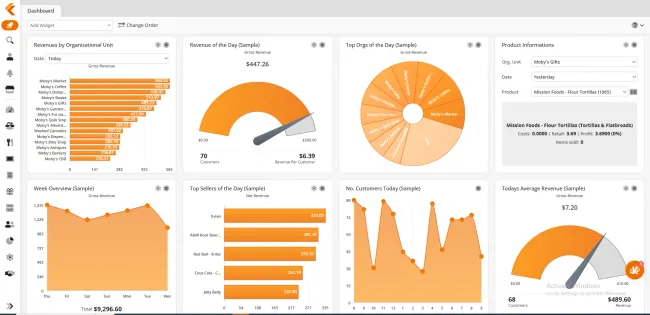
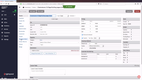
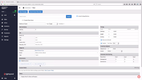
KORONA POS handles case breaks automatically. If you receive a case of 12 bottles and sell them as singles, KORONA deducts each bottle from inventory as it sells, so your case and single-bottle counts stay accurate. Mix & match pricing works the same way. You can set promotions like “any six wines, 10% off,” and the system applies the discount at checkout and adjusts stock.
Age-verification reminders prompt cashiers to check IDs for restricted items. Handheld scanners let staff count inventory on the sales floor or in the back room. KORONA is also processor-agnostic, so you can choose your payment processor and rate. Liquor stores sell a lot of high-ticket bottles, so shopping for a lower rate can save real money over a year.
The Core plan ($59/month per terminal) covers checkout only. Most liquor stores will need Retail at $79/month per terminal, which adds inventory counts, real-time stock tracking, supplier ordering, and custom promotions.
Multi-store owners should budget for Plus at $99/month per terminal for multi-location inventory tools and per-store pricing. There are no forced contracts or setup fees.
RockSolid MAX - Best for Hardware Stores
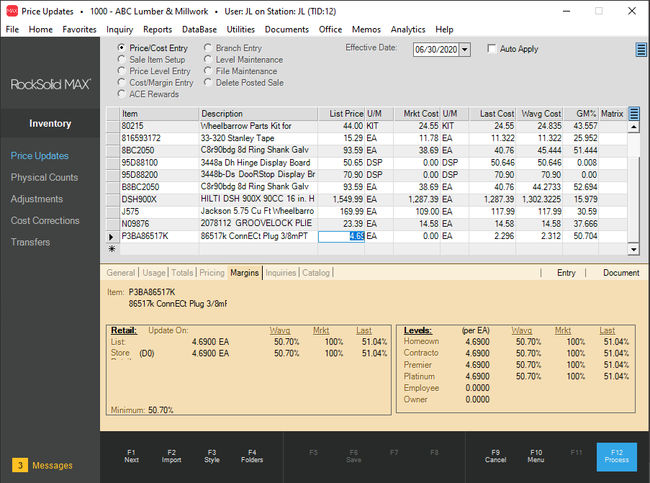
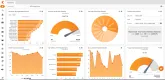
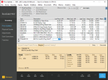
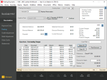
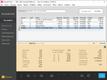
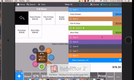
RockSolid MAX is a top option for small to medium-sized hardware stores. The software integrates smoothly with wholesalers like Ace and True Value, enhancing stock accuracy and special order handling.
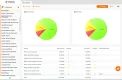
We like that RockSolid MAX supports multi-location businesses, allowing you to track inventory across stores. The software also suggests optimal order quantities during purchase order entry, ensuring you always have the necessary stock.
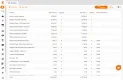
Overall, the system is a good option for managing sales, purchasing, and data analytics with up to 10 concurrent users. While RockSolid MAX has a variety of built-in reports, you’ll need some expertise in Crystal Reports to customize them. Additionally, pricing requires a consultation call.
TouchBistro - Best for Restaurants
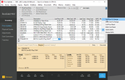
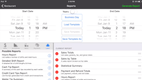
TouchBistro is an iPad-based restaurant POS system that handles pending vendor checks, lets your waitstaff send orders, and processes customer payments. It accepts many payment methods, including gift cards, digital wallets, and credit cards.
TouchBistro’s tableside service (such as order placing) can help turn tables faster. It also provides suggestions to servers to pass on to the customer. A kitchen display system for the back of the house will immediately update the cooks with what needs to be completed–including substitutions–and in what order.
That said, our research shows TouchBistro has fairly limited integration options compared to alternatives like Lightspeed. It’s also exclusively compatible with iPads. This can increase your initial setup costs if you use other types of tablets or operating systems.
Clover POS - Best for Salons
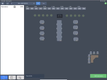
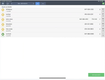
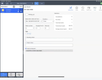
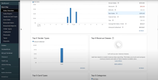
Clover POS’s appointment management lets clients book online from your services catalog. Those appointments land on the same dashboard where you manage staff schedules, days off, and sales reports.
Stylists can take payment right in the chair with the handheld Clover Flex, or at a client’s home or an event with the Clover Go card reader. Tips work on every card type.
For repeat clients, Clover’s virtual terminal can store cards on file and set up recurring payments, which helps with memberships and standing appointments. Loyalty points build with each booking, and staff permissions keep sensitive client information restricted.
Online booking is included in Clover’s Standard and Advanced salon bundles, but not in Basic. Standard costs $849 plus $84.95/month. Clover’s hardware is proprietary and can’t be reused with another provider, and subscriptions are non-cancelable and non-refundable.
Square - Best for Startups
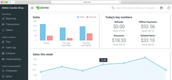
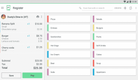
Square provides a one-stop shop for startups looking to get up and running fast. It offers more affordable hardware options than other competitors like Clover POS, allowing for a lower initial investment. Whether it’s iPad stands, mobile terminals, or simple card readers, you can bundle them with the software so you don’t have to shop for third-party equipment. It even lets you repurpose existing devices, like kitchen and receipt printers, routers, and cash drawers, so you’re not forced to use their hardware if you already have equipment.
Additionally, we appreciate that Square POS has a free plan with no setup costs. However, there’s a standard processing fee of 2.6% + 10 cents for in-person credit and debit card transactions. Still, this is pretty standard in the POS market, with other vendors like Lightspeed Retail having the same rates.
Unfortunately, Square isn’t compatible with Windows devices, so you’ll need an iPad or iPhone to get started. And though it offers restaurant plans, full-service sit-down establishments with complex menus might need software with more advanced features, like TouchBistro.
The General Store - Best for Grocery Stores
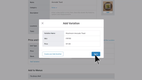
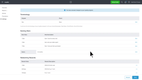
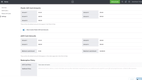
The General Store supports integrated weight scales, so produce, deli, and bulk items are priced by weight right at the register. It also accepts EBT alongside cash, credit, debit, and checks.
Its pricing tools handle grocery promotions, including mix-n-match, BOGO, and multi-unit pricing like “3 for $5.” You can also print barcode labels in-house for repackaged or private-label items. Because The General Store is an on-premise system, checkout runs on your local network, so an internet outage won’t stop sales.
The General Store is available for a one-time purchase of $695 for a single user, plus an annual technical support fee of $600. However, some users have found the support cost too high, and the interface looks dated.
J3 POS - Best for Convenience Stores
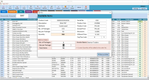
J3 POS includes state regulatory reporting for tobacco and liquor sales. That’s a recurring compliance task that generic retail POS systems usually leave to you. Age verification prompts are built in, and lottery pay-ins and pay-outs are tracked separately from regular sales, so your drawer reconciles cleanly at the end of the day.
If you sell fuel, J3 offers pay-at-the-pump integration, so both pump and in-store sales are captured in the same system. Real-time inventory flags when to reorder fast-moving items, and the system syncs with QuickBooks Online and Desktop.
However, J3 POS does not publicly list its pricing. You’ll need to request a personalized quote to determine your exact costs.
SimpleConsign - Best for Resale and Consignment Stores
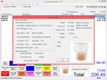
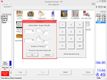
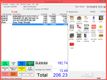
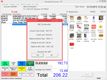
SimpleConsign is a cloud POS purpose-built for consignment and thrift stores, antique malls, and any other type of resale business. Compared to more generic POS options like Square or Clover, which don’t even offer consignment features, SimpleConsign includes them out of the box. It covers commission payouts, payment processing, vendor-managed inventory tracking, and connects with QuickBooks Online for accounting.
What sets it apart is the consignment portal, which lets you create and brand your store; consignors can log into the portal and track their sales activity, inventory levels, and monitor commission payouts. This lets you focus on running your store and less on answering routine vendor questions. Also, if you purchase the Professional plan, you gain access to AI-powered product entry. Letting you or your vendors upload products to the platform automatically from just a simple photo snap, the AI engine handles the rest.
Pricing for SimpleConsign starts at $159/month for its Basic plan. New stores or startups can utilize the Launch Program, which starts at $99/month and provides every feature for the first $75,000 in revenue. That said, because of its focus on resale operations, SimpleConsign is not a POS for every retail business. But, for consignment shops and resale stores, it offers a compelling platform for managing inventory, sales, and vendors in one place.


Shopify POS - Best for Clothing Stores
Shopify POS lets a clothing store sell items that aren’t on the rack. If a customer wants a size you don’t have in store, staff can check stock at your other locations and ship the order to the customer’s home from a warehouse or another store. Your fitting room becomes a showroom for your whole catalog, not just what’s on the shelves.
Shopify also handles returns and exchanges at any location, wherever the item was bought, including online. That matters in apparel, where exchanges for a different size are routine. Staff log in with their own PINs, and Shopify tracks sales by employee, making commission calculations straightforward.
Plans start at $29/month (Basic), billed yearly. Basic limits how many staff can log in to POS, so most stores with a sales team will want Grow at $79/month billed yearly for unlimited POS logins. If you use a payment processor other than Shopify’s, Shopify adds a fee of 2% on Basic, 1% on Grow, or 0.6% on Advanced.
Below the Plus tier, returns are processed at the store where the item was bought, and staff roles and permissions are only listed on Plus. If customers often exchange sizes at a different store, factor that in.
eHopper - Most Affordable
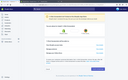
eHopper is best for small companies due to its free credit card processing through a cash discount or credit surcharge program. You can agree to either add a surcharge to credit card sales or give a discount for cash sales, saving your small business from steep processing fees.
You can access the platform on both Android and iOS tablets, mobile devices, or Windows and Mac computers via a web browser. eHopper also offers an “all-in-one” POS with a 14-inch touchscreen register.
Their paid options start at just $10/month annually for the Essential Plus plan, making it affordable for beginners. You can also use the Free POS plan if you’re a US-based micro-business. However, card processing is only available through eHopper, so you can’t use other providers.

What Is A Point of Sale (POS) System?
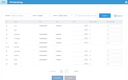
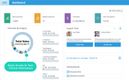
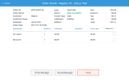
A point of sale system handles the payment collection, receipting, and inventory updating involved with a retail sale in real time at the point of purchase. A POS system will scan items at checkout, calculate the amount owed, and prepare an invoice that customers can immediately pay via credit card, cash, or check.
Some POS systems are all-inclusive and include bundled hardware, such as an iPad or a fully operating cash register, barcode scanner, and credit card swiper. Other POS software options can operate as web-based software via a browser–allowing you to use whatever computer or mobile device you are familiar with.
Critical business benefits enabled by point of sale systems include:
- More accurate and timely retail accounting based on the ability to integrate POS functions with core accounting applications
- Improved customer satisfaction based on rapid checkout experiences
- Increased sales revenues supported by more effective promotions management and the delivery of cross-sell/upsell recommendations to retail staff
- Reduced stock management costs as a result of automated inventory count updates following customer transactions
Flat-Rate vs. Interchange-Plus Pricing
Payment processing fees often cost more than the POS software itself, and they come in two main pricing models:
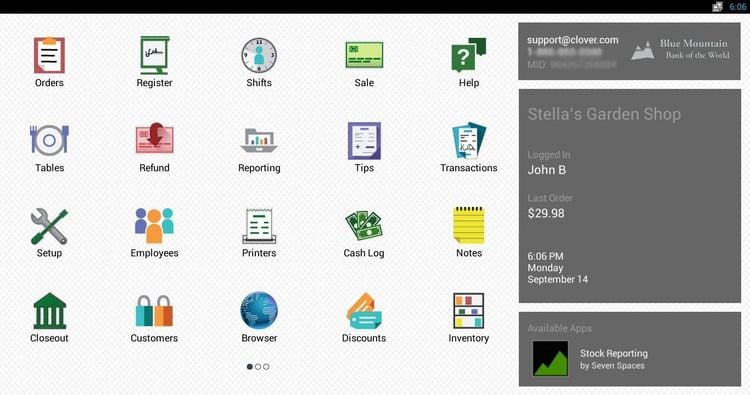
- Flat-rate pricing charges one rate per card transaction, such as 2.6% + 15¢. It’s simple and predictable. Square, Lightspeed, and Shopify use it.
- Interchange-plus pricing passes through the card network’s actual fee (interchange) plus a fixed processor markup, often around 0.40% + 8¢. It’s more transparent and usually cheaper at higher volumes.
For example, a shop with $30,000 a month in card sales and a $30 average ticket pays about $930/month at 2.6% + 15¢. At a typical interchange-plus effective rate of 1.79% + 8¢, it pays about $617/month.
Flat-rate makes sense for new or low-volume businesses. Once your card volume grows, interchange-plus usually has the lowest fees.
To get it, you’ll need a processor-agnostic system like KORONA POS or a POS whose own processor offers it.
Key Features
- Payment processing: Set up a merchant account and accept various customer payment methods. Support payments in multiple formats, including cash, credit card, check, and gift card
- Refunds and return management: Evaluate item conditions, restocking, and issuing refunds/credits
- Receipting: Documents transaction details, often in a variety of receipt formats
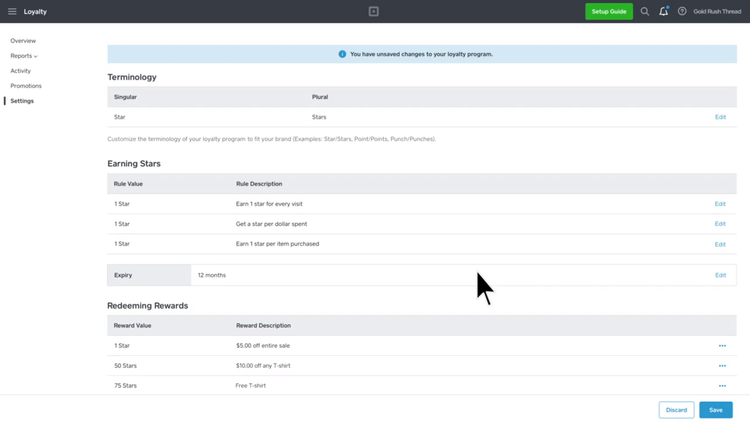
- Customer loyalty/rewards programs: Allow customers to accrue benefits or store credit based on order histories or other factors; can be used to improve customer retention
- Promotions management: Manage discount deductions item/customer eligibility checks and with automated cost calculation
- Item look-up: Allow cashiers to check on item availability from a POS terminal
- Inventory tracking: Track stock levels in real-time across locations, automatically update counts after each sale, and set reorder points to prevent stockouts.
- Customer database: Track contact information, buying histories, and other factors
- On-account sales: Allow customers to receive items immediately and make payment on an issued invoice at a later date
- Age verification: Verify age for items such as alcohol and tobacco
- Gratuities management: Allow customers to leave tips and provide support for gratuity calculation and reporting on compensation distribution
- Online payment integration: Enables the use of services such as PayPal, Venmo, and Apple Pay
Primary Benefits
Point of sale represents the area where retail businesses conduct their data entry. From moving customers through the checkout line to automatically integrating with back-end financial management systems, point of sale systems provide tools to improve productivity.
Point of sale software opens up a host of other major business opportunities:
- Real-time access to accurate inventory counts
- Automatic integration with accounting software
- On-the-spot upsell recommendations
- Improved markdown and promotions management
- Tighter controls for return authorizations
- Customer info tracking for ongoing marketing
- Product sales trending
Improve Your Investment Returns With POS Systems
Three big factors have contributed to lowering costs and improving ROI rates for investments in POS systems:
- Cloud-based, SaaS options mean retailers can spread costs over time rather than make a significant capital expenditure on a new system.
- An increase in the number of POS providers developing software creates price competition while allowing for tighter targeting of niche industry requirements–limiting the need for expensive customization.
- Mobile apps have turned phones into portable payment kiosks, minimizing hardware requirements while enabling retailers to take the transaction from the counter to the sales floor and beyond.
Automate the Retail Counter Experience With POS Systems
Accurately inputting items sold, quantities, and prices can be automated in several different ways. Many point of sale applications allow for barcode scanners to transmit information about the item being purchased. Whether the information is gathered through touch screens, bar codes, or manual input of item codes, POS systems will associate the item and quantity input with a per-unit price.
Point of sale systems are also responsible for summing the total of all items and providing a balance due figure. Errors are more likely with manually calculated balances than those derived automatically by software. Also, the ability to create line item records for every item sold is a first step in preventing fraud and theft.
Track Buying Trends With A Point of Sale System
An often-overlooked capability of a point of sale system is intelligent software’s ability to promote increased sales volumes. The POS offers a tremendous opportunity to get to know your customers and appeal to their needs.
Detailed sales histories let you see firsthand what your hottest sellers are and which products are not moving as fast as you’d like. Understanding the buying trends of individual customers further helps target sales opportunities–provided the information is shared with the right employees at the right time.
Access Key Point of Sale Reports
Point of sale systems capture data critical to making solid business decisions. POS systems can be integrated with inventory software to deduct items from inventory as they are sold. Understanding precise inventory stocks and the rate of sales on products allows retailers to make good decisions on when to re-order items. Ordering stock wisely means ensuring availability without tying up cash in overhead expenses.
Enable Multiple Payment Options
The cash-only retail business is quickly fading into obscurity. Today’s consumers expect uniform access to the payment method of their choosing. Point of sale systems help to accommodate this business reality.
POS system modules allow credit card processing and are built to easily receive input from credit card swipers. While credit and debit options have reduced the number of checks being written, many customers still expect the option. Payment by check has historically offered an opportunity for fraud and lost revenues, but modern point of sale systems have introduced security tools to help minimize this possibility.
Many POS applications can integrate with check reader hardware and check verification services. Of course, virtually all point of sale systems require the ability to support cash transactions. Tight integration between the point of sale software and the cash drawer is a must.

Pricing
POS software pricing can range from $1,500 to over $250,000 annually, depending on your company size, number of terminals, and specific needs.
| Category | Business Size | Annual Cost | Example Products |
|---|---|---|---|
| Low-Cost POS | 1–2 terminals | $1,500 – $5,000 | Square POS, eHopper |
| Mid-Range POS | 3–10 terminals | $5,000 – $25,000 | Shopify POS, Lightspeed Retail |
| High-End POS | 10–30 terminals | $25,000 – $100,000 | Revel Systems, Clover, TouchBistro |
| Enterprise POS | 30+ terminals | $100,000 – $250,000+ | Oracle MICROS POS, NCR Aloha |
Keep in mind that payment processing fees scale with every transaction, meaning even a small difference in rates can far exceed the fixed software fee:
| POS Platform | In-Person Processing Fee | Online / Keyed-In Processing Fee |
|---|---|---|
| Lightspeed Retail | 2.6% + $0.10 | 2.9% + $0.30 |
| KORONA POS | Varies – processor-agnostic (0%) | Varies – processor-agnostic |
| RockSolid MAX | Not publicly available | Not publicly available |
| TouchBistro | Quote-based | Quote-based |
| Clover POS | 2.5% + $0.10 | 3.5% + $0.10 |
| Square | 2.6% + $0.15 | Online: 3.3% + $0.30; Keyed-In: 3.5% + $0.15 |
| The General Store | Not publicly available | Not publicly available |
| J3 POS | Not publicly available | Not publicly available |
| Shopify POS (Shopify Payments) | 2.4%–2.6% + $0.10 | ~2.5%–2.9% + $0.30 depending on plan |
| eHopper | As low as 2.5% + $0.10 | Optional surcharge/cash discount programs |
Hardware Integration
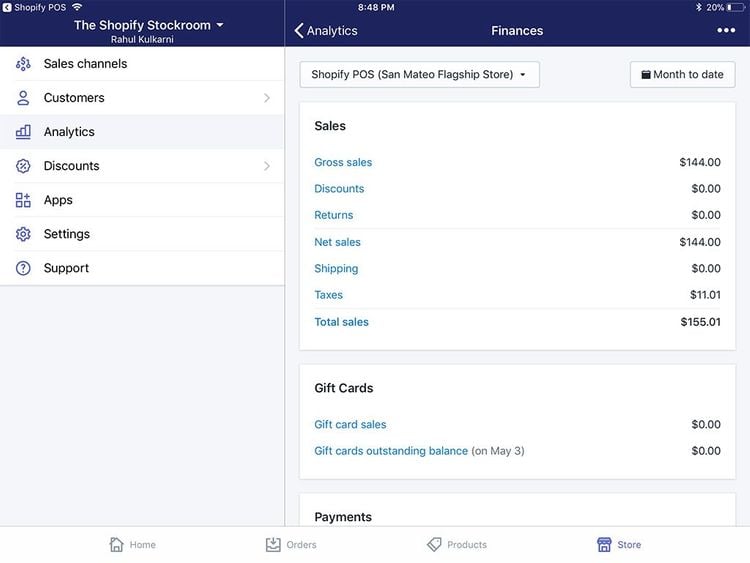
Most point of sale experts recommend choosing software and basing the decision on what hardware to use on the software system, rather than vice versa. The basic reason for this is that the software provides the intelligence in the system and will have more specific requirements about which hardware devices can be integrated.
Typical hardware needs for POS set-ups include:
- Credit-card swipers
- Computer terminals
- Monitors
- Bar-code scanners
- Receipt printers
- Touchscreens
- Computer peripherals such as keyboards and mice
- Cash-drawers

