

The Best Contractor Management Software
We tested and reviewed the leading platforms for onboarding, scheduling, and contractor performance tracking. Our top picks cater to general contractors, facilities management, and subcontractors that manage external workforces.

- Automates emails, document sharing, and photo archiving
- Customizable reporting
- Integration with AutoCAD and Revit
- Apps available for Apple and Android devices
- Free version available for small teams (5 users)
- Instant access to drawings, RFIs, and submittals
- Reduces time spent on invoice processing
- Developer regularly makes updates based on user feedback
- Integrates with additional software like CMMS
Contractor management software gives you one place to manage external workers and contractors, monitor their work across multiple locations, and record their documentation. We reviewed the best platforms using our advanced review methodology and picked the best options based on industry fit, affordability, and ease of use.
- Procore: Best for General Contractors
- Fieldwire: Best for Specialty Contractors
- ServiceChannel: Best for Contractor Performance Tracking
- VelocityEHS Contractor Safety: Best for Contractor Compliance
- eSUB: Best Mobile App
Procore - Best for General Contractors
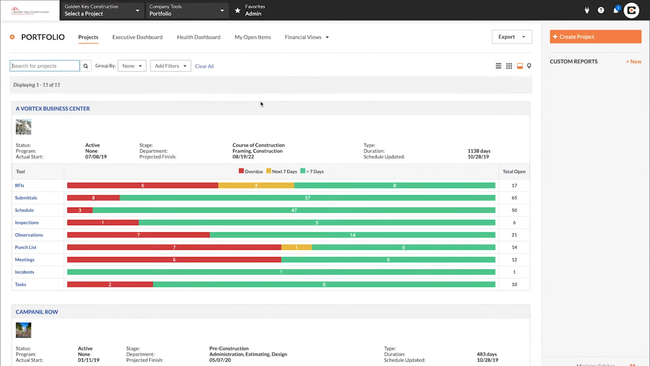
Procore’s workforce planning capabilities simplify scheduling with an intuitive drag-and-drop interface. On the “boards” page, you can see at a glance which contractors are assigned to each project. Click their name to view their profile, which includes their job title, hourly rate, certifications like OSHA 10, and any expiration dates. From there, assigning them is as easy as dragging their card to the desired task.
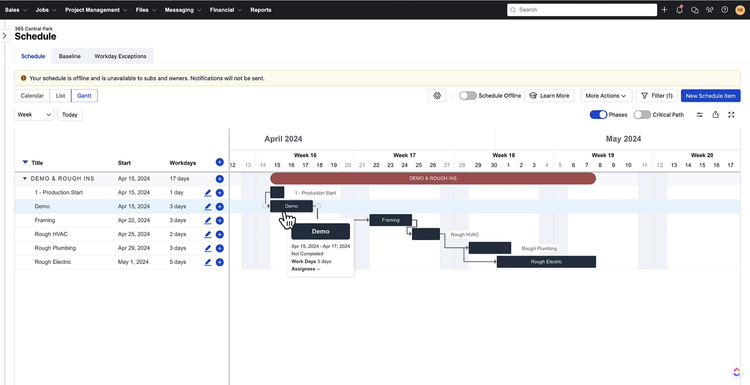
Procore’s workforce planning functionalities also include Gantt chart views for a clear picture of subcontractor assignments on each project:
- Project-based: Gives an overview of contractors’ schedules, with green bars indicating scheduled days and blue bars signaling labor shortages.
- People-based: Displays individual contractor and employee availability, current and future assignments, and allocation status.
You can toggle between views to adjust schedules dynamically and optimize your resources. Procore automatically checks for conflicts with other assignments and ensures your crew and subcontractors aren’t overbooked. This helps you maintain compliance with work schedules and labor laws.
Procore’s pricing isn’t publicly listed, but it likely starts around $375 monthly, based on your annual construction volume. This might be steep for smaller contractors. In that case, consider Contractor Foreman, which offers a flat-rate subscription starting at $49 per month for a single user.
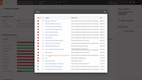
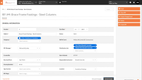
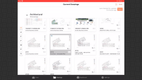
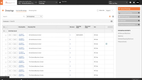
Find key features and pricing details on our Procore.
Fieldwire - Best for Specialty Contractors
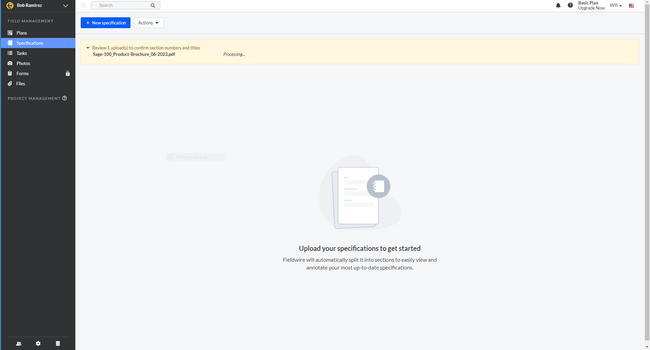
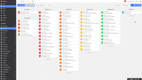
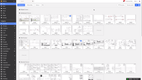
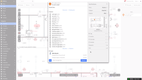
Fieldwire’s job site tracking tools help specialty contractors oversee every project. Crew members can clock in from anywhere using the CrewCenter mobile add-on, which uses GPS tracking to ensure timesheets are accurate across growing crews. Daily logs and punch lists are also supported, completely replacing the need for clipboards on jobsite walkthroughs.
Additionally, Fieldwire’s job site tracking features effective task management and scheduling. It provides custom task fields, so any specialty contractor, from HVAC to electrical, can create a schedule that reflects how they work. And when a task is assigned to a contractor on the project, they are alerted automatically and can access it directly in the field. That way, no matter which contractor is on site, they have the information needed to keep construction moving.
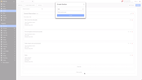
Fieldwire offers a free plan for teams looking to test out the system, though it’s pretty limited and gives only the basics. Most businesses will opt for the Pro plan at $39/user/month when billed annually. This gives you access to reports, custom task statuses, nd project templates while still being affordable for growing contractors.
See our Fieldwire product page for full pricing details.
ServiceChannel - Best for Contractor Performance Tracking
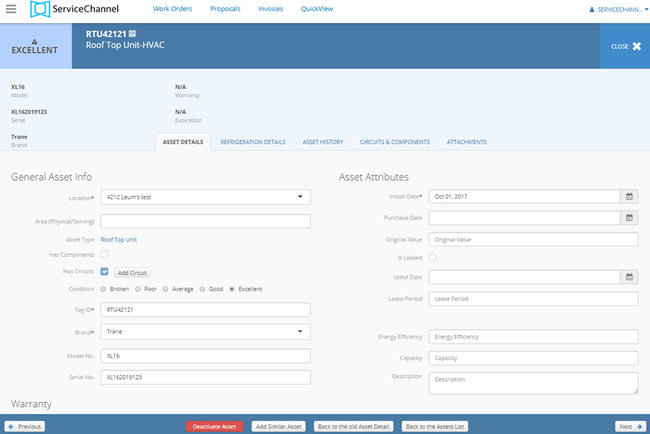
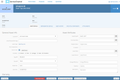
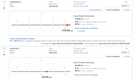
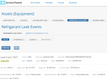
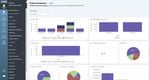
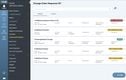
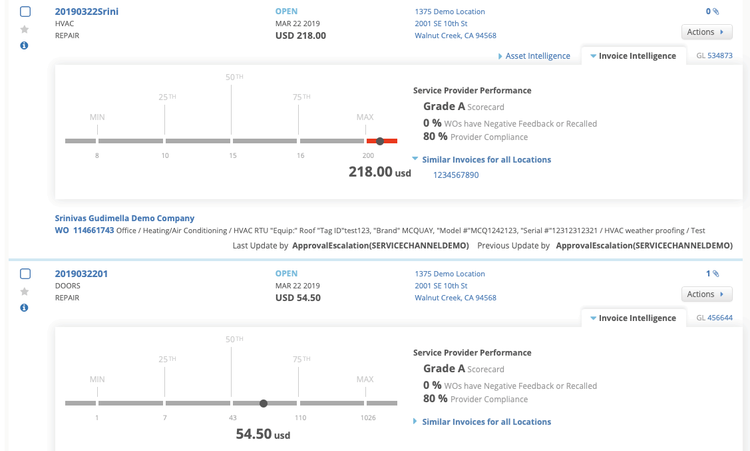
ServiceChannel’s contractor scorecard gives you aggregated performance scores for contractors across multiple locations. With a marketplace of over 70,000 providers, it offers filtering options like geographic area, trade, and work order priority. Click on a specific score, like quality or speed, to drill down into metrics like on-time arrival, same-day completion, and average time-to-site.
The benchmarking tools allow you to make direct comparisons to both ServiceChannel providers and industry peers operating in similar conditions. The system splits the scores into quartiles, including top, average, below average, and bottom. For example, if you’re a restaurant chain in the Southeastern US, you can benchmark HVAC contractors and replace a below-average provider to help minimize peak-season outages.
The Repair KPI Trends tab provides even deeper insights, tracking performance metrics over customizable date ranges. Your managers can pinpoint improvement areas, like delays in proposal submissions or increased time-to-site, and create an actionable plan for your providers.
We recommend ServiceChannel for mid to large-sized enterprises that manage contractors across multiple locations. Its analytics and benchmarking tools make it a good fit for sectors such as retail, food services, and healthcare. However, smaller companies will likely find its features unnecessarily complex for simpler contractor management needs.

Learn more about ServiceChannel on our product page.
VelocityEHS Contractor Safety - Best for Contractor Compliance
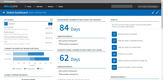
VelocityEHS Contractor Safety’s AI-powered document review processes certificates of insurance, OSHA logs, and safety credentials as contractors submit them. The system pulls coverage amounts, policy dates, and incident rates from the contractors’ documents and automatically checks them against the requirements you’ve set. Anything that falls short gets flagged, and the contractor stays unapproved until it’s corrected.
The contractor database tracks everyone on a job site, from contracting companies, their subcontractors, and individual workers. Just open a company record to view its qualification status and all subcontractors under it, then drill down into a single worker to check their training and certifications. When documents are approaching expiration, automated alerts are sent to the appropriate contractor or point of contact to renew before they lapse.
Additionally, the self-service portal makes onboarding and paperwork simple for contractors. They upload their own documents, complete required forms and questionnaires, and work through induction and orientation, which means crews arrive trained rather than spending their first morning doing paperwork. On the other side, you can see real-time compliance status across every location, and who is scheduled onsite, so unqualified workers can be blocked from entry.
We recommend VelocityEHS Contractor Safety for companies bringing outside crews onto active sites where credentials and safety pose a real liability. Its qualification tracking and audit-ready reporting make it a good fit for construction, manufacturing, and facilities operations running formal safety programs. However, smaller contractors who mainly need insurance certificates in one place will find the broader VelocityEHS platform more than they need.
eSUB - Best Mobile App
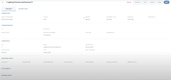
eSUB is a mobile-first construction management software built specifically for contractors across trades like HVAC, electrical, steel, concrete, and masonry. It bridges the gap between field crews and office teams by centralizing project documentation, labor tracking, and communication within a single system.
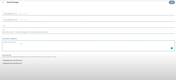
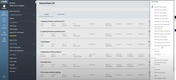
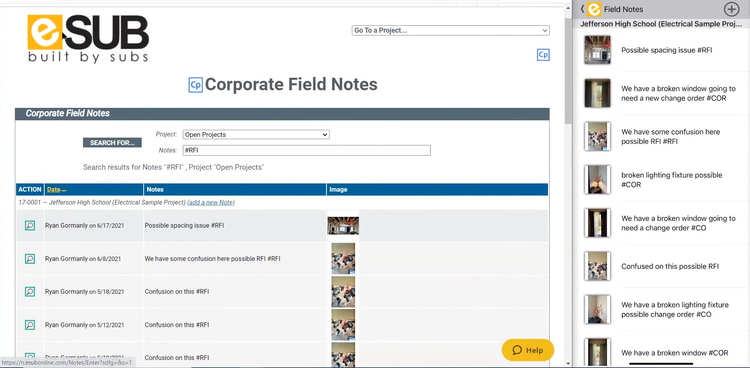
Field workers can log daily reports, submit RFIs, and track time directly from their mobile devices, even while offline or out of service. Office staff receive updates on any change orders and submittals, and can track contractors’ labor hours in real-time. The platform offers unlimited cloud storage, ensuring all project documents are accessible and organized to all contractors and crew members.
Starting at $49/user/month, eSUB offers mobile time tracking, daily reports, and field notes, making it a great choice for growing contractors. eSub also integrates with accounting software such as QuickBooks and Sage, but you’ll need the Advanced or Premium version, which requires a quote.


Interested in Subcontractor Software? Explore the best subcontractor systems here.
What is Contractor Management Software?
Contractor management software helps businesses coordinate and manage workers, such as subcontractors and vendors, across projects, facilities, and job sites. Most systems combine a contractor database with scheduling, daily reporting, and documentation tracking. At its core, contractor management software tracks who worked for you, what they were authorized to do, and their performance.
Contractor management software covers three main software types:
- Construction and Subcontractor management: Software that manages construction schedules and jobs, coordinates contractors and subcontractors, and centralizes project documentation.
- Workforce Management (HR): Software for managing and paying contracted employees, freelancers, and subcontractors. Often used to handle legal contracts, documentation, and contractor pay-outs.
- Site Safety and Compliance (EHS): Software that vets contractors before they work on your site or facility. Tracks documentation, certifications, and insurance of internal and external employees
Who Uses Contractor Management Software?
Industries that commonly use contractor management software include:
- Construction: Manage subcontractors across active jobs, tracking daily progress in the field, and keeping safety and OSHA documentation, insurance certificates, and trade licenses current.
- Specialty and Trade Contractors: Coordinating self-performed crews alongside subcontracted work, often across several general contractors with different reporting requirements.
- Facilities Management: Overseeing service providers for maintenance, repairs, cleaning, and security across multiple locations, and comparing their performance.
- Manufacturing and Industrial: Verifying that maintenance contractors and specialized technicians are qualified before they enter an operating facility.
- Healthcare: Manage travel nurses, doctors, and other temporary staff, usually on short-term contracts.
Key Features
Compliance & Document Management
Centralizes storage of NDAs, insurance policies, contracts, tax forms, and safety training records; enables version control to track changes to policy documents or contracts. Most tools send alerts before credentials expire and can block any new work until they are renewed.
Project & Work Order Management
Creates projects and work orders, assigns work to qualified contractors, and tracks progress of completed work. Construction-focused platforms also handle RFIs, submittals, change orders, and budgets alongside day-to-day assignments.
Time & Cost Tracking
Logs hours, costs, and task progress against each job so billing reflects the work actually done. Built-in expense tracking flags budget overruns early, giving managers time to adjust before they hit the bottom line. Most systems sync back to payroll or payment systems for accurate billing.
Payments & Billing
Connects contractor invoices to accounting systems so payments move through a single, trackable workflow. Many platforms also collect conditional and unconditional lien waivers with each payment and hold funds until signed waivers are returned. Workforce management systems often handle contractor payouts.
Scheduling
Plans contractor and crew work across jobs using calendars and schedules so the right contractors are on site at the right time. More advanced tools include Gantt charts, critical path analysis, and dependency tracking to spot delays early and adjust timelines quickly.
Performance Tracking
Measures contractor performance with alerts, corrective actions, and analytics, so issues surface before they affect the project. Each contractor’s record builds over time with safety statistics and incident history, providing teams with a factual basis for rehiring decisions.
Communication & Collaboration
Brings messaging, email, and document sharing into one platform so everyone works from the same instructions and updates. This reduces miscommunication that leads to errors and delays and keeps project information accessible to all parties.
Safety Management
Tracks safety training completion and certification validity so that only qualified contractors perform the work. Some systems can show who is on-site in real time and record incidents and safety meetings, creating a complete safety history.
Benefits
More Profitable Projects
With better visibility into contractor hours, productivity, and cost, companies can eliminate waste, avoid scope creep, and identify budget overruns before they escalate. These platforms give project managers insight into profitable planning and ensure all jobs are within budget and can be finished on time.
Reduced Risk
Contractor management systems enforce consistent compliance across every job site by flagging unskilled laborers and expired documents, such as insurance, licenses, or certifications. This reduces the risk of employing unqualified or illegal labor. Companies gain peace of mind knowing that regulations are met and the workforce is well-trained and safe.
Better Contractor Coordination
Managing a few contractors manually may work short-term or for smaller projects, but as operations scale, it becomes unmanageable. Contractor management software centralizes scheduling, communication, and document management, making it easier for teams to take on more projects while staying organized and keeping data consistent. This is critical for large teams working across multiple locations or trades.
Stronger Relationships
Technology makes it easier for contractors to onboard, get paid on time, and stay informed throughout the project lifecycle. This leads to fewer disputes and higher satisfaction among your contractors and labor partners. Over time, that consistency and communication build a more reliable network of contractors and partners who are motivated to do repeat business with your company.
Pricing
Contractor management software pricing varies based on your company’s size and operational complexity:
- Basic Plans ($5,000–$15,000 per year): Designed for small companies with basic contractor management needs like onboarding and compliance tracking.
- Mid-Tier ($15,000–$50,000 per year): Suited for mid-sized businesses needing advanced scheduling tools, performance tracking dashboards, and integration with accounting software like QuickBooks.
- Enterprise ($50,000–$150,000 per year): Ideal for larger companies managing multiple contractors and complex projects with extensive customization options and analytics.
- Global Operations (Over $150,000 per year): Best for international operations with features like multi-location compliance, custom workflows, and deep integrations with ERP and HR systems.

