

The Best Social Work Case Management Software
We researched the top social work case management software. Explore our buyer’s guide on software key features, benefits, and upcoming trends for nonprofits, government agencies, social workers, and human services organizations.

- Transparent pricing figures
- Covers the full service cycle
- Supports HIPAA compliance, GDPR, PIPEDA
- Accessible from any device
- Customizable workflows for all organizations
- Hundreds of customizable reports
- Advanced integration with EHRs and financial systems
- Top-notch user experience
- Highly customizable to accomodate growing organizations
We compared case management tools built for how social workers actually carry a caseload, from school caseloads to shelter intake, using our advanced review methodology. All picks support HIPAA compliance.
If you’re running a multi-program nonprofit, start with our nonprofit case management software roundup.
- InfoFlo Impact: Best for Specialized Social Services
- Community CareLink: Best for Behavioral Health Programs
- CaseWorthy: Best for Government Social Services
- NewOrg: Best for Family Support Programs
- PlanStreet: Best Workflow Customization
- CharityTracker: Best for Community Referral Networks
- CaseBook: Best for School Social Work
InfoFlo Impact - Best for Specialized Social Services
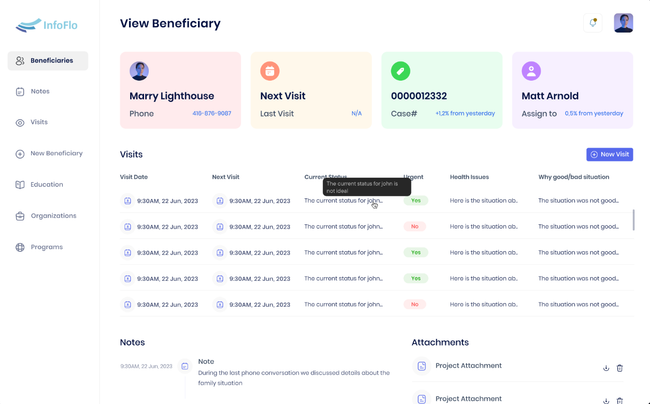
InfoFlo Impact covers the full service cycle. Staff can capture client demographics on mobile devices, use online intake forms, and collect electronic signatures, which reduces the need to re-key paper forms after the first meeting.
For documentation, InfoFlo includes a library of social work assessments plus case note, treatment note, and assessment templates, all backed by customizable forms. Program management adds calendar management, appointment scheduling, and care coordination, including support for reentry programs.
Their client portal supports secure communication and digital signatures, and a report builder with dashboards turns case data into funder reports. InfoFlo supports HIPAA compliance, GDPR, and PIPEDA, with end-to-end encryption on client data.
For a 3-user team billed annually, pricing is $44/user/month for Essentials and $59/user/month for Pro for a total of $132/month and $177/month, respectively. Per-user rates drop as your team grows, and 3 users is the smallest plan offered.

Community CareLink - Best for Behavioral Health Programs
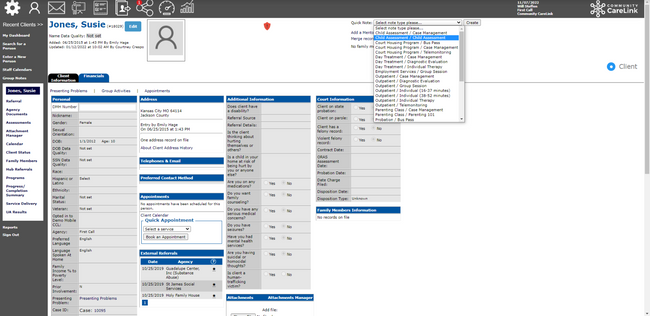
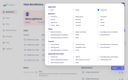
Community CareLink is built around the reporting that comes with public behavioral health funding. As an ONC-certified, HIPAA-ready platform, it’s designed for the reporting demands of grant-funded mental health and substance use programs.
The custom reporting tool gives you a library of pre-built report templates that you can tailor to each grant’s requirements. Reports can run at several levels, from community-wide outcomes down to one client’s progress. That means your team’s existing documentation can roll up into funder reports instead of a separate spreadsheet.
The platform also supports 988 and crisis call services with rapid intake and triage, which helps if your agency runs a crisis line alongside ongoing care. Large reports can load slowly during peak hours, especially as your data volume grows, though the development team has been responsive about speed issues. Pricing isn’t published, so you’ll need to request a quote.
CaseWorthy - Best for Government Social Services
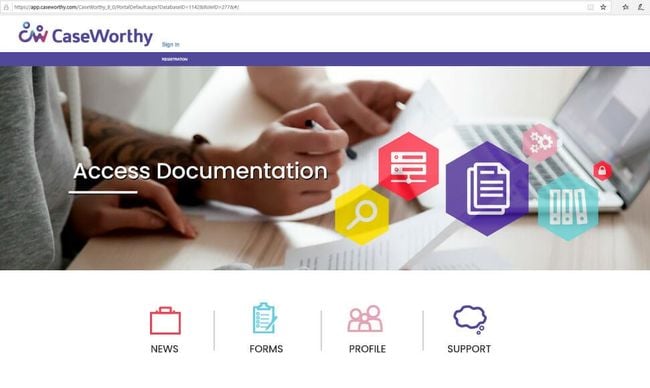
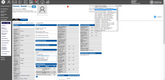
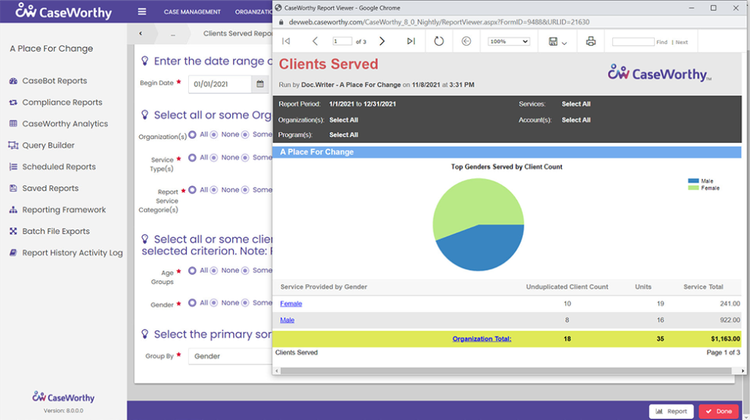
CaseWorthy is built for county and state agencies that run several community programs from a single system, with the data requirements that come with it. Its configurable form builder lets you create intake forms, assessments, and other documentation that match your agency’s existing procedures.
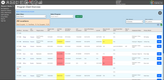
It also includes customizable dashboards for key performance indicators, like client goals, daily intake volume, or program-wide metrics. Supervisors can use that data to spot caseload bottlenecks and adjust workflows.
The client portal lets people complete intake forms, sign documents, and message their assigned caseworker directly. For agencies with high caseloads, that cuts down on phone tag and keeps each client’s experience consistent no matter who picks up the case.

Bonterra - Best Outcomes Tracking
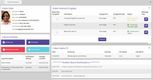
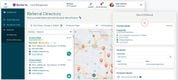
Bonterra is case management software for social service programs that need to show funders what their work has accomplished.
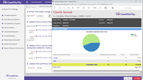
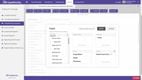
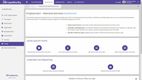
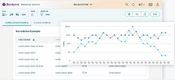
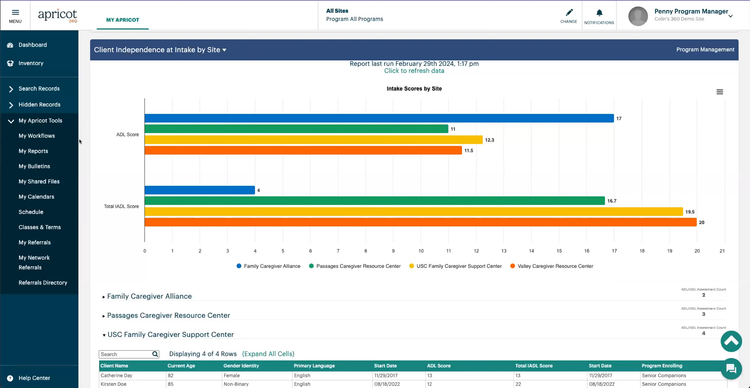
Reporting is built into every tier. Apricot Essentials includes a native reporting tool, compliance reporting, and Impact Hub. Pro adds Data Studio for AI-generated insights, and Enterprise adds Results Reporting and aggregate reports across programs. For a social worker, that means the assessments and case notes you already enter can become outcome reports without exporting to a spreadsheet first.
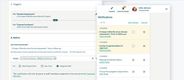
Bonterra also offers **Que **, an AI assistant for Apricot, which is now available to Bonterra customers. Participant Snapshot summarizes recent client activity for faster handoffs. Note Capture turns spoken or written field notes into structured case notes.
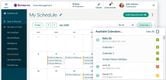
Bonterra supports HIPAA compliance, and scheduling is included on the Pro tier and up. The main drawback is pricing: Bonterra doesn’t publish pricing for Apricot, and cost scales with user count, so expect a sales call before you see numbers.
NewOrg - Best for Family Support Programs
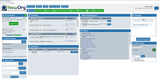
NewOrg was built for multi-service organizations that manage ongoing client relationships, making it ideal for behavioral and family support programs. Its intake and compliance workflow begins with configurable intake checklists that adapt to each program’s standards. A client receives a secure portal link to complete registration, upload documents, and sign releases. Built-in HIPAA-compliant video conferencing lets your team connect with clients, share forms, capture e-signatures, and transcribe each session into structured case notes for review.
After your staff enrolls a client, the intake-to-service flow supports the ongoing care cycles typical of behavioral and family support work. The same checklist logic governs scheduling, documentation, and follow-up:
- Staff log appointments via shared calendars
- Client check-ins automatically update service activity
- The system logs assessments and surveys instantly to case records
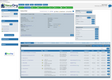
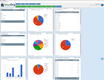
From there, you can access custom dashboards showing completion status and performance metrics. You can drill down into client-level details and present data in tables, bar charts, or pie charts, with multiple export formats for sharing with funders and other stakeholders. Records are kept audit-ready.
NewOrg is a strong choice for any organization delivering coordinated services over time. It starts at $400/month for five users, with a one-time implementation fee of $3,500 that can vary based on complexity.



PlanStreet - Best Workflow Customization
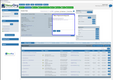
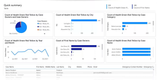
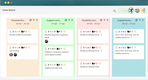
PlanStreet gives you full control over how case workflows are structured, from intake and assessment through service planning, coordination, and case closure.
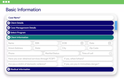
You can build custom forms in a drag-and-drop form builder and pair them with configurable workflows. Each workflow can include auto-assigned tasks, conditional logic, approvals, and progress tracking tied to service goals. Alerts flag urgent needs, follow-ups, and deadlines. Housing assistance, workforce development, and behavioral health support can each run on their own configured process.
Conditional logic is the most useful piece. If a client’s intake form shows they qualify for a long-term housing program, completing that intake can trigger a sequence of tasks for housing applications, mental health referrals, and employment services without manual steps.
PlanStreet doesn’t publish pricing, so you’ll need to contact sales for a quote tailored to your team size.
CharityTracker - Best for Community Referral Networks
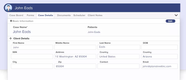
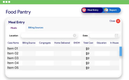
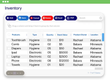
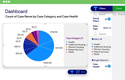
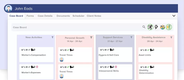
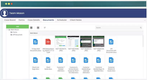
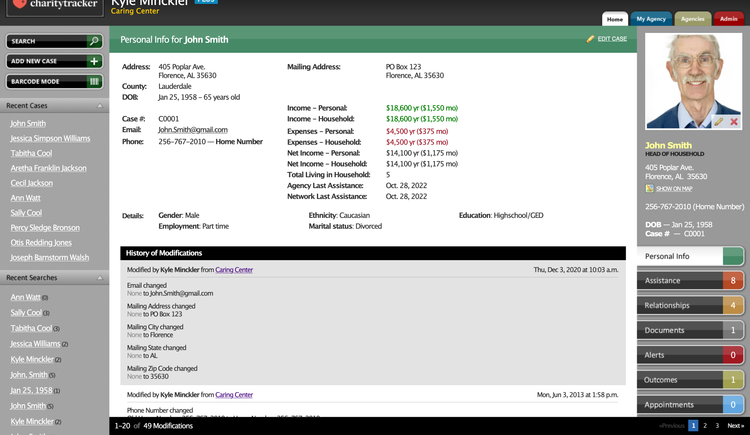
CharityTracker connects agencies in the same community through a shared partner network. That makes it a good fit for caseworkers who spend much of their day coordinating with outside providers.
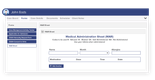
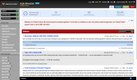
Agencies on CharityTracker can join a shared Assistance Network, where authorized partners see a common client’s prior requests, assistance, referrals, and case notes before issuing new support. That helps you confirm what a family has already received elsewhere and avoid duplicate aid. Sharing requires releasing information on file, so you’ll need consent workflows in place before you coordinate with a client. Area-wide bulletins let partners share notices across the network.
Pricing is published. Basic costs $20/user/month and covers case notes, bulletins, and reports. Referrals and outcomes tracking start on Plus at $40/user/month. Pro, at $60/user/month, adds Changes Over Time Reports, customizable assessments, remote intake, and scheduling. The network only helps if agencies near you also use it, so ask which local partners are already on the platform before you buy.

CaseBook - Best for School Social Work
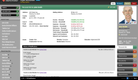
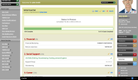
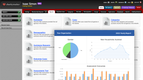
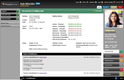
CaseBook gives social workers and counselors a dedicated case management platform that handles the regulatory mix specific to school settings. It ensures compliance with HIPAA, FERPA, Title IX, and other relevant laws in one system, which most general human services tools don’t address together.
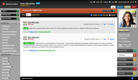
The standout feature for school environments is Email Into a Record. Teachers, administrators, and external providers involved in a case can email a record to add notes and attachments to a student’s file, even if they’re not Casebook users. For a district social worker covering hundreds or thousands of students with one or two licensed users on the platform, this turns the entire faculty into informal contributors.
Recurring student assessments, intervention check-ins, incident reports, and special education review meetings all run through configurable workflows rather than a paper trail you have to reconstruct at the end of each quarter.
The trade-off is that Casebook is not a student information system. You won’t get attendance feeds, grade data, or IEP management out of the box, and API integration with outside data sources is limited to the Enterprise plan. Pricing starts at $29 per user/month on the Starter plan (up to 3 users), which is ideal for a small district social work team. Note that a HIPAA BAA is only included on Team and Enterprise, so most school teams handling health records will need at least the Team tier.
What is Social Work Case Management Software?
Social work case management software is a tool that allows social workers, from freelancers to large teams in organizations, to manage their client cases more efficiently and effectively. It includes features such as report creation, data organization, scheduling, and client notes.
Case management systems are designed for social workers and help those in the public sector, healthcare, behavioral health, and nonprofit organizations. Due to the large amount of sensitive information being processed and stored, the software must be secure from data breaches and compliant with all laws and regulations, such as HIPAA.
Key Features
- Document Organization: Store all documents in one database for easy access and retrieval. This includes intake forms, progress reports, and insurance documentation.
- Case Notes: Add notes on every client throughout all stages of the case. Write updates, diagnoses, and overall progress of the client for reference and thoroughness.
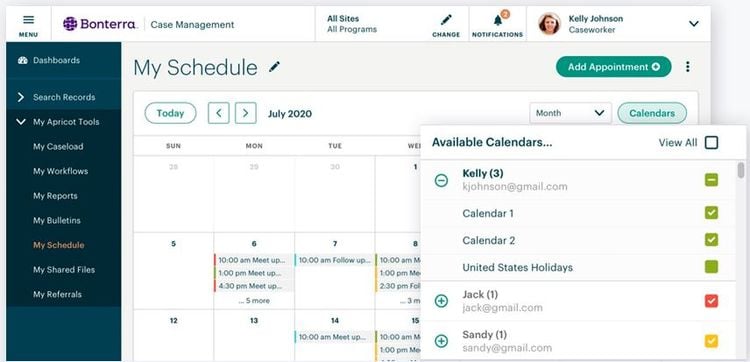
- Scheduling: Manage all appointments and client meetings on a synced calendar. Assign daily tasks to keep track of workflows with multiple clients.
- Reporting and Analytics: Generate reports on key metrics like client satisfaction, demographics, and program outcomes.
- Invoicing and Billing: Send custom electronic invoices to clients. Ensure prompt payment with email or text alerts.
- Compliance: Stay compliant with laws and regulations such as HIPAA and PIPEDA. Retrieve past client notes and diagnoses for audits.
- Client Portal: Allow clients to inspect and sign forms, intake assessments, and surveys. Clients can communicate directly with their social worker.
Primary Benefits
Enhanced Client Management
Case management software allows social workers to better care for their clients. All client information is stored in a centralized, easily accessible database. This is especially useful for social workers handling many complex clients at once. Users can take notes while meeting patients on desktop or mobile devices for detailed tracking and reference. Overall, these systems help social workers diagnose and assess their clients, leading to a better experience for both parties.
Improved Efficiency
Social work case management systems help organizations and agencies become more efficient with tedious workflows. Processes like invoicing, billing, task checklists, and scheduling are automated and streamlined so care providers can give more time to their clients. Client portals are synced with calendars for easy appointment scheduling and follow-up reminders.
Visualize Performance
Social workers can use customizable reporting to visualize analytics like program outcomes and patient demographics. This allows them to identify trends within each case, client satisfaction, and cost-effectiveness. Metrics and trends show users their areas of strength and potential improvement, allowing them to tweak their methods and further improve.
2025 Trends
AI and Predictive Analytics:
- Case management software is increasingly leveraging artificial intelligence (AI) and machine learning to predict clients’ needs, optimize your case managers’ time, and proactively identify high-risk cases. For example, Bonterra Impact Management offers Predictive Risk Scoring, which flags high-risk clients based on past historical data and engagement patterns. This allows your caseworkers to prioritize interventions.
Mobile and Remote Capabilities:
- To support remote work and case workers that are in the field, software providers, such as [PlanStreet](/reviews/planstreet-case management/), are increasingly adding mobile and remote capabilities to the platforms. Caseworkers can manage caseloads, document services, and intake or update client records from any location and any device connected to the internet.
Improved Security and Compliance:
- As data privacy regulations become increasingly stringent, software providers have strengthened their security measures, including end-to-end encryption, 2-factor authentication, and user permission roles. Some case management systems such as PlanStreet and NewOrg Management System even include HIPAA compliance to ensure case managers are handling protected health information correctly.
Pricing
Like any software, social work case management systems vary in price depending on features provided, organization size, user count, and whether the system is cloud-based or on-premise. Most social work case management systems offer subscription based pricing, billed monthly or annually per user.
-
Entry-Level Plan: Ideal for smaller non-profits needing essential case management tools, basic reporting, and limited customization. These plans start at $15 to $30/user/month. For example, Charity Tracker starts at $20/user/month for its most basic plan.
-
Mid-Tier Plan: Best suited for growing organizations requiring advanced analytics, customizable workflows, role-based permissions, and HIPAA compliance. These plans typically range from $30 to $60/user/month.
-
Enterprise Plan: Designed for large non-profits with complex needs, offering full system customization, integrations with existing software, unlimited storage, and premium support. These plans often exceed $60 to $100/user/month. For example, the NewOrg Management System starts at $350/month for 5 users.
Many vendors offer tiered pricing models and discounts for annual billing or high user volumes. Additional fees may apply for setup, training, or implementation. Some platforms also offer freemium or discounted options for organizations just getting started.

