

The Best Electrical Contractor Software
Electrical contractor software helps you schedule crews, track job costs, and get paid faster. We compared the top platforms on pricing, features, and fit, from one-truck service shops to commercial subcontractors.

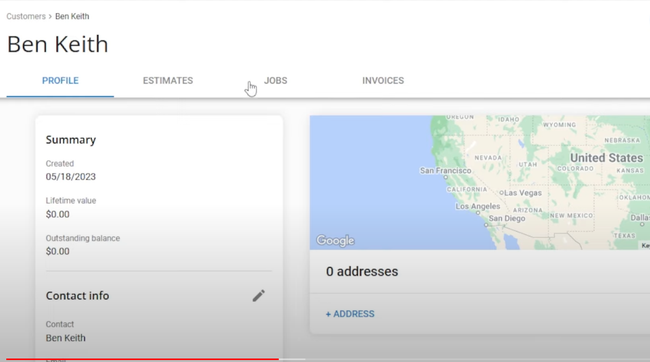
- Fully integrates with QuickBooks
- Large library of training tutorials
- Offers 24/7 customer support
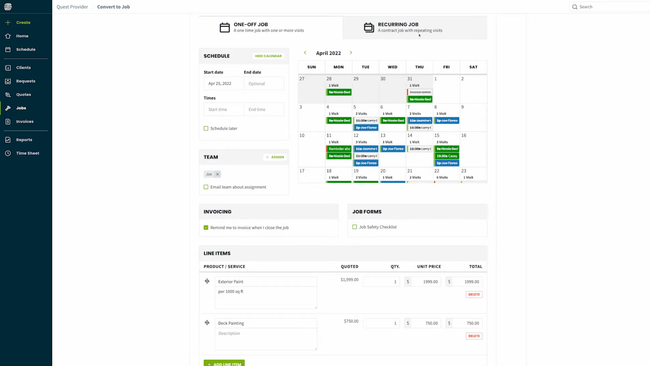
- Batch invoice creation
- Integrates with QuickBooks and Xero
- Real-time scheduling and dispatching
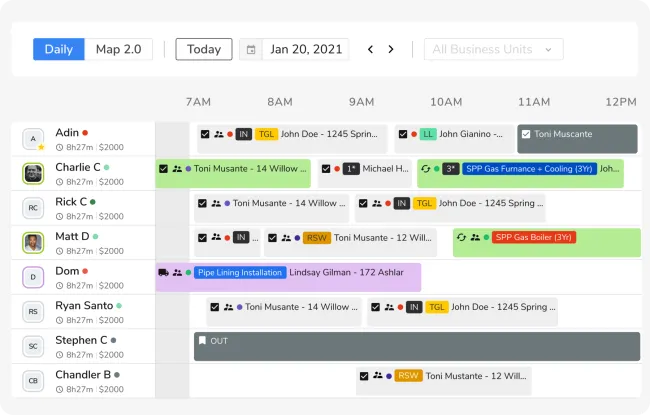
- Has a mobile app for field services
- Offers a wide variety of integrated features
- Provides straightforward customer communication
Electrical contractor software provides electricians with the tools to automate project scheduling and time tracking, estimating and bidding, and even customer management. Using our review methodology, we’ve evaluated the best electrical contractor software on the market. Here are our top picks:
- Housecall Pro: Best Overall
- Jobber: Best for Scheduling
- ServiceTitan: Best for Technician Tracking
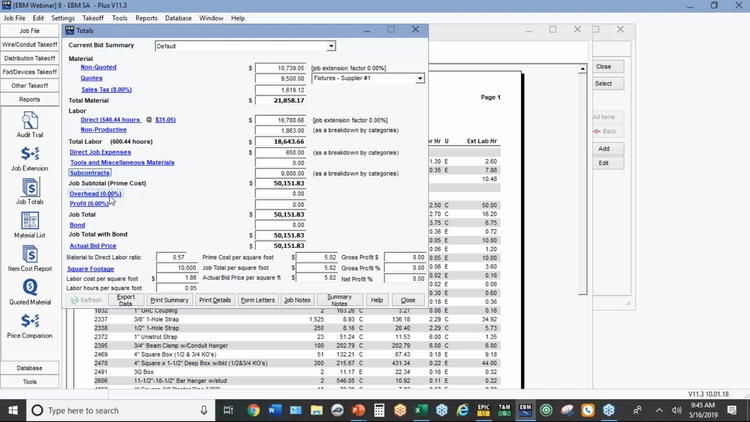
- Electrical Bid Manager: Best for Estimating
- Service Fusion: Best for QuickBooks Users
- Procore: Best for Commercial Electricians
- FieldPulse: Best for Dispatching
- BuildOps: Best for Quotes and Proposals
- Connecteam: Best for Employee Management
- ThermoGrid: Best for Residential Electricians
- Knowify: Best for Job Costing
Housecall Pro - Best Overall
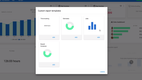
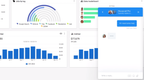
Housecall Pro is our top pick for electricians, thanks to its strong balance of usability, affordability, and field-ready features. It supports a wide range of electrical businesses, from solo contractors to growing teams, with built-in tools for scheduling, dispatching, invoicing, and customer communication.
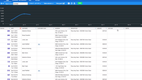
What makes Housecall Pro stand out is its ability to centralize everything an electrician needs to run their business in a single platform. Compared to Kickserv, which handles basic job scheduling and invoicing, Housecall Pro takes it a step further by combining real-time job tracking, a mobile app for technicians, estimate generation, and online payment processing, with payroll available as an add-on. This setup allows contractors to start small and add tools as they grow without juggling multiple apps or relying on manual processes.
Pricing is accessible for most electricians, with annual plans starting at $59/month for the Basic tier, which includes core scheduling and invoicing tools. The Essentials plan starts at $149/month for up to five users and adds QuickBooks Online sync and employee GPS tracking. A 14-day free trial gives you full access to the top-tier MAX plan before you commit.



Jobber - Best for Scheduling
Jobber is a field service management platform with strong scheduling tools for small and growing electrical contractors. Similar to Housecall Pro, it has the essentials needed to run a service business. It combines customer management, quoting, invoicing, scheduling, and job tracking in a central desktop and mobile app.
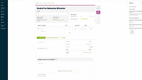
For contractors struggling to organize multiple jobs and daily tasks, Jobber makes assigning work or adjusting schedules simple. Its drag-and-drop calendar lets dispatchers grab a job and move it into a new time slot or reassign it to another employee in seconds. And if changes are made, the system auto-alerts your field staff and provides them with the latest job details.
Jobber’s Find a Time feature builds on this by scanning your team’s availability and drive times to suggest open slots, which helps you book last-minute calls without texting your crew to check in. It’s available on the Grow and Plus plans.
That said, while Jobber’s scheduling is great for small and growing teams, it has its limits compared to enterprise-grade systems. Route optimization is built in on Connect and higher plans, but skill- and zone-based scheduling aren’t, so shops that dispatch by certification or territory may need a more advanced system. Pricing starts at $29/month billed annually or $49/month billed monthly for one user, and $149/month billed annually or $199/month billed monthly for up to five users, with higher tiers and add-ons like the Marketing Suite and AI Receptionist for larger teams.



ServiceTitan - Best for Technician Tracking
ServiceTitan provides live technician tracking for growing electrical contractors. Compared to lighter options like Jobber or Housecall Pro, ServiceTitan offers a complete package covering field operations, customer and technician management, and back-office financials.
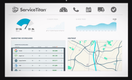
ServiceTitan’s mobile app uses GPS to update technicians’ locations on the dispatch board map in real time. Managers or dispatchers can see where each employee is, what job they’re on, and how their day is progressing. Customers can also receive a text link to track their technician’s location and arrival time. For companies managing multiple crews or locations, this visibility can improve response times and accountability. Vehicle tracking and advanced dispatch optimization are available through the Fleet Pro and Dispatch Pro add-ons.
Because of its depth, ServiceTitan is not the best for single-person shops or very small teams. It comes with a steeper learning curve, and its pricing is quote-based, often exceeding $200/technician/month depending on the package and add-ons required. The higher cost and more involved training make it a better fit for growing mid-sized and large contractors ready to scale.




Electrical Bid Manager - Best for Estimating
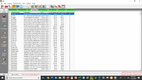
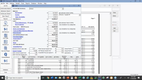
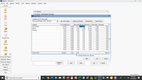
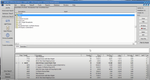
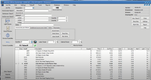
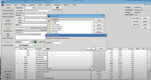
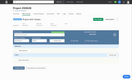
Electrical Bid Manager’s EPIC NetPricer connects the system with local electrical suppliers, helping you accurately price your bids. The EPIC catalog contains over 2 million electrical items, so you can find the exact part you need when building your estimate.
The EPIC pricing tool also helps you compare different costs to negotiate more effectively with suppliers. It includes the suggested retail price and the average benchmark price you would expect to pay. From there, connect your favorite distributors to see your negotiated pricing to compare, ensuring you’re getting the best deal. This way, you can be more informed on the current market for commonly used material items and boost profitability by lowering overall costs.
EPIC NetPricer is built into Electrical Bid Manager but requires a separate EPIC subscription, so factor that into your budget. Electrical Bid Manager starts at less than $1,000/year, but you’ll need to request a quote for exact pricing.
Service Fusion - Best for QuickBooks Users
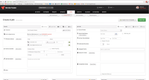
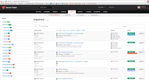
Service Fusion integrates with QuickBooks, a popular accounting software often used by electrical contractors. It works with both QuickBooks Online and QuickBooks Desktop, syncing customers, invoices, and payments so your office doesn’t have to enter them twice. Before you buy, confirm how the sync maps to your chart of accounts, since businesses with more complex accounting may need to adjust how income is categorized.
Service Fusion can manage detailed job records, with technicians capturing notes, photos, and video uploads from the mobile app, even while offline. Job photo uploads are included on the Plus and Pro plans, and e-signed documents are included only on Pro. Every plan includes unlimited users, which keeps costs predictable as you add technicians.


Procore - Best for Commercial Electricians
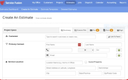
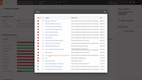
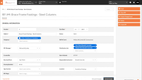
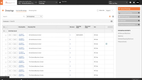
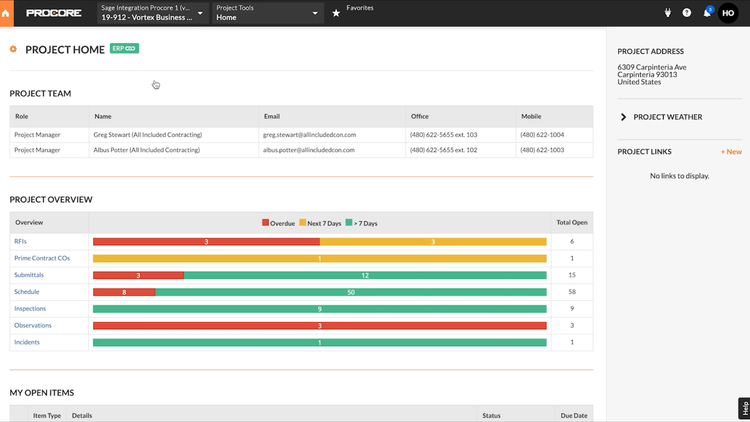
Procore is a great choice for commercial electrical contractors working on large, complex construction projects. It’s designed for managing multi-phase jobs with several trades and subcontractors working on them. Procore offers advanced tools for scheduling, documentation, and project oversight at scale.
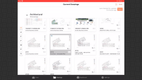
What makes Procore valuable for commercial electricians is its ability to manage and distribute up-to-date drawings in real time. When plans change, new drawing revisions are shared automatically with field crews, and teams can publish 3D models from Revit through the Procore BIM Plugin. This helps reduce miscommunication and rework when coordinating with general contractors.
Procore pricing is quote-based and typically tied to a contractor’s annual construction volume (ACV), with unlimited users included. While Procore is more complex than some other options on the list, it delivers the control and visibility needed for larger and commercial electrical projects.
FieldPulse - Best for Dispatching
FieldPulse is a field service management platform for growing trade businesses, including electrical, HVAC, and plumbing contractors. It sits between lighter tools like Jobber and enterprise platforms like ServiceTitan, which makes it a common choice for shops that have outgrown basic scheduling but don’t need a full enterprise system.
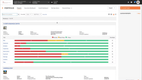
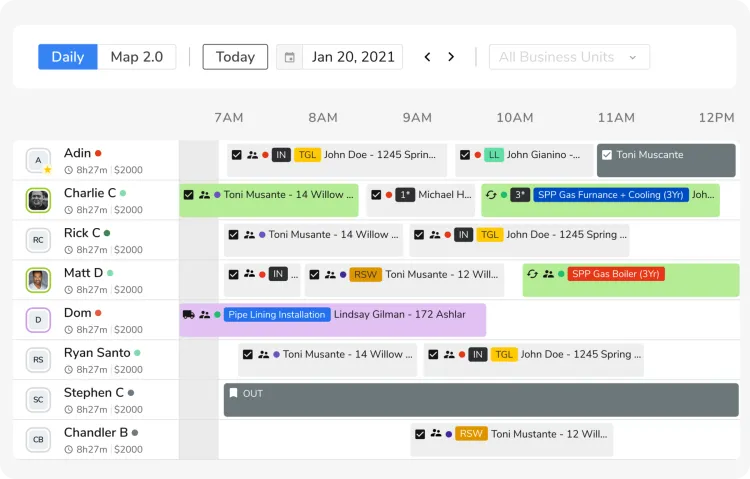
FieldPulse’s Visual Dispatch Board shows each electrician’s availability, assigned jobs, and job progress in one view, and drag-and-drop scheduling lets dispatchers assign or move jobs in seconds. The Availability Finder surfaces technicians with open time slots based on skills and current workload, while automated conflict alerts flag double bookings before they reach the field. From the map view, dispatchers can also use route optimization to sequence a technician’s jobs for the day, and schedule changes are pushed to electricians’ phones as soon as they’re made.
FieldPulse pricing is quote-based, with separate rates for full-access seats and lower-cost field-only seats for technicians who only need the mobile app. Some tools, including the price book and fleet tracking, are sold as add-ons, so confirm what’s included in your quote. FieldPulse fits best for service teams with a handful of technicians up to a few dozen; larger operations that need enterprise reporting across multiple locations may be better served by ServiceTitan.



BuildOps - Best for Quotes and Proposals
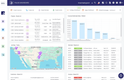
BuildOps is a field service and project management platform built for commercial contractors, including electrical, mechanical, plumbing, and fire and life safety firms. It covers both commercial service work and construction projects, so a shop can start with service calls and add project tools as it takes on larger jobs.
Technicians can build quotes on-site from the mobile app, with job and property details filled in automatically, and the office can refine and send them. Every quote pulls labor, material, and equipment rates from your pricebook, and margin-aware line items show profit on each line before the quote goes out. Multi-version quoting lets you present several options in one proposal, and internal approvals let managers review quotes before customers see them. Customers sign with e-signature approval. Quote tracking alerts you when a customer opens a quote and shows close rates across your team. Once a quote is won, it converts into a job, project, or service agreement in one click.
BuildOps pricing is quote-based, built around your number of field and office users, the trades you run, and the tools you need. Quoting, invoicing, scheduling, and the mobile app are included on every plan, while job costing, change orders, submittals, and RFIs require a plan that includes project management. Implementation is included with every plan, but there’s no published free trial. BuildOps is aimed at mid-market and enterprise commercial contractors, so residential electricians and smaller service shops will likely find simpler tools a better fit.





Connecteam - Best for Employee Management
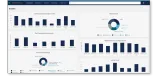
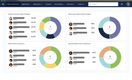
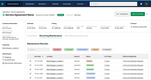
Connecteam is an employee management app that helps electrical contractors keep field crews and the office connected. It has features like time tracking, employee scheduling, checklists and forms, and employee engagement tools like team chat and surveys.
A free plan is available for businesses with up to 10 users, such as independent electrical contractors. Paid plans start at $29/month for the first 30 users, and the Expert plan costs $99/month billed yearly, with custom Enterprise pricing for larger organizations.




ThermoGrid - Best for Residential Electricians
ThermoGrid is field service management software built for residential service contractors in electrical, HVAC, and plumbing. It combines dispatching, customer records, invoicing, and a technician mobile app in one system, and it’s best suited to growing shops rather than owner-operators.
For residential electricians, much of ThermoGrid’s value comes from how it handles homeowner relationships. Its VoIP phone system identifies returning callers and connects them to their customer records, which helps office staff book repeat work faster. Higher-tier plans add membership management and billing, so you can sell and bill recurring maintenance plans from the same system.
In the field, technicians can add photos, generate invoices, and collect payment by credit card, ACH, or financing, and a flat-rate pricebook keeps quotes consistent across your team. When a new call comes in, Smart Dispatching ranks technicians by skill, availability, and location, and can assign jobs automatically.
ThermoGrid’s plans start at $25/month for a single user and are tiered by team size, with VoIP included from the 5-user plan and membership management from the 10-user plan. It integrates with QuickBooks but has few other accounting integrations, and built-in route optimization helps cut drive time between calls. ThermoGrid fits residential shops with roughly 5 to 25 employees that want to build repeat business through service agreements.

Knowify - Best for Job Costing
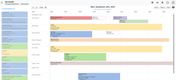
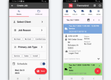
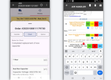
Knowify is cloud-based project and financial management software for trade contractors, including electrical, plumbing, and HVAC subcontractors. It covers more financial ground than field service apps without the complexity of full construction suites. It’s designed to run alongside QuickBooks Online, not replace it.
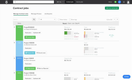
Knowify assigns every labor hour, material purchase, and vendor bill to a specific job and phase, so project budgets update as costs come in. Job costing and work-in-progress (WIP) reporting let electrical contractors compare estimated and actual costs while a job is still running, instead of finding a loss after the final invoice. Approved change orders carry into billing, and AIA billing produces American Institute of Architects pay applications for commercial and tenant improvement work. Invoices, purchase orders, bills, and expenses sync with QuickBooks Online, which cuts down on double entry for the office.
Job costing and WIP reports require the Advanced plan, which starts at $329/month billed annually. The entry-level Core plan includes estimates and proposals but leaves out job costing and project budgets. Knowify doesn’t do takeoffs, though it can import takeoff data from tools like STACK, so electrical contractors who bid from blueprints will still need a separate takeoff tool. It fits subcontractors who run phased project work best; service-only shops with high call volume will likely do better with a dispatch-focused platform.


What is Electrical Contractor Software?
Electrical contractor software is a field service management solution for electricians and other qualified electrical technicians. Applications range from project scheduling modules to estimating and invoicing systems. Electrical businesses can use electrical contractor software to get real-time project updates, organize work orders, and generate accurate estimates.
Electrical workers are in a unique situation: some work comes directly from property owners, while others come from subcontracting with a construction company. Many electricians accept both types of work, meaning they must address both in their back-office processes. Whether you work in electrical new construction or as a home repair technician, an all-in-one electrician software can help you streamline your business practices to focus more on the electrical work you do in the field and less on the tedious paperwork.
Most electrical contracting software works alongside your existing accounting system, such as QuickBooks, rather than replacing it, and many contractors pair it with a separate estimating tool for blueprint takeoffs.
Key Features
- Project Scheduling: Update your project schedule based on customer requests, general contractor requirements, or your own work schedule.
- Job Costing: Track estimated vs. actual labor, material, and equipment costs by job and phase so you can catch overruns while a project is still running.
- Construction Accounting: Calculate internal company finances like income, purchase orders, payroll, and job expenses.
- Time Tracking: Accurately track employee hours for wage calculation and tax management.
- Payroll: Automate check printing or direct deposit. Follow IBEW union pension and reciprocity rules if necessary.
- Bid Generator: Use custom templates to bid on big electrical contracts using a set format for internal consistency.
- Document Storage: Organize and store important documents like invoices, customer information, maintenance contracts, work orders, change orders, timesheets, and bid proposals in one easy-to-access location.
- Customer Management: Keep detailed records of existing and new customers to maximize job opportunities. Send invoices and accept customer payments as well, including from credit cards.
- Mobile Field Service: Collect and report on data from the field like labor time, material usage, and equipment. Communicate with onsite workers via mobile notifications.
- Progress billing: Invoice commercial projects in stages based on percent complete, including AIA-style pay applications, retainage, and approved change orders.
- Price books: Store standard rates for common jobs and materials so technicians can quote flat-rate pricing on-site and invoices stay consistent across your team.
Primary Benefits
Electrical contractor software makes your business easier to manage in several ways:
Scheduling & Dispatching Efficiency
As an electrician, your schedule depends on other people. Clients, general contractors, and other trades all affect your work window, which makes it hard to plan ahead or take on new work without risking overlaps. Scheduling tools let you build and adjust project timelines with drag-and-drop calendars that flag conflicts and update for the whole team. If you run crews across multiple sites, dispatching modules send job details to each technician so everyone knows where to be, when to arrive, and what to expect.
Work Order Management & Estimating
Electrical contracting comes with a lot of paperwork, and every hour spent on it is an hour you’re not billing. Electrical contractor software stores work orders, invoices, and project documents in one place so they’re organized and easy to find. Estimating modules also speed up bidding by calculating costs from material takeoffs, equipment, labor, and subcontractor costs, then turning those numbers into a professional bid you can send to clients.
Payroll, Prevailing Wage, & Compliance
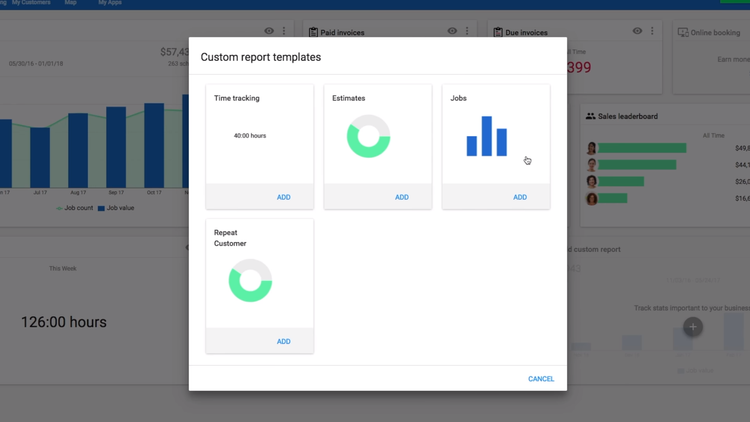
Time tracking that feeds directly into payroll cuts out manual timesheet entry and reduces errors in overtime and job-specific pay rates. Integrations with QuickBooks Payroll and similar services handle tax withholding and direct deposit. For union shops, IBEW pension contributions and reciprocity rules may call for industry-specific payroll tools. If you bid public projects, look for prevailing wage support and certified payroll reporting (WH-347), since errors in fringe benefit calculations can lead to costly back pay and compliance issues.
Improve Contractor and Client Communication
Electricians can go from a commercial job site with a general contractor one day to a service call in a family home the next, and each relationship needs a different kind of communication. Instead of juggling separate phone numbers and inboxes, contractor software keeps client messages, appointment reminders, and subcontractor updates in one application. On larger projects with multiple trades, project management stores drawings, documents, and progress updates together, which helps prevent missed appointments and miscommunications that cost time and money.
Mobile Field Access
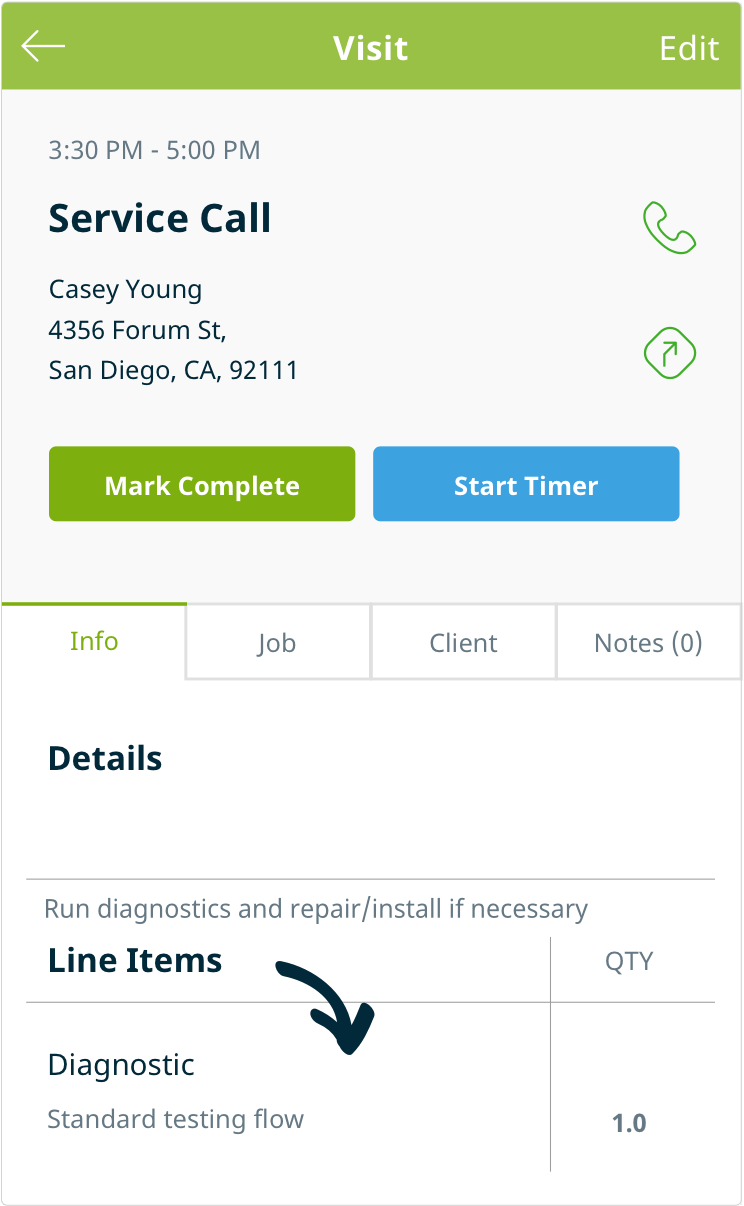
Much of your workday happens away from the office. Cloud-based electrician software lets you and your technicians handle invoicing, scheduling, and job updates from a phone or tablet, on both iOS and Android. Mobile access also speeds up dispatching. If you offer emergency service, you can take the call, check the shared schedule, and send the closest available technician without going back to a desktop.
Use Cases by Business Type
Service work is now the largest source of revenue for electrical contractors. Maintenance, service, and repair made up 39.7% of contractor revenue in 2025, up from 35.7% in 2023, while new construction fell from 36.6% to 31.7%, according to Electrical Contractor Magazine’s 2026 profile. Most shops do some of each, but the type of work that drives most of your revenue should also drive your software choice. Service-focused tools are built around fast dispatch and on-site payment, while project-focused tools are built around budgets, phases, and progress billing.
Owner-Operators and One-Truck Shops
If you’re running the business yourself, you need quoting, scheduling, invoicing, and on-site payment without paying for features built for a dispatch team. Many owner-operators start with QuickBooks and a shared calendar, then add a simple field service app once invoicing starts eating into evenings. Look for low-cost single-user plans, a mobile app you can quote and invoice from at the customer’s home, and a QuickBooks sync so your books stay in one place. Jobber and Housecall Pro both offer entry plans sized for one user.
Service-Based Electricians
Shops that run a high volume of service calls, such as panel upgrades, EV charger installs, and troubleshooting, need software that keeps technicians moving and makes sure every part and hour gets billed. Prioritize drag-and-drop dispatching, GPS tracking, flat-rate price books, and on-site invoicing and payment. Customer-facing features like automated appointment reminders and technician en-route texts also matter for residential service. Housecall Pro, ServiceTitan, and FieldPulse are built for this model.
Residential Electricians
Residential contractors who do a mix of remodels, new homes, and service work need customer management alongside scheduling. Builders and homeowners expect clear estimates, quick follow-up, and easy ways to pay, so customer communication tools and online payments carry more weight here. For new construction work, scheduling around builder timelines and tracking warranty callbacks are also useful. ThermoGrid, Housecall Pro, and Jobber fit most residential shops.
Commercial Electrical Subcontractors
Commercial and tenant improvement work runs on contracts, phases, and pay applications rather than one-off invoices. Electrical subcontractors on these jobs need job costing to track estimated vs. actual costs, change order management, and progress billing in AIA format. Firms bidding public work may also need prevailing wage and certified payroll reporting. Knowify fits subcontractors who keep their books in QuickBooks, Procore fits contractors coordinating closely with general contractors on larger projects, and BuildOps covers commercial service and project work in one platform.
Multi-Crew Operations
Once you’re managing several crews across multiple job sites, the challenge shifts from finding work to coordinating labor. Look for crew scheduling, GPS-based time tracking, centralized work orders, and reporting that shows how each crew’s hours compare to the estimate. Per-user pricing becomes a bigger factor at this size, so compare total cost at your current headcount and at the size you expect to reach in two years. ServiceTitan suits large service operations, Service Fusion includes unlimited users on every plan, and Connecteam adds employee scheduling and time tracking alongside other tools.
How to Choose Electrical Contractor Software
- Start with your work mix. If most of your revenue comes from service calls, prioritize dispatching, price books, and on-site payments. If it comes from contracted projects, prioritize job costing, change orders, and progress billing. Tools built for one model can feel clumsy for the other.
- Decide what stays in QuickBooks. Many contractors keep QuickBooks for accounting and add software for jobs, scheduling, and invoicing. If that’s your plan, ask each vendor exactly what syncs, in which direction, and whether they support QuickBooks Online, Desktop, or both.
- Plan for estimating separately. If you bid from blueprints, check whether the platform includes takeoffs and electrical labor units. Most don’t, so budget for a dedicated estimating tool if you need one.
- Test the mobile app with your technicians. Software only pays off if your crew uses it in the field. Use the free trial to have technicians create a work order, add parts, and close out an invoice on their own phones.
- Price it at your current and future headcount. Compare total monthly cost, including add-ons and extra users, at your current size and the size you expect to reach in two years.
- Read the contract before you sign. Confirm the minimum term, how cancellation works, any implementation fees, and how you can export your data if you leave.
Pricing Guide
Most electrical contractor software is sold as a monthly subscription, priced by user, by plan tier, or both. Entry-level plans for a single user can cost less than $50/month, while platforms built for large service operations or commercial contractors are usually quote-based. Paying annually instead of monthly typically saves 15% to 40%, depending on the vendor.
What You’ll Pay by Business Size
| Business size | Typical starting cost | Examples from this list |
|---|---|---|
| Owner-operator (1 user) | $30 to $100/month | Jobber, Housecall Pro, Knowify |
| Small team (2 to 10 users) | $100 to $400/month | Housecall Pro, Jobber, Service Fusion, Knowify |
| Multi-crew operation (10+ users) | $400 to $1,000+/month | Jobber, Service Fusion, Knowify |
| Commercial or enterprise | Custom quote | ServiceTitan, BuildOps, Procore |
Estimating software is usually priced separately. Dedicated electrical estimating tools like Electrical Bid Manager start at under $1,000/year, while more advanced estimating platforms can cost several thousand dollars per year.
What Affects Cost?
- Number of users: Many vendors include a set number of users per plan and charge for each additional one, often $29 to $100/month per user. Service Fusion is an exception, with unlimited users on every plan.
- Plan tier: Core features like scheduling and invoicing are usually on every plan. Job costing, price books, GPS tracking, and advanced reporting are often reserved for higher tiers.
- Type of work: Software for commercial project work, with features like progress billing, submittals, and certified payroll, tends to cost more than tools built for residential service calls.
- Integrations: QuickBooks Online sync is standard on most plans. QuickBooks Desktop, payroll, and ERP integrations may require a higher tier.
Hidden Costs to Watch
The advertised starting price is rarely what you’ll pay. Before signing, ask each vendor about:
- Paid add-ons: Features like sales proposals, flat-rate price books, and vehicle GPS are often billed separately, which can push a small team’s monthly bill well above the base plan.
- Contract terms: Some vendors require 12-month minimum contracts, and early cancellation can come with penalties. Confirm how cancellation works before you commit.
- Implementation and onboarding fees: Larger platforms like ServiceTitan may charge setup fees, and onboarding can take weeks to months.
- Payment processing fees: Built-in card and ACH processing is convenient, but per-transaction fees add up on high-volume service work.
- A second tool for estimating: Most business management platforms don’t include electrical takeoffs, so many contractors pay for a separate estimating tool.

