

The Best Procurement Software for Small Businesses
We’ve evaluated the top procurement software for small businesses, focusing on features like affordability, requisition automation, and multi-level approval workflows.

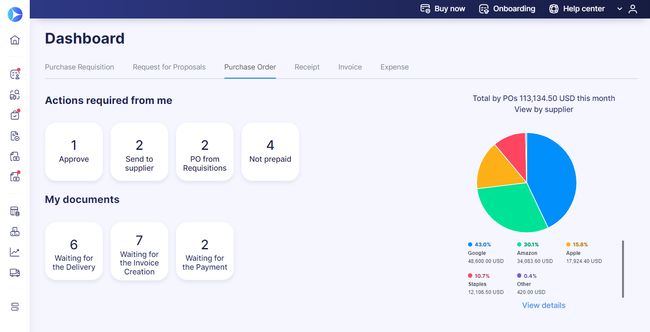
- Simple and straightforward pricing
- Both punchout and Punch-In catalogs
- Integrations for the top accounting systems e.g. QuickBooks Online, NetSuite, Xero
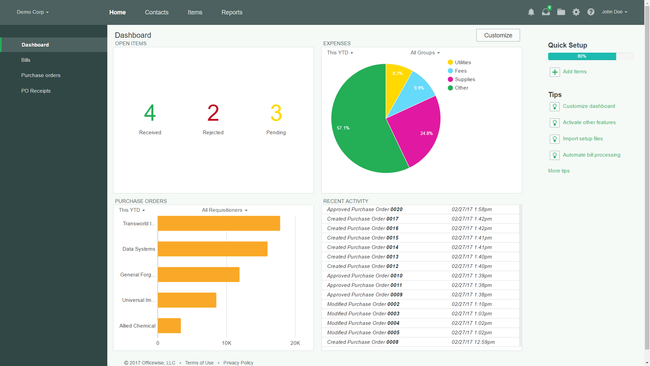
- Streamlines invoice tracking
- Provides a paperless process
- Offers mobile capabilities
- Handles multi-entity
- Integrations with popular accounting software
- Invoice-based and performance-based workflows
Small businesses have different needs from global enterprises. Yet no matter how small, they still have to deal with procurement, or the sourcing of goods and services, in order to run. Fortunately, low cost and free procurement software makes it possible for companies of all sizes to optimize their purchasing.
- Precoro: Best Overall
- Spendwise: Best for Spend Tracking
- Tipalti: Best for Supplier Management
- Bellwether: Best Requisition Tools
- Tradogram: Best Approval Workflows
- Ramp: Best Card-Based Purchasing
- Procurify: Best Mobile Procurement
Precoro - Best Overall
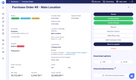
Precoro is a cloud-based solution for procurement process optimization. Automated operations and centralized purchasing processes only. Updates and changes can be made in real time by keeping processes online to accurately reflect purchases and spending. With Precoro, your business won’t have to go through time-consuming manual procedures, which can lead to human errors. An automated system allows you to minimize the chance of duplicate payments that are common from manual document matching.
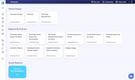
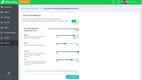
Through Precoro, you can approve purchase orders, significantly faster through online communication, including Slack messages and emails. You can also connect Precoro with your ERP suite and other virtual business tools using ready-made integrations for products like NetSuite, QuickBooks, or Xero. All your purchasing data will be secure with SSO and 2-factor authentication.


Spendwise - Best for Spend Tracking
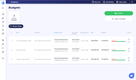
Spendwise is an easy-to-use business spend management software that helps optimize the procurement process. Thousands of businesses and other organizations of all sectors and sizes use Spendwise to track, control, and analyze their spending. This low-cost software automates and streamlines your purchasing processes, saving you more time and money.
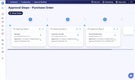
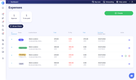
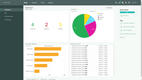
One way to save money is to set approval limits and workflows. This can control spending by limiting who can spend against the budget. In turn, automated spend tracking shows how much is being spent by each department or project. PDF and Excel reports can detail all your company’s procurement-related spending.
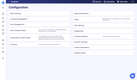
Approval limits and workflows come with the Pro plan, which costs $19/user/month with a 5-user minimum, or $95/month to start. The Basic plan starts at $9/user/month for up to 5 users but caps you at 10 transactions a month, so it fits teams with light purchasing volume.
Tipalti - Best for Supplier Management
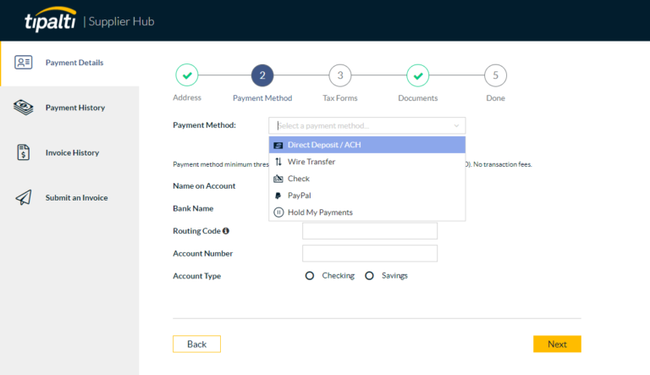
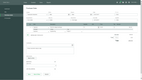
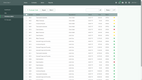
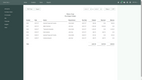
Tipalti offers an easy-to-use supplier management module that helps small businesses build stronger relationships. Its onboarding hub can be hosted on the system or embedded in your website for vendor self-service. They can onboard themselves with automatic data collection and validation, which can be a huge time-saver for small procurement teams. The modern and intuitive interface is a plus, too, streamlining the process.
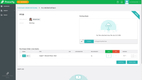
Once everyone’s onboarded, you can manage the accounts in one consolidated directory. Use the smart filter to evaluate your payment data throughout the entire lifecycle. Uncover cost savings, reduce risk, and promote better vendor communication. And since they can see your payments and invoices in real time, you’ll spend less time tracing transactions for them. It’s a win-win for both parties.
Tipalti’s procurement module is an optional add-on to its Accounts Payable plan, which starts at $99/month plus fees per invoice and payment. Tipalti doesn’t publish the price of the procurement add-on. The base plan includes unlimited users and costs scale with payment volume, the number of legal entities, and the modules you add.



Bellwether - Best Requisition Tools
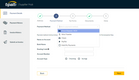
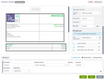
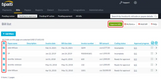
Bellwether offers a streamlined requisitions module that is easy to use for small businesses. All orders are available in one central location, organized by status: open, rejected, or canceled. It also has a search bar where you can look up requisitions by order number or vendor, helping you quickly reference the amount or its approval status. This helps you stay organized and maintain an accurate record.
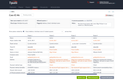
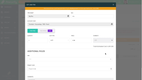
From here, you can efficiently create a new requisition order. You can choose items directly from your catalog, and it auto-populates its vendor, G/L account, and rate. This saves time by eliminating manual entry and ensures all information is correct. For items that aren’t in your catalog, you can include one-time items or even add them to the catalog without leaving the screen.
However, one downside to Bellwether is its prices are not publicly available. It sells two custom-quoted solutions, BPM and ePMX. Both include requisitions, purchase orders, automated approval workflows, and 2- and 3-way matching, along with inventory, budgeting, QuickBooks integration, and full setup and training. ePMX adds blanket purchase orders, multi-entity support, quotations, and contracts. Bellwether is built for businesses creating 50 to 1,000 POs a month, so it fits smaller companies with steady purchasing volume.
Tradogram - Best Approval Workflows
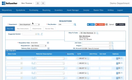
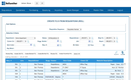
Tradogram is a business spend management solution used to help companies streamline their purchasing process. This cloud-hosted solution allows managers to comfortably control company expenses with 100% visibility into spending habits. The multi-level management software is built to automate purchasing workflows to enhance inter-department collaboration and transparency throughout the procurement process. From submitting requisitions for approval to reconciling receipts and invoices, Tradogram unifies all activities related to purchasing on one easy-to-use cloud-based solution.
Tradogram’s Essentials plan starts at $99/month, or $950.40/year billed annually, with added fees for extra users. Custom approval workflows are an add-on on Essentials and are included in the quote-based Premium and Scale plans.

Ramp - Best Card-Based Purchasing
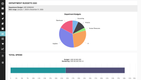
Ramp is a finance operations platform that combines corporate cards, expense management, bill pay, and procurement in one system. Procurement is an add-on to Ramp’s paid plans, built on top of its card and expense tools.
Ramp’s procurement module can attach a payment method to each purchase request. An employee submits a request, and once it clears the approval chain, Ramp creates the purchase order (PO) automatically. If an admin turns on automatic card issuing, Ramp also creates a virtual card for that PO at the same time.
The card inherits the PO’s accounting codes, so the charge doesn’t need to be coded by hand. When a vendor invoice lists the PO number, Ramp matches the invoice to the PO automatically, line by line. POs sync to QuickBooks Online and NetSuite, though virtual cards can only be issued against POs created in Ramp.
Ramp’s AI request intake is free for all customers, but the full procurement tools aren’t part of the free plan. You’ll need Ramp Plus, in addition to a platform fee based on team size, and the Procurement add-on on top of that. Ramp doesn’t publish the platform fee or the add-on price. Because the platform fee also covers cards, expenses, and bill pay, Ramp makes the most sense if you’ll use those tools too. If you only need POs and approvals, Spendwise and Tradogram publish their pricing and focus on purchasing alone.

Procurify - Best Mobile Procurement
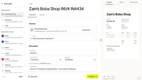
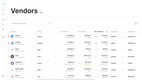
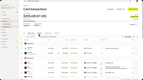
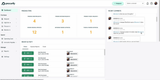
Procurify is a cloud-based procurement platform that covers employee requests, approvals, purchase orders, and accounts payable. It connects to QuickBooks Online and Desktop, NetSuite, Sage Intacct, and Microsoft Dynamics 365 Business Central, so purchasing data flows back to the accounting system you already use.
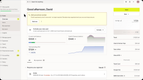
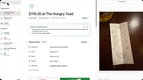
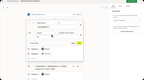
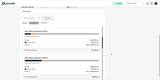
Procurify’s iOS and Android app covers almost every step of a purchase. Employees can submit purchase and expense requests from their phones, and managers can approve them against a budget in the app when a push notification comes in. When an order arrives, whoever signs for it can log the delivery in the app and photograph the packing slip or any damaged goods, and Procurify notifies the requester and purchaser.
For small businesses whose buyers, approvers, and receivers spend much of the day away from a desk, that mobile coverage matters. Approvals don’t wait for someone to get back to a computer, and receiving records are logged where the delivery actually happens.
Procurify fits best for growing small businesses with enough purchasing volume to justify a mid-market tool. However, some users report a slow, glitchy interface and trouble logging in to the mobile app. Procurify doesn’t publish pricing, and every plan is quote-based, starting with its Purchasing product and adding modules like Accounts Payable, Expense & Card, and Contracts. Your quote depends on which modules you add, how many users you have, and which integrations you need, so request one early if you’re comparing it against the published-price options on this list.


What is Procurement Software?
Before you get procurement software for your business, you need to know what it is and what it can do. In business, procurement refers to any acquisition of goods and services for work purposes. This can mean ordering new machinery for a manufacturing plant or buying standard office supplies for the accounting department. With such a wide range of purchases covered by procurement, it’s no wonder many businesses rely on software to streamline the process.
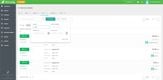
Procurement software automates purchase orders for goods and services related to your business. Use real-time tracking to stay updated on purchase quantities, items or services purchased, delivery schedules, payment terms, and overall costs. You can also manage your new and existing supplier and vendor relationships to get better deals on goods over time.
Sometimes referred to as eProcurement, and even mistaken for the more simplistic purchase order software, you can use procurement software to ensure every order made by your small business is fully authorized and within the budget.
Key Features
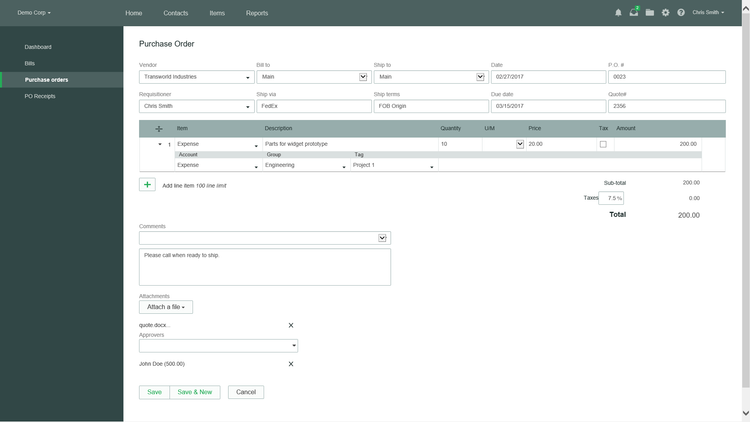
- Purchase order creation: Efficiently create purchase orders for internal tracking and to send to suppliers.
- Vendor management: Track supplier performance and communication.
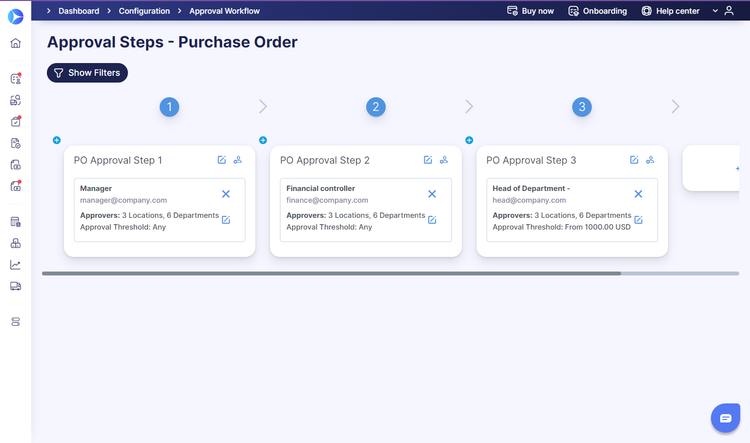
- Multi-level approvals: Ensure purchases are accurate with an automated approval workflow.
- Spend management: Set and monitor procurement budgets and analyze total spending to identify cost-saving opportunities.
- Integrations: Integrate with accounting, inventory, and even ERP systems.
- Affordability: Budget-friendly pricing models for small businesses.
- Ease of use: Allow new users to get up to speed with an easy-to-navigate interface.
Other Purchasing Software
Another option is procure-to-pay or P2P software, which links your purchasing department to your accounts payable department to streamline your supply chain management practices company-wide and provide a greater understanding of your financial status.
Finally, purchase order software can streamline the creation of POs without the added extras offered by procurement solutions. This can be a more affordable option for new startups and small businesses with limited budgets to manage requisitions.
Pricing Guide
Most procurement software for small businesses is cloud-based and sold by subscription, either per user or as a flat monthly fee. Published starting prices for the picks on this list run from $9/user/month to $999/month. Several vendors price procurement as an add-on or by quote, so the total depends on your user count, the modules you need, and your purchasing volume.
- Low-Cost ($9 to $199/month): Fits small teams that require purchase requests, purchase orders, and basic approvals.
- Mid-Range ($499 to $999/month, billed annually): Fits growing teams with more departments, more approvers, or accounts payable needs.
- Quote-Based and Add-On Pricing: Fits businesses that want procurement bundled with cards, payables, or mid-market features.
- Ramp Plus charges per user per month, in addition to a platform fee based on team size, with procurement sold as a separate add-on.
- Tipalti’s Accounts Payable plan also starts with a monthly fee, with procurement as an add-on and fees per invoice and payment.
- Procurify and Bellwether price by quote. Bellwether targets businesses creating 50 to 1,000 POs a month.

