

The Best Stock Control Software
Compare the top stock control solutions for onsite warehouse tracking. See pricing, features, and which tools fit your operation.

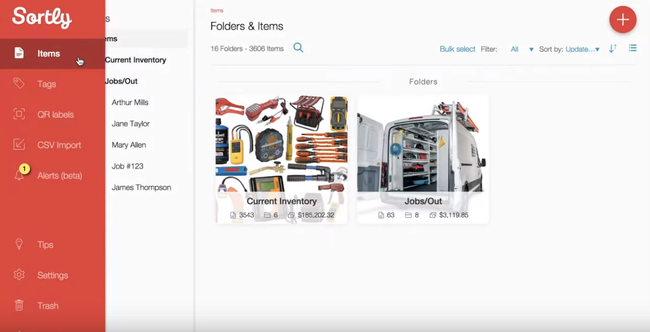
- Straightforward and intuitive
- Very affordable
- Excellent visual interface with customizable colors
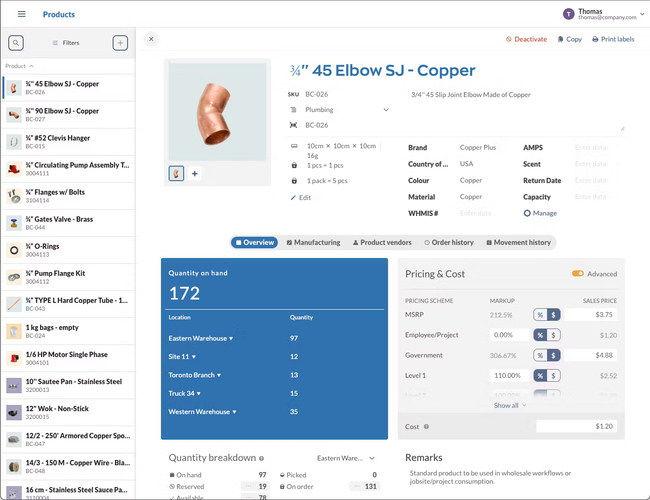
- Audit trails that highlight abnormal behaviors
- Base package includes sales and purchasing
- Unlimited user accounts to track transaction processing
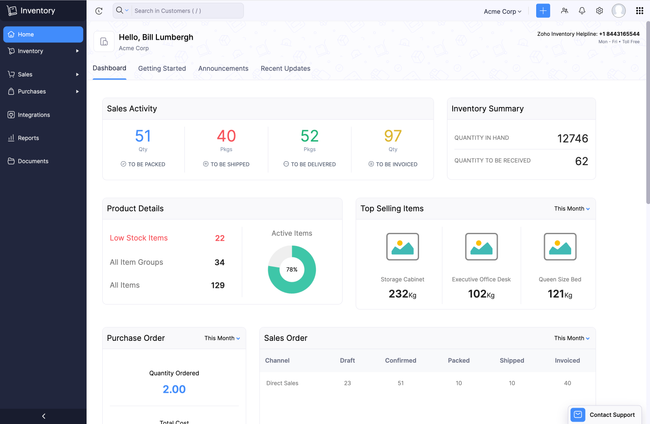
- Simple interface
- iOS and Android apps
- Wide variety of add-ons
After researching and comparing products through our own independent review process, here are our top picks for stock control software. If you need broader supply chain visibility and demand forecasting, see our inventory management software roundup instead.
- Sortly: Best Mobile Stock Tracking
- inFlow Inventory: Best Barcode Scanning Hardware
- Zoho Inventory: Best Batch and Serial Tracking
- Cin7: Best Built-In Warehouse Management
Sortly - Best Mobile Stock Tracking
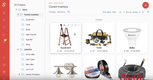
Sortly takes a photo-first approach to stock tracking that makes a real difference when you’re doing counts on items like parts bins, unmarked containers, or product variants. As a stock tracking software option, it’s one of the most visually intuitive tools we’ve reviewed.
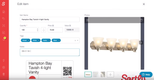
The mobile stock control app is where Sortly earns its spot. Warehouse staff can walk the floor with a phone or tablet and snap pictures of items. They can also scan QR codes or barcodes directly from the camera to pull up records. If your products don’t already have barcodes, Sortly generates and prints custom QR labels in sizes ranging from extra large (5.5 x 8.5 in) down to micro (1 x 1 in). Plus, the app works offline, and changes sync automatically once you reconnect.
Items can be organized into custom folders by location, type, or any attribute you define. Additionally, low-stock alerts notify you by email or push notification when quantities hit a threshold you set. Finally, a check-in/check-out function lets you track items that move between people or locations, such as shared tools or equipment that temporarily leave the facility.
If you need purchase order automation or ERP-level functionality, you’ll want a more advanced stock management software system. But if you’re a small warehouse team replacing pen-and-paper counts or spreadsheets, Sortly offers a free plan, with paid plans starting at $49/month.

inFlow Inventory - Best Barcode Scanning Hardware
inFlow Inventory is available both on-premises and in the cloud. It sells its own Smart Scanner, a ruggedized Android smartphone with a laser barcode scanner built into the top of the device. It’s waterproof and rated for drops up to five feet, so it handles daily warehouse use without needing a protective case.
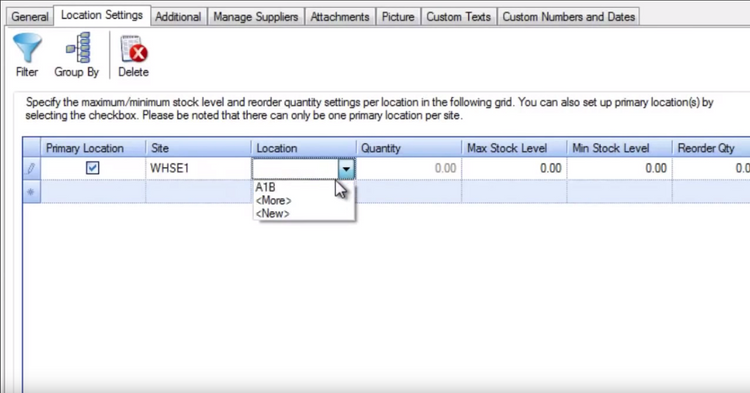
The scanner ties directly into inFlow’s guided picking workflow on the mobile app: when items need pulling, the pick screen shows which products are needed, their locations, and images of each item. Staff scan barcodes as they pull products, and the stock control system updates counts in real time. inFlow also supports location-specific reorder points, so you can set different minimum stock thresholds for each warehouse or stockroom and get alerts before you run out.
The main cost consideration is scaling across locations. The base plan starts at $161/month. If you operate more than one site, you’ll need the Small Business plan at $436/month. But for a single-location warehouse team looking for scanning hardware and software from a single vendor, inFlow removes the friction of sourcing and configuring third-party devices.


Zoho Inventory - Best Batch and Serial Tracking
Zoho Inventory is a cloud-based inventory system with strong traceability features, specifically the ability to track individual items and batches as they move through your warehouse.
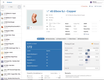
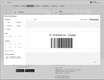
Serial number tracking lets you follow individual items from receipt through every internal movement. You can manually input serial numbers or scan them via barcode on receiving. Batch tracking groups items by production run or shipment; this matters if you’re storing products with different manufacturing dates, supplier origins, or quality grades. Additionally, Zoho supports expiration date tracking with alerts.
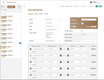
The system includes bin locations to map exactly where items sit within a facility. Physical stock counts can be run periodically to reconcile what Zoho shows against what’s actually on your shelves. Transfer orders track stock movement between warehouses, updating quantities at both the source and destination in real time.
All of this is accessible from the mobile app with barcode scanning on iOS and Android. While Zoho functions as stock management software with multi-channel selling and order fulfillment, its traceability tools are what make it relevant for on-site stock control.
The trade-off is that these traceability features are gated behind higher-tier plans. The free plan supports one warehouse and 50 orders per month but doesn’t include batch or serial tracking. You’ll need at least the Professional plan at $79/month to unlock batch tracking that simpler stock control solutions don’t offer.
Cin7 - Best Built-In Warehouse Management
Cin7 includes a dedicated warehouse management system (WMS) app on every plan. This puts it a step above most warehouse stock control software that stops at basic item tracking and barcode scanning.
The WMS app runs on standard Android or iOS devices and guides warehouse staff through structured workflows for picking, receiving, put-away, and stocktakes. During picking, the app suggests bin locations in alphanumeric order to create a walk path through the warehouse. Your staff can scan barcodes at each stop to confirm they’re pulling the right item from the right bin. Then Cin7 validates batch and serial numbers against FIFO/FEFO rules before authorizing a pick.
For stock counts, the stocktake feature locks a location while counting is in progress, preventing transactions from altering quantities mid-count. Staff scan items or enter counts manually, and the stock control system flags discrepancies against on-hand records. The stock lookup function lets anyone on the floor scan a barcode and instantly see that item’s quantity on hand, available, allocated, and on order across every location and bin. The WMS also handles internal transfers with barcode validation at both ends.
Cin7 does not include its own accounting module; you’ll need to integrate with QuickBooks Online or Xero. Initial setup is also more involved than simpler stock tracking software. Additionally, WMS training requires dedicated effort, and Cin7’s onboarding packages incur an extra cost. The Standard plan starts at $349/month for five users and 6,000 sales orders per year.
What is Stock Control Software?
Stock control software is a supply chain and warehouse management system for retailers of all sizes. Whether you work with raw materials or finished goods, stock control solutions track whatever inventory you have for distribution.
This software solution is designed to improve your warehouse conditions through better inventory tracking. View inventory quantities and adjust counts using stock control software. You can use barcode scanners or RFID readers for your control system. By electronically tracking production materials, parts, or finished products you have in warehousing, you can better prepare your business for distribution.
This solution differs from inventory management software because it only controls onsite materials at your warehouse. However, both an inventory management system and stock control solution are recommended to give you complete control over all your inventory.
Features of Stock Control Software
- Inventory Analytics: Get basic analytics on your product and raw material inventory. Add in new items and remove outdated ones. Know when to reorder certain materials or halt production.
- Materials Management: Know when new materials are scheduled to arrive and in what quantity and condition.
- Traceability: Assign products serial number barcodes or RFID system based on FIFO/LIFO, delivery date, or some other method to generate accurate purchase orders (PO).
- Loss Prevention: Use better tracking to keep tabs on all products and see where loss is occurring.
- Over/Understocking Prevention: Ensure your facility has a good balance between inbound and outbound products. Know your stock levels in real-time to prevent warehouse under/overstocking.
- Warehouse Optimizing: Learn how to best utilize your current warehouse space.
- Product Alerts: Receive timely alerts when products or materials are about to expire or need to be moved from the warehouse.
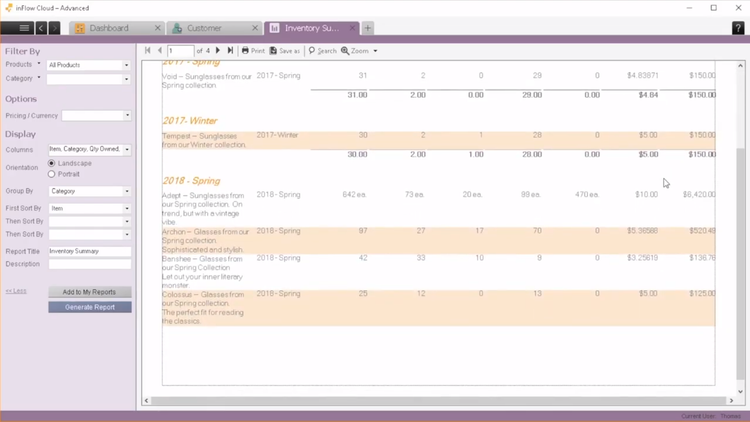
- Stock Audit Reporting: Perform regular audits on your inventory to determine if there are any possible improvements. Set separate units of measure (UOM) based on pallet, box, container, or other item quantities.
Stock Control Software Benefits
Here are some of the main benefits of stock control software:
Track Your Onsite Products
Manually tracking your inventory is a time-consuming task. Stock control systems help you automate the process with serial numbers SKUs, barcoding, and RFID to identify products. Many of these solutions are compatible with mobile devices so you can use barcode scanners or your phone to scan inventory into the system.
Stock control also reduces carrying costs by keeping your inventory moving. Combined with a supply chain management software, you can completely optimize your product lifecycle.
Better Organize Your Warehouse
Are you using all of your warehouse to its maximum potential? Stock control software can reveal missed opportunities for better product storage. Once you maximize warehouse space you can keep more products in stock to anticipate customer needs.
An organized warehouse is a safe warehouse. Overstocking might seem like a temporary distribution problem but it can lead to shelves falling over, potentially injuring employees and damaging products. Inventory software makes it easy to organize products for a safer work environment.
Reduce Product Loss from Accidents or Theft
Loss prevention is usually a priority at physical storefronts, not warehouses meant for storage and distribution. Yet a surprising amount of product loss occurs before your stock ever reaches the store. Sometimes it’s because overstocked shelves cause damage to the tightly packed products.
Overstocked shelves create a huge risk for employee theft. An overflowing warehouse is the perfect spot for thieves to grab a few pieces of inventory off the shelves without being noticed. Clean, organized shelves offer improved visibility which reduces the opportunity for theft. An efficient inbound/outbound system cuts down on the time thieves have to remove products from inventory.
Sell Products Online or In-Store
An accurate stock control system makes it easier to distribute inventory to third-party retailers, wholesalers, and online resellers. By knowing your inventory levels in real-time, you can arrange quick overstock sales with small businesses or through digital marketplaces. And you can improve your bottom line by avoiding stockout situations too.
eCommerce stores can streamline distribution turnarounds by keeping track of inventory levels with stock control software. Get alerts when products are in low stock so you can accurately update your online listings on various sales channels.
How is Stock Control Different from Inventory Management?
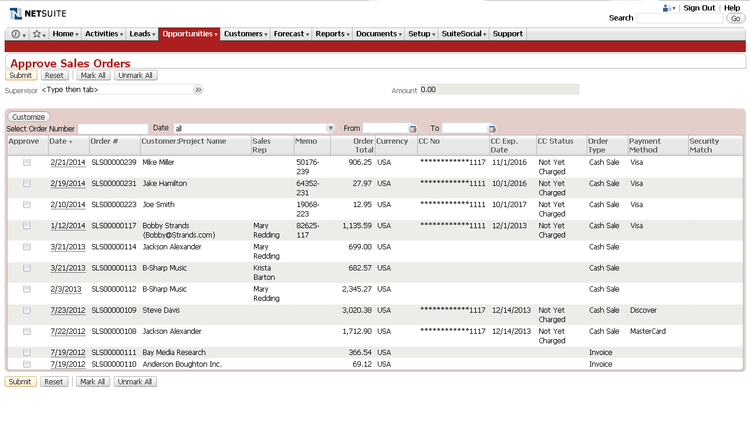
There are a lot of similarities between stock control and inventory management. Both aim to track products for accurate distribution and fulfillment. And “stock” and “inventory” are often used interchangeably. However, stock control is not the same as inventory management. Stock control does not cover forecasting for product replenishment. Inventory management software is responsible for forecasting and ordering updated inventory.
In short, stock control is for onsite asset tracking at your warehouse. Inventory management is for more advanced inventory as it follows products along the entire supply chain from the raw material stage to final point-of-sale.
If you use an inventory management system you may have to integrate with third-party logistics (3PL) software to meet all your distribution, warehousing, and fulfillment needs. 3PL applications coordinate between your stock control and third-party businesses along the supply chain like manufacturers, couriers, and vendors.
Stock Control Software Pricing
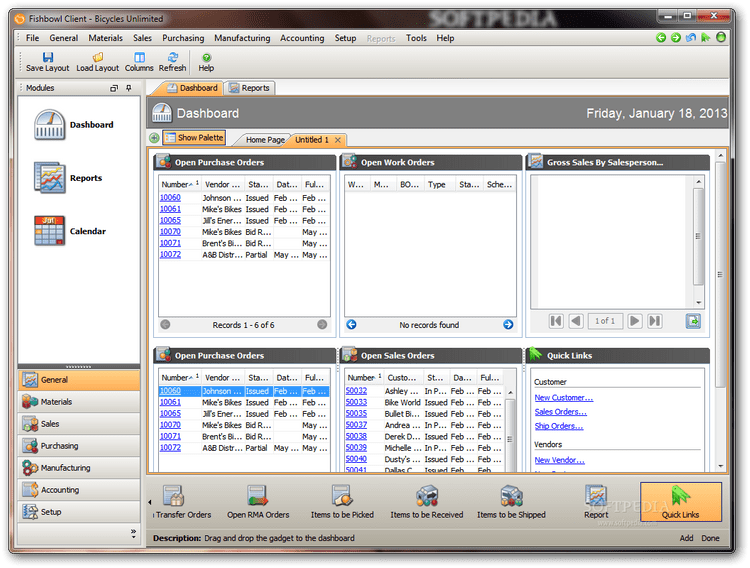
The scope of your stock control software will determine the cost. If you only need limited applications for onsite traceability, your software will be cheaper. Most stock and inventory control software are cloud-hosted and charge a monthly or yearly subscription rate. Single application solutions start at $175 per month on a per user basis. More expensive plans reach $1,000 per month. Some software costs more if you have multiple warehouse facilities to track or want to integrate ERP and inventory management solutions. Setup fees, training, and implementation will add to the initial costs.
Perpetual license fees for a one-time software download begin at $795. As with subscription plans, this does not cover implementation or training. Technical support and updates are usually covered for a certain amount of time after initial installation.