

The Best Warehouse Management Software
We reviewed the best warehouse management system (WMS) software to help you track inventory and boost fulfillment–whether you’re a 3PL, high-volume fulfillment center, or general distributor.

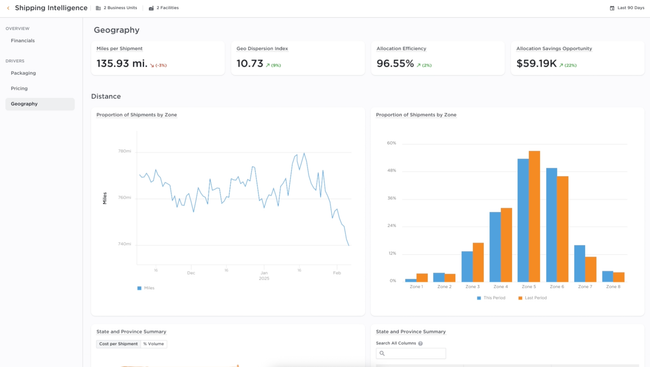
- Purpose built for 3PLs, retailers, and CPG/Brands
- Fast onboarding only takes weeks
- Scales with growth to support new warehouses and clients
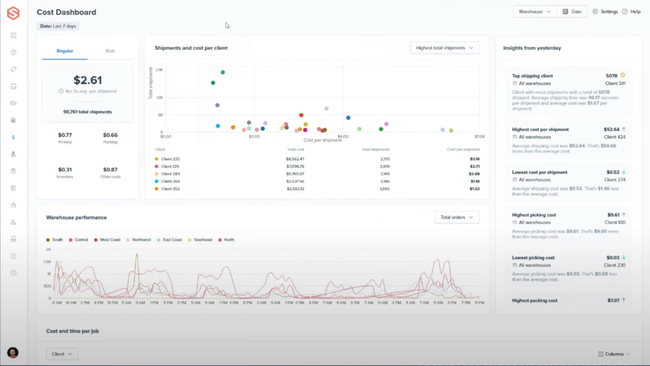
- Offers two-day and overnight delivery options
- Provides automatic notifications for stock replenishment and allows setting of reorder points
- Integrates with WooCommerce, Amazon, Shopify, eBay, Walmart, and more
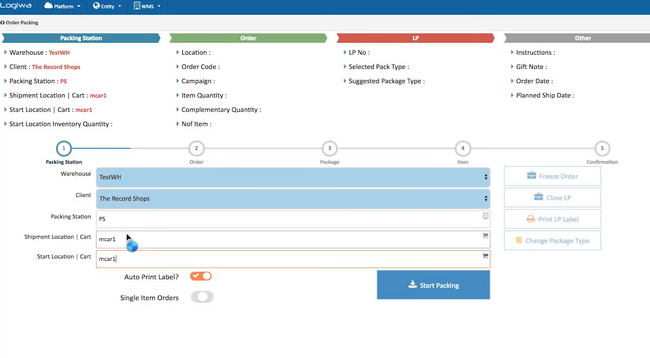
- Offers various picking methods such as wave and zone picking
- Integrates with over 240 eCommerce, shipping, and accounting platforms
- Allows for real-time feedback on worker performance
We ranked the top WMS systems for different sectors, from general distributors and direct-to-consumer brands to 3PLs. We also compared each platform’s best industry fit and pricing.
- Deposco: Best for Mid-Market Companies
- ShipHero: Best for Shopify Brands
- Logiwa: Best for Direct-to-Consumer Brands
- Manhattan Active WMS: Best Enterprise WMS
- NorthStar WMS: Best for Food Distribution
- Infios WMS: Best for Omnichannel Retailers
- Acctivate: Best QuickBooks WMS Add-on
- Blue Yonder: Best for Large Retailers
- Da Vinci WMS: Best for Cartonization
- Fishbowl Inventory: Best for Small Manufacturers
- 3PL Warehouse Manager: Best for 3PLs
- Infor WMS: Best 3D Visual Warehouse Tool
- Infoplus WMS: Best for Seasonal Fulfillment
Deposco - Best for Mid-Market Companies
Unlike competitors that bolt an OMS onto a WMS, Deposco Bright Warehouse and Bright Order run on a single database. When a new order drops in from Amazon or EDI, it’s instantly validated and scored against your business rules. It’s then directed to the right fulfillment node. If you set a rule that says orders over $1,000 get priority, they’re queued first during allocation, not later on the warehouse floor.
That means an operations lead sees the same live inventory picture that pickers will use minutes later, bridging planning and execution. Distributed order management (DOM) assesses your distribution centers, suppliers, or stores against stock availability, carrier cutoffs, and promised ship dates. Built-in cartonization and rate shopping then calculates dimensional weights, consolidates shipments, and selects the lowest-cost carrier that still meets SLA.
Bright Warehouse extends the plan created by DOM. Mobile devices guide your pickers through system-directed paths using the same rules that drove allocation. Exceptions like damaged items trigger real-time reallocation without rework. The activity timeline provides role-based visibility so operations, customer service, and executives can all track progress through to ship confirmation.
Deposco is highly scalable for mid-market companies. DOM profiles capture fulfillment strategies and compliance policies. You can then clone these across facilities as you grow, turning multi-site expansion into a configuration task instead of a reinvention project. Deposco’s cloud-native architecture also sustains high performance under heavy transaction volumes, integrates with automation tools like robotics, and drives supply chain intelligence through real-time dashboards and Snowflake-backed analytics.



ShipHero - Best for Shopify Brands
If you sell through Shopify and run your own warehouse, ShipHero is built for how your orders actually flow: lots of small orders, fast-moving SKUs, and customers expecting same-day shipping. Orders sync from Shopify (plus Amazon, eBay, and other channels) straight into pick queues, and inventory updates flow back so you aren’t overselling.
The mobile replenishment app is what keeps that fast-moving inventory in the right place. Your team can check stock, see low-stock pick locations, and handle restocking tasks from the floor. Tasks are prioritized by urgency, so your best sellers get moved from overstock to pick faces before a picker hits an empty bin.
You can also:
- Track every movement: See exactly when and where inventory moved, down to who handled it.
- Replenish flexibly: Move one item to a shelf or consolidate multiple products onto a pallet.
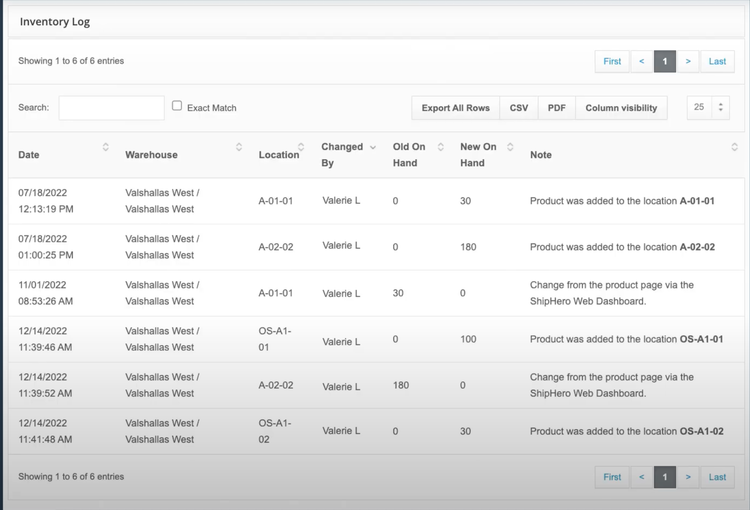
ShipHero is cloud-only and starts at $1,995 per month with five user seats, so it makes the most sense once you’re shipping at least 500 orders per month. It connects to QuickBooks Online, and a NetSuite integration is available for an extra charge if you outgrow your accounting system.





For more information on ShipHero, read the full review.
Logiwa - Best for Direct-to-Consumer Brands
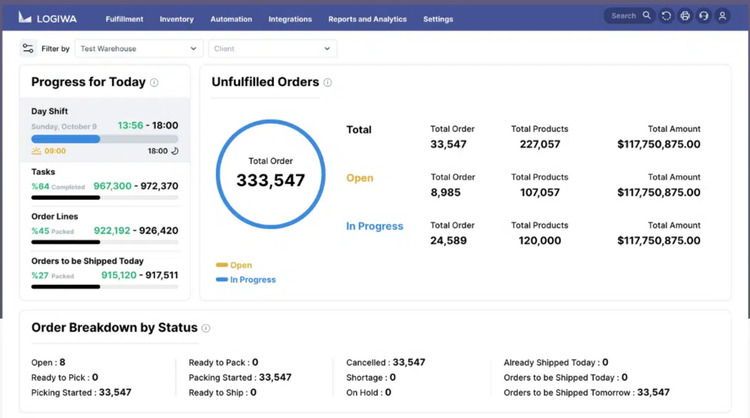
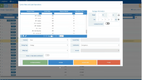
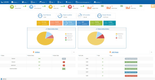
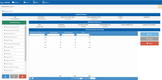
Logiwa helps keep your shipping fast and your customers happy through its automated order routing tool. It takes the guesswork out of fulfillment, managing order flow based on your rules. So instead of manually checking which warehouse has stock or comparing shipping costs, this WMS software does it for you based on:
- Inventory location: Goes to the facility with the most stock.
- Customer proximity: Routes to the nearest warehouse to minimize shipping times.
- Carrier costs: Integrates with UPS, FedEx, and others to pick the most cost-effective shipping option.
- Shipping Preferences: Chooses a facility that offers specific shipping methods like overnight delivery.
Logiwa even factors in order size, customer loyalty, or time sensitivity. It plays nicely with most major eCommerce platforms like BigCommerce, WooCommerce, and Shopify. However, some users say that integration with custom systems generally requires some extra setup through third-party assistance. That said, it’s still a solid pick for fast-moving brands with DTC or B2B models.


Read our full review for more details on Logiwa.
Manhattan Active WMS - Best Enterprise WMS
Manhattan Active WMS is a single cloud-native application built on microservices. It’s also versionless, so new features ship every quarter without the multi-year upgrade projects older enterprise WMS customers are used to.
The capability that sets it apart is Order Streaming. Instead of batching orders into waves and releasing them on a schedule, Manhattan continuously plans, re-plans, and releases work as orders arrive. If a same-day order lands at 2 p.m., it doesn’t sit behind a wave that was built at noon. The system slots it into the work queue immediately and re-sequences tasks for pickers, packers, and automation. That matters most in high-volume omnichannel buildings where ecommerce, store replenishment, and wholesale orders all compete for the same inventory and labor.
Labor management is built into the same app, so supervisors see workload, engineered standards, and task progress without switching systems. It also connects to automated material handling equipment through the Manhattan Automation Network, which helps if you’re adding AMRs or goods-to-person systems later.
Manhattan isn’t built for small operations. Pricing is quote-based, and tier-one WMS deals in this class frequently exceed $500,000 per year before implementation. Expect a partner-led rollout measured in months, not weeks. If you run one building with a few thousand orders a day, a mid-market system like Deposco will get you live faster for a fraction of the cost.


NorthStar WMS - Best for Food Distribution
NorthStar WMS’ allergen control feature helps you manage ingredients like nuts, gluten, dairy, and shellfish across your entire operation. As soon as you receive allergen-containing items, NorthStar flags them and directs your team on how to store them safely. This can help you avoid cross-contamination and comply with food safety standards like HACCP and FSMA.
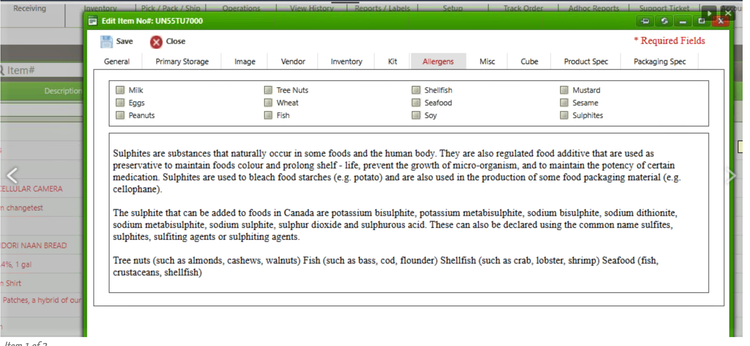
The allergen control tool syncs with inventory tracking, auto-updating stock levels as products move through your warehouse. When picking orders for a large chain, the system alerts you if both allergen-free and allergen-containing products are included. This makes it much easier to tweak your picking list, so you can pack and label allergen-free goods separately. Best of all, after you process the order, NorthStar generates labels with all the relevant details.
If you distribute foods on the FDA’s Food Traceability List, FSMA 204 belongs on your evaluation checklist. The compliance date is now July 20, 2028. The rule requires lot-level records (traceability lot codes plus key data elements like quantity, location, and date) for each receiving, shipping, and transformation event. When the FDA asks, you’ll need to produce those records as an electronic, sortable spreadsheet within 24 hours.
Before you sign with NorthStar or any food WMS, ask the vendor to run a mock recall in the demo: trace one lot from supplier receipt through every outbound shipment and export it to a spreadsheet.
This warehousing software is a solid pick if you’re meticulous about managing risks and building trust with your clients. Prices for NorthStar WMS start at $1,000/month, but depending on the number of users and features your company needs, they can increase up to $5,000/month.

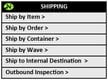


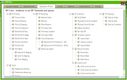
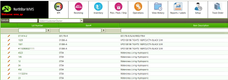


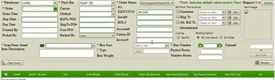
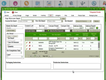
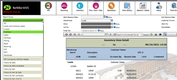
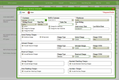
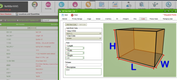
Learn more about other Northstar WMS key features.
Infios WMS - Best for Omnichannel Retailers
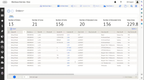
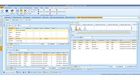
Infios WMS, formerly Körber WMS, pairs its warehouse engine with a connected OMS. When a customer places an order online for in-store pickup or expects same-day shipping, the OMS determines how and where to fulfill it. From there, the WMS picks, packs, and ships without a gap between systems.
On the floor, RF, barcode, and voice-directed picking help reduce the number of scan steps and screen transitions per pick. RFID tracking keeps inventory counts accurate across locations; your customer service team can pull live order and inventory status directly from the system, which reduces inbound inquiries during peak seasons.
Infios WMS is generally best for mid-market to enterprise-level retailers, distributors, and 3PL companies. While pricing isn’t published, it generally falls in our high-tier WMS from $100,000 to $250,000/year.




For more information on Infios WMS, read the full review.
Acctivate - Best QuickBooks WMS Add-on
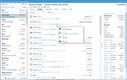
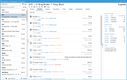
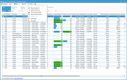
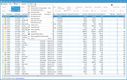
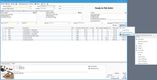
Acctivate is purpose-built for small to mid-sized businesses that rely on QuickBooks for accounting but need more robust inventory and warehouse capabilities. Instead of replacing your accounting platform, Acctivate extends QuickBooks functionality by adding tools for warehouse management, order processing, and inventory tracking.
Acctivate connects directly with your QuickBooks data to keep financials in sync while adding features like multi-warehouse tracking, mobile barcode scanning, and real-time inventory visibility. You can manage serialized or lot-controlled items, automate order routing, and eliminate manual double entry between systems. For businesses handling complex or multi-channel sales, Acctivate offers centralized order management, helping process orders quickly and without mistakes.
While Acctivate is one of the few WMS systems to offer bi-directional integrations with QuickBooks, it requires expensive customization for RFID tracking, so larger distributors needing fully automated warehouses may want to consider other systems. However, with pricing starting at $5,000 per year with an initial implementation fee, Acctivate is a solid QuickBooks add-on.





For more details on Acctivate, read our full review.
Blue Yonder - Best for Large Retailers
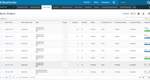
Blue Yonder is solid if you run regional distribution centers that ship to stores and to online customers from the same inventory. Retail DCs swing between two very different jobs: full-case and pallet replenishment to stores, and each-picking for eCommerce orders.
Blue Yonder handles both from one system with multi-method picking (wave, cluster, and batch) and replenishment rules that keep pick faces stocked as store and online demand shift. It also supports store-facing services like click and collect.
Peak season is where the labor tools earn their keep. Engineered labor standards and real-time tasking push assignments to RF guns or voice headsets, and the Warehouse Ops Agent uses AI to forecast workload surges so supervisors can staff up before the backlog hits. If you’re adding robots, the Robotics Hub lets you run AMRs or AS/RS from different vendors through the same WMS instead of building a custom integration for each.
Blue Yonder doesn’t publish pricing, but implementation budgets can reach the high six figures. However, there’s a steep learning curve and thin documentation. It’s a fit for retailers with multiple DCs and a dedicated supply chain IT team, not for a single warehouse replacing paper pick lists.
Da Vinci WMS - Best for Cartonization
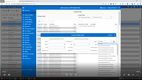
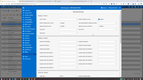
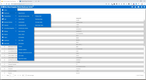
Da Vinci WMS has an impressive cartonization feature specifically designed to optimize the packing process. When the warehouse management system receives an order, this tool pulls data on item weight, size, and handling needs. From there, it selects the best carton size from its database. This can save you from wasting time (and space) and help you adhere to weight limits.
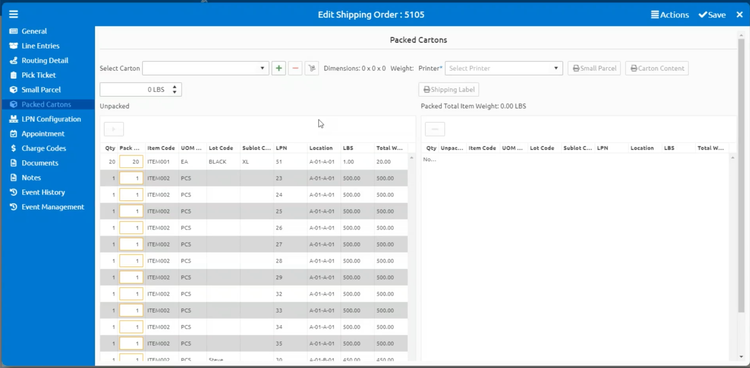
Plus, this warehouse inventory control software even suggests how to arrange items in the carton, so you can cut down on shipping costs and damaged goods. It gives recommendations on padding and securing the items to prevent damage during transit. Then it automatically creates a shipping label and any necessary documentation.
As the cartons are packed, inventory levels update in real time. That way, you’re always working with accurate stock levels without running the risk of stockouts or overstocking. While the developer doesn’t list exact pricing details, this warehouse manager software best suits medium-sized to enterprise-level 3PLs, retailers, and wholesalers, especially in apparel and household goods.
For more information on Da Vinci WMS, read the full review.
Fishbowl Inventory - Best for Small Manufacturers
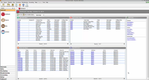
Fishbowl is one of the most common upgrades for small manufacturers that have outgrown QuickBooks inventory but aren’t ready for a full ERP. It integrates with QuickBooks Desktop (Pro, Premier, and Enterprise), QuickBooks Online Plus and Advanced, and Xero, so your accounting stays where it is while the shop floor and warehouse move into Fishbowl.
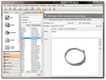
The manufacturing side is what earns this spot. You build bills of materials (BOMs) for your finished goods, and when a sales order comes in, Fishbowl can automatically generate a manufacture order and the linked work orders with process steps and instructions. As parts are consumed, raw material inventory drops in real time, and min/max reorder points flag what to buy before a build stalls. Custom options chosen at the time of sale carry through to the MO, WO, and BOM, which helps if you make configured products.
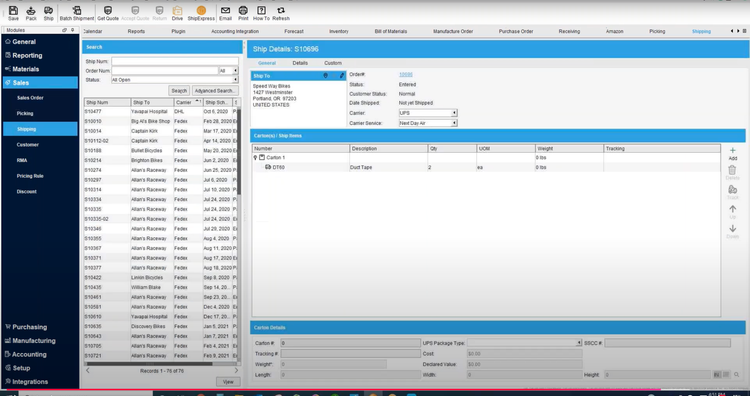
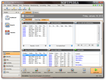
On the warehouse side, you still get pick lists, barcode scanning, multi-location tracking, and UPS and FedEx shipping integrations. Fishbowl’s manufacturing tools are lighter than a dedicated MRP system if you need capacity planning or detailed routing.


Get full pricing details on Fishbowl Inventory.
3PL Warehouse Manager - Best for 3PLs
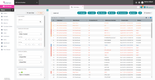
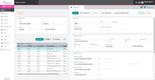
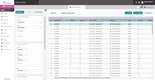
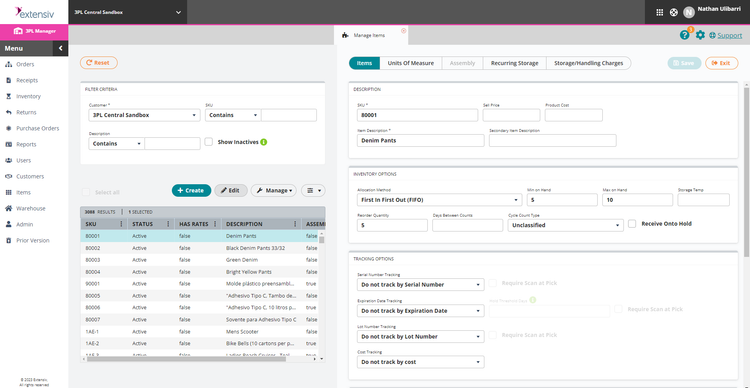
The volume batch processing feature in Extensiv 3PL Warehouse Manager is a great match if you’re constantly juggling high volumes of orders. It lets you create batches based on criteria like destination or shipping dates, so you can group similar orders together for faster fulfillment.
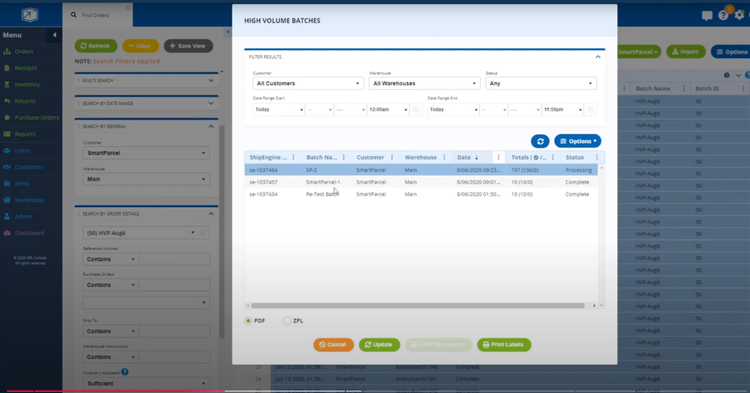
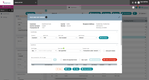
Once a batch is created, you can assign tasks to your staff. This approach allows one team to pick while the other team packs, improving workforce utilization and reducing downtime on the floor. Plus, with integrated tools like SmartParcel Suite and ShipEngine, you can simplify the process even further. These help you automate rate shopping, carrier selection, and even label printing within each batch.
After completing a batch, you can use this WMS software to generate a detailed report on the time taken for each processing phase. That way, you can assess your operational efficiency, identify any bottlenecks, and adjust batch strategies for the future. Starting at $599/month, Extensiv 3PL Warehouse Manager is best for small to mid-sized 3PLs.
For more information on 3PL Warehouse Manager, read the full review.
Infor WMS - Best 3D Visual Warehouse Tool
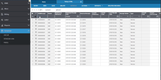
Infor WMS provides warehouse managers with a live view of their facility. This is perfect if you work with space-intensive inventory typical in automotive, industrial equipment, and manufacturing support operations. Overall, the 3D visual warehouse tool offers a clear, graphical interface for checking exact stock and shelf locations.
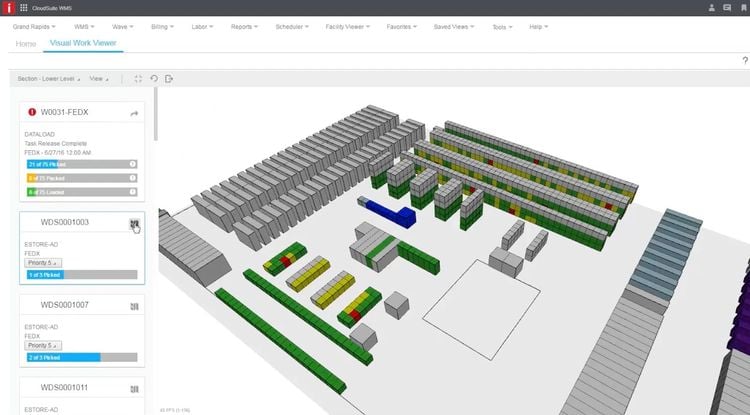
The warehousing software includes simulation functionalities that let you test different layouts, long before you make any physical changes. This is a big plus when you’re accommodating new inventory or adapting to demand shifts. You can test out storage configurations without disrupting your daily operations.
The 3D visualization tool also displays the most efficient routes for restocking and picking items. This improves your team’s efficiency, cutting down on unnecessary travel time and improving picking and packing accuracy. Your managers can also use this feature to validate and adjust routes.
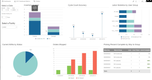
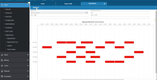
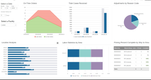
While some users report that the 3D visual feature can cause slow performance, Infor WMS offers advanced features for managing stock across different locations. This makes it a good fit for mid-sized to large companies across manufacturing, distribution, and retail.



Learn more about Infor WMS.
Infoplus WMS - Best for Seasonal Fulfillment
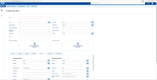
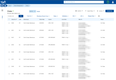
Seasonal spikes can be a logistical nightmare, especially if you’re still processing orders one at a time. Infoplus WMS created a wave planning feature that helps you stay ahead of the rush, letting you group and prioritize similar orders for faster picking and packing.
Infoplus wave planning works like this:
- Step 1: Assess the order queue - Breaks down orders by size, urgency, and shipping region
- Step 2: Create waves - Groups orders into batches based on common attributes
- Step 3: Assign tasks - Sends staff targeted picking instructions for each wave
- Step 4: Optimize routes - Reduces travel time and streamlines fulfillment
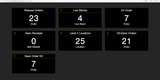
As you fulfill orders, the WMS tracks your progress live, so you can closely monitor wave completion and make any necessary adjustments. This makes it much easier to maintain workflow efficiency during busy stretches. Afterward, Infoplus can generate performance reports, offering insights into picking speed, accuracy, and areas for improvement. That way, you can prep for future holidays or major promo periods, where order volume jumps and every second counts.



Other Systems We Like
Finale Inventory is an inventory management software that has solid warehouse management features for small to midsize eCommerce businesses. It helps keep all of your SKUs aligned across multiple locations. You can also conduct inventory audits, create item kits, and label barcodes for further inventory control.
Oracle Fusion Cloud Warehouse Management sits inside the broader supply chain and manufacturing product family. It offers enterprise-level functionality, including real-time warehouse reports and a rules-based configuration engine for put-away and picking. Oracle Warehouse Management Cloud also provides serial and batch tracking as well as supply chain execution.
NetSuite WMS is an add-on module, so it makes sense if you already run NetSuite and want warehouse execution without a second system to integrate. The mobile app handles receiving, putaway, picking, and packing, with predefined putaway strategies, wave release for single- and multi-order picking, and lot and serial capture at receipt.
What is Warehouse Management Software?
Warehouse management systems (WMS) software helps you organize, track, and control the movement of goods within a warehouse or distribution center. This includes tracking inventory levels, directing pick-and-pack workflows, and coordinating outbound shipments.
To stay competitive, you can use WMS to automate activities like storing items, shipping, and reporting. Overall, these systems boost fulfillment efficiency, cut labor costs, and ensure timely deliveries at the lowest possible price.
Key Features
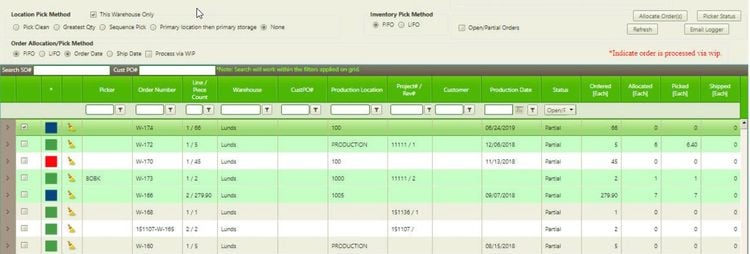
- Inventory Management: Track items by lot, batch, and serial number, create low-stock notifications, cycle counts, and manage stock in real time.
- Order Fulfillment: Process sales and purchase orders and handle backorders and returns to easily complete customer orders.
- Picking and Packing: Streamline your picking and packing workflows with various methods, such as wave and zone picking, to ensure orders are fulfilled on time.
- Barcode Scanning: Efficiently track inventory, receive shipments, and track stock by scanning barcodes and using RFID tags.
- Location and Space Management: Manage bins, shelves, and zones while optimizing slotting. Configure location assignments using custom parameters for efficient distribution.
- System Integrations: Integrate with various other systems like ERP, accounting, TMS, EDI, and eCommerce platforms for two-way data sync.
Benefits of Using WMS
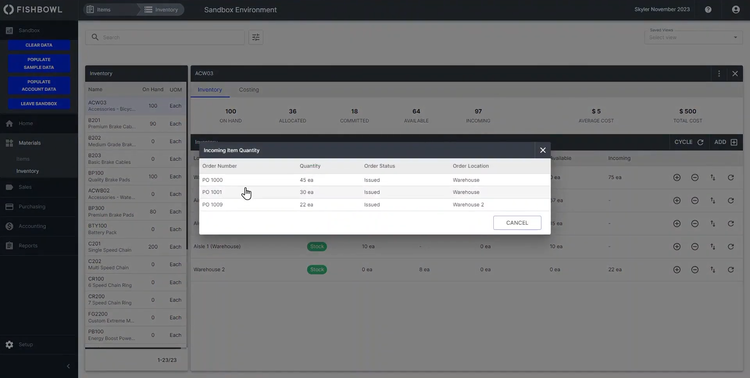
- Increased Inventory Accuracy: Track real-time inventory levels, locations, and movements to ensure accurate counts and minimize stockouts or overstocks.
- Improved Efficiency: Streamline warehouse processes like picking, packing, and shipping to reduce time spent on tasks. Having these automated workflows can improve employee productivity and reduce operational costs.
- Better Space Utilization: Optimize warehouse space and storage using tools like slotting. This can help maximize the available space and make it easier to access high-demand items.
- Enhanced Order Fulfillment: Improve your order fulfillment process by ensuring that orders are picked, packed, and shipped quickly and correctly. This can lead to faster delivery times and increased customer satisfaction.
- Cost Reduction: Minimize errors and optimize warehouse operations to significantly reduce operating costs. Efficient inventory management can also reduce excess stock and holding costs.
How Do I Choose the Best WMS?
Choosing the right warehouse stock management software depends on the size and structure of your warehouse operations. First, get a handle on your exact warehousing and supply chain management needs:
- Startups and small businesses generally need cloud WMS software that centralizes tasks within a broader supply chain solution. For growing businesses, you can tailor web-based platforms to match your evolving workflows—think adding users, integrating with sales platforms, or even just modifying how orders are picked and packed.
- Medium-sized businesses often outgrow spreadsheets or more basic tools, requiring standalone WMS software. These systems often include barcode scanning, real-time inventory tracking, and rule-based picking to support growing order volumes.
- Large warehouses will need more detailed inventory tracking, like lot and serial number management, and retail compliance features like advanced labeling and ASN generation. If you’re dealing with transportation management software (TMS) or enterprise resource management tools, make sure your WMS can fully integrate with those systems.
- Different industries require sector-specific capabilities. For example, in aerospace and defense, choose a WMS with advanced traceability and quality inspection workflows to comply with FAA or DoD standards. For healthcare, prioritize warehouse inventory software with temperature control monitoring and expiration tracking to meet FDA or cGMP requirements. In industrial manufacturing, find a system that integrates with manufacturing execution systems (MES) to enhance your production workflows.
With the right WMS software, you’ll improve operational efficiency, shorten delivery times, and boost customer satisfaction. If cost is a concern, you don’t necessarily need to buy WMS software on its own. Many of the same features, like order or inventory management, can be found within broader systems like distribution software or supply chain management systems. If you’re outsourcing your warehousing to a 3PL, standalone 3PL software can connect with systems that third-party warehouses use, even if you don’t directly manage those facilities.
How Much Does a WMS Cost?
WMS cost depends on deployment (cloud vs. on-premise), the number of users and warehouses, and how much implementation and integration work the vendor quotes. License fees are only part of it: budget for scanners, label printers, and integration fees on top.
WMS for Small Businesses
- Approximately $5,000-$20,000 annually
- Best for 1-2 warehouses, up to 25 employees
- Examples: Fishbowl Inventory, Zoho Inventory, Acctivate, SOS Inventory
WMS for Mid-Sized Companies
- Approximately $20,000-$100,000 annually
- Best for 3-10 warehouses, 25-100 employees
- Examples: ShipHero, InfoPlus WMS, 3PL Warehouse Manager, NorthStar WMS, Logiwa, Royal 4 WISE WMS, Deposco
WMS for Large Businesses
- Approximately $100,000-$250,000 annually
- Best for 10-50 warehouses, 150-500 employees
- Examples: Körber WMS, Tecsys WMS, Manhattan Active WMS
Enterprise WMS
- Over $250,000 per year
- Best for over 50 warehouses, more than 500 employees
- Examples: Blue Yonder WMS, SAP Extended Warehouse Management
Here’s how the best WMS systems on our list compare on fit, deployment, and starting price.
| Software | Best For | Deployment Options | Starting Price |
|---|---|---|---|
| ShipHero | Shopify Brands | Cloud | $1,995/month |
| Acctivate | QuickBooks Users | On-Premise | $5,000/year + implementation |
| Deposco | Mid-Market Companies | Cloud | N/A |
| Manhattan Active WMS | Enterprise | Cloud | N/A (quote-based) |
| Logiwa | Direct-to-Consumer Brands | Cloud | N/A |
| NorthStar WMS | Food Distribution | Cloud or On-Premise | $1,000+/month |
| Infios WMS | Omnichannel Commerce | Cloud | N/A |
| Blue Yonder WMS | Large Retailers | Cloud | N/A |
| Da Vinci WMS | Cartonization | Cloud or On-Premise | N/A |
| Fishbowl Inventory | Small Manufacturers | Cloud or On-Premise | $6,795 perpetual (2 users) |
| 3PL Warehouse Manager | 3PLs | Cloud | $599/month |
| Infor WMS | 3D Warehouse Mapping | Cloud | N/A |
| Infoplus WMS | Seasonal or High-Volume Fulfillment | Cloud | $495/month |
Frequently Asked Questions
What is the best free warehouse management software?
True free WMS software is rare. Most “free” options are inventory apps with free tiers that cover stock levels and orders but not directed picking or bin-level putaway. Zoho Inventory’s free plan is the easiest place to start: it’s free forever for one user, one warehouse, and up to 50 orders per month.
Odoo’s One App Free plan lets you run its Inventory app with unlimited users on Odoo’s cloud, though you’ll pay once you add accounting, ecommerce, or other apps.
Do you need a WMS yet?
Probably, if two or more of these sound familiar:
- You run full physical recounts because nobody trusts the system’s numbers
- Mispicks are causing customer complaints or retailer chargebacks
- Your team rekeys orders between your store, accounting system, and warehouse
- Or you still pick from paper lists.
A big operational change is also a common trigger: opening a second warehouse, launching an eCommerce channel, or signing a large wholesale account.
You may not need one yet if you run a single location with a few hundred SKUs and low order volume. Your ERP or accounting system’s inventory module, or a tool like Acctivate or Fishbowl on top of QuickBooks, can carry you until the software, not your floor space or staff, becomes the thing limiting how many orders you can ship.
What is the best software for warehouse inventory management?
The best warehouse inventory management software depends on what you’re already running and how complex your warehouse is. If you’re on QuickBooks and need better stock control, start with Acctivate or Fishbowl. If you’re an eCommerce brand shipping hundreds of orders a day, ShipHero or Logiwa add real-time pick, pack, and replenishment workflows.
Mid-market distributors with multiple facilities usually get the most from a full WMS like Deposco, and large omnichannel networks tend to shortlist Manhattan Active WMS or Blue Yonder.

