

The Best Professional Services Accounting Software
We’ve evaluated the top accounting systems for service firms that for bill time and expertise rather than sell products. These top picks cover solo accounting practices to multi-office law firms.

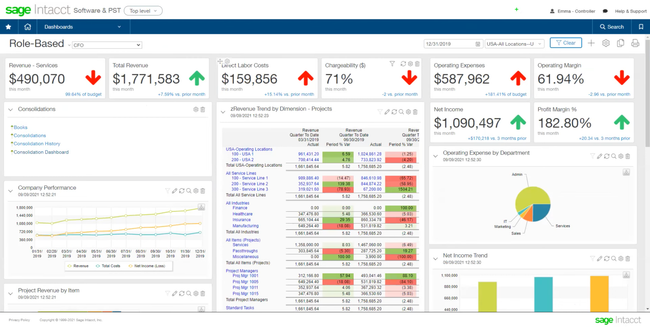
- Multidimensional reporting capabilities
- Scalability for multi-entity support and user growth
- Simple and responsive user interface
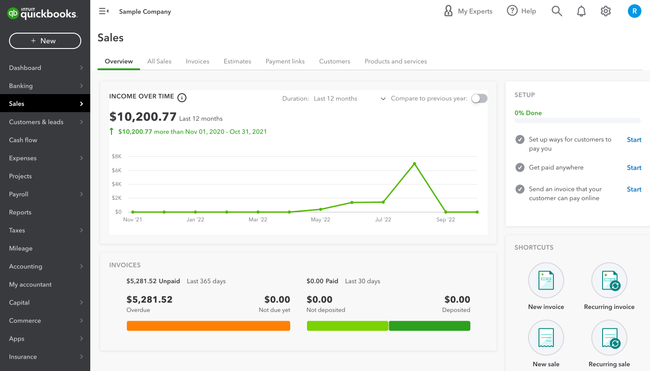
- Customizable invoicing
- Extensive pre-built and custom reports
- Automatic exchange rates
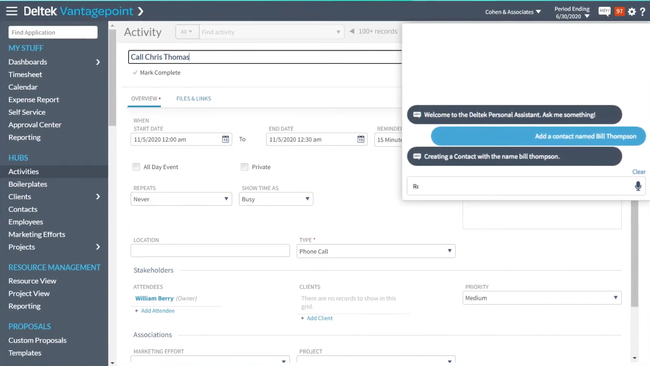
- Offers detailed project view and financial analysis
- Supports complex and diverse billing requirements
- Provides multi-currency support
Whether you run a law firm, an engineering practice, or a consulting agency, the right accounting software tracks projects, people, and profit. After researching and comparing the best systems through our independent review process, here are our top picks.
- Sage Intacct: Best for Growing Firms
- QuickBooks Online: Best for Small Firms
- Deltek Vantagepoint: Best Project Visibility
- Unanet AE ERP: Best for Architecture and Engineering Firms
- Clio Accounting: Best for Law Firms
Sage Intacct - Best for Growing Firms
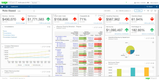
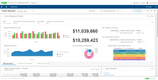
Sage Intacct is an accounting software for professional service firms that have outgrown simple accounting software like QuickBooks and Xero. Its multi-entity consolidation engine lets you run multiple offices, subsidiaries, or practice groups under a single platform. Consolidations run on demand, so a CPA practice or A/E firm with several offices can pull a group P&L without rebuilding it in a spreadsheet every month.
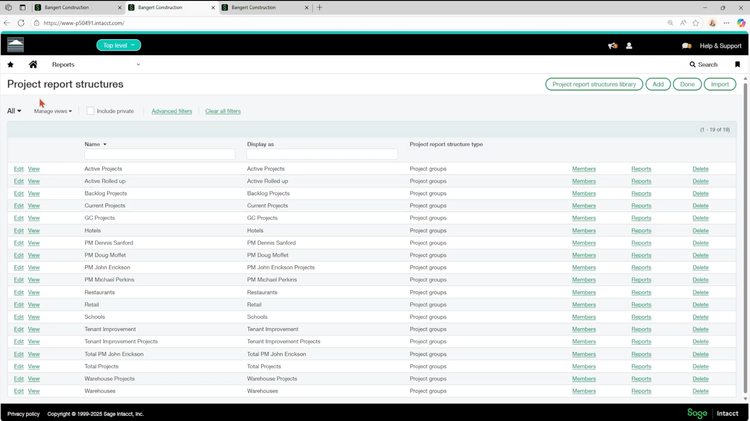
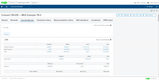
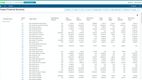
Sage Intacct was built for project-based businesses with a project accounting module that supports fixed-fee, time-and-materials, and milestone-based revenue models. Because its revenue recognition runs on a separate schedule from your billing, you can invoice a client independently of when you recognize that revenue. Giving more options and flexibility for how your accountants reconginze revenue for long projects. And because time, expense, and resources are all connected, your project dashboards’ profit reporting updates in real-time as data is logged.
Sage sells and implements Intacct through a partner network, so expect a three to six-month rollout rather than a quick setup. Pricing for Sage Intacct requires a custom quote based on your complexity, integrations, and training requirements. Sage is best for any growing firm offering accounting, A/E, consulting, or legal services that is looking to replace the mess of spreadsheets and basic accounting platforms.
QuickBooks Online - Best for Small Firms
QuickBooks Online is one of the most popular accounting systems, and where most small professional service firms start. It handles invoicing, expenses, bank reconciliation, and financial management in an easy-to-use modern interface. For a small team of just 5-10 employees, QuickBooks Online can be a solid option to get started with, as most accountants have some experience using it.
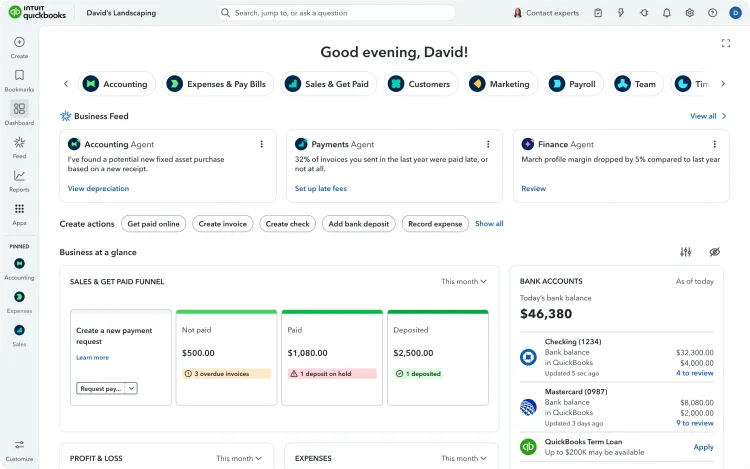
To make QuickBooks work for professional services, you have to start in the Plus Plan. Without it, you don’t get access to Projects, which lets you assign invoices, expenses, and labor to individual jobs. Each job can then track its own income, costs, and profit, letting you quickly see which clients or projects are eating your margins or making you money. Labor and expenses marked as billable can be pulled straight onto the client’s invoice, along with any markups for costs such as travel. From there, you can send an email and have clients pay by card or bank transfer.
Because QuickBooks only records the time you enter, most firms end up adding QuickBooks Time, a separate subscription that tracks hours as they are worked. Pricing is still on the affordable end for small teams, starting at $140 per month for 5 users on the Plus plan. That said, QuickBooks does get outgrown quickly once a firm needs work-in-progress tracking, revenue recognition, or a second entity on the books.









Deltek Vantagepoint - Best Project Visibility
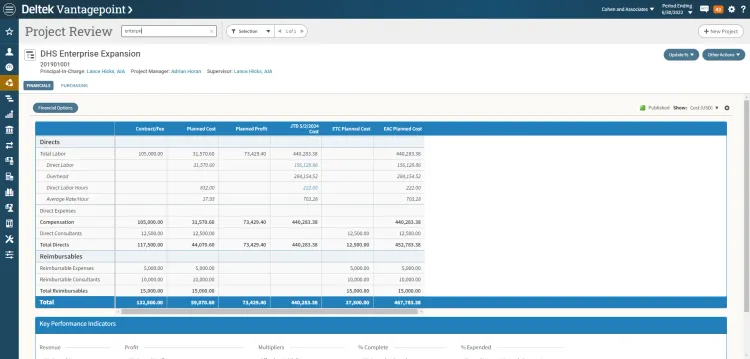
Deltek Vantagepoint is a project-based ERP software for architecture, engineering, and consulting firms. It combines project and resource management with accounting to provide firms with a central platform for tracking projects, people, and profits. Deltek is best for growing teams that have surpassed what disconnected project management and accounting tools can do alone.
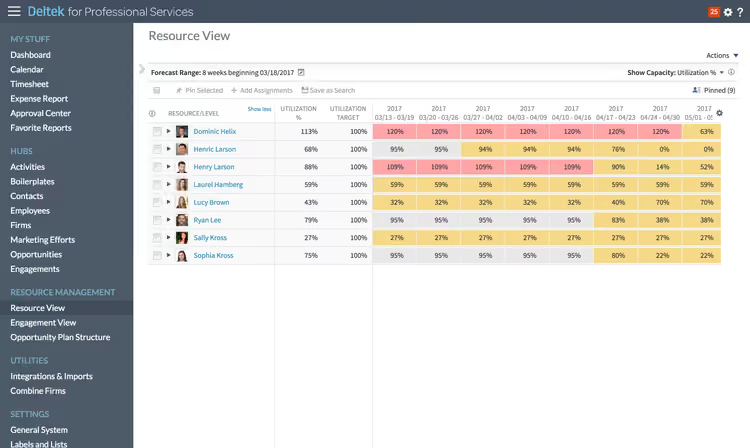
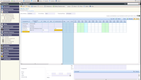
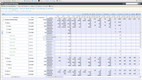
For firms with employees across multiple locations and projects, the Resource View lists all employees and can be expanded to show the projects and tasks they are working on. At a glance, the color-coded columns show which employees are at full capacity and which ones are underutilized.
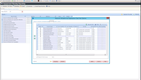
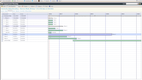
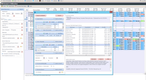
Project managers can also use a separate Project View to see which people are assigned to each phase of a project and how many hours each is planned for. As employees log their time, their actual hours are posted alongside the estimate, allowing managers to compare the plan against reality. If you need custom reports, Vantagepoint often requires exports to 3rd party tools like Power BI.
Deltek Vantagepoint is an enterprise platform and does not publish pricing publicly. Expect a custom consultation based on your business size and user count. That said, for large teams, Vantagepoint offers multiple packages and licensing options, giving you more flexibility in how to purchase the platform. For smaller professional service firms, Deltek recommends Deltek Ajera.


Unanet AE ERP - Best for Architecture and Engineering Firms
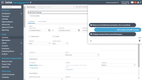
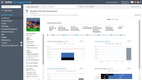
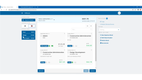
Unanet AE is an accounting and ERP software built for phase-based cost and revenue tracking that architecture and engineering firms require. In addition to project accounting, it includes the general ledger, AR and AP, employee timesheets, project management, and a prospecting module for business development. For larger and growing A/E firms with multiple offices or profit centers, Unanet also offers multi-entity accounting.
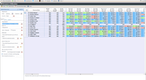
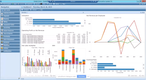
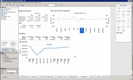
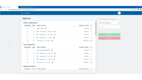
Unanet gives A/E firms a clear cost breakdown for every phase of the project. Whether you do a combination of structural, mechanical, electrical, or civil work, or just control a single discipline, Unanet breaks each phase down clearly. Time and expenses are automatically coded when they are entered and reports can be generated to see which discipline is chewing into your margins.
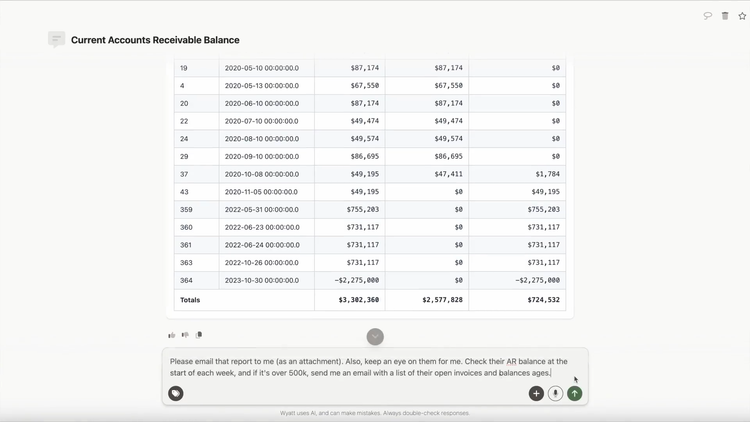
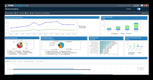
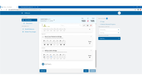
Unanet has also recently released its new AI tool called Champ. It has access to the same data as the rest of your system and can answer questions about anything related to your projects. It can also be used to automate your scheduled reports. Just ask Champ to provide you with an employee’s utilization rate at the end of each day, week, or project, and it will automatically email you the report without extra work
Unanet charges extra for the AI features, and any automated AR or AP processes also require an add-on. Pricing for Unanaet requires a custom quote based on the features you need and the add-ons you select. Unanet, like most systems at this level, has a learning curve when getting started. That said, they have one of the better-rated implementation and transition teams available for growing A/E firms.
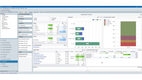
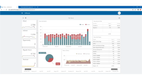
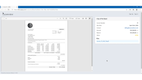
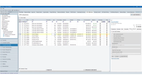
Compare Unanet to other A/E systems in our architecture and engineering ERP roundup.
Clio Accounting - Best for Law Firms
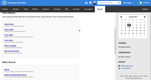
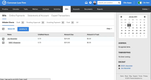
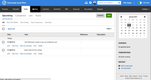
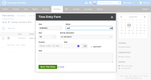
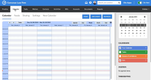
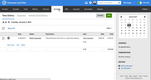
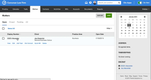
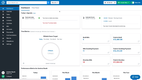
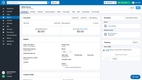
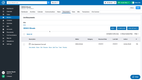
Clio Accounting is practice management and accounting software built specifically for small and growing law firms. Clio has always helped law firms manage cases, track billable hours, and store documents, but has recently added full accounting support. Now, lawyers and attorneys can manage their entire practice with a single subscription, replacing third-party systems like QuickBooks and Xero.
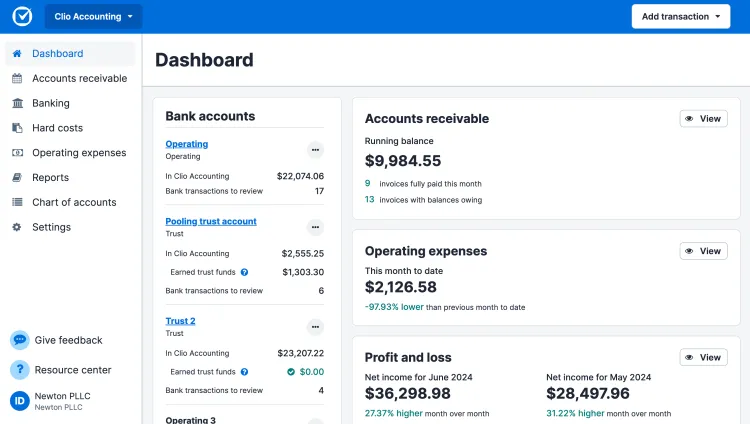
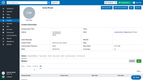
Clio makes it easy to manage trust accounting and keep your practice’s funds separate from your clients. When a payment is submitted for things like retainers and settlements, those dollars remain tied to the case in its own trust ledger. There is no need to build spreadsheets or complex automations to track account balances. When it comes time to reconcile clients’ accounts, Clio walks you through matching your ledger to the bank statement and flagging anything that doesn’t line up.
Clio Accounting is still very new and is best for smaller practices with under three attorneys. It comes up short for multi-entity firms and practices running a complex chart of accounts, where longer-established accounting platforms shine. Pricing starts at $49 per user per month on the Starter plan, with accounting included.

Compare Clio to other law firm accounting systems in our dedicated legal accounting software roundup
What is Professional Services Accounting Software?
Professional services accounting software is an accounting system built for firms that sell time and expertise rather than physical products. This covers consultancies and agencies, law firms, architecture and engineering firms, IT services providers, and accounting firms themselves. What separates it from general accounting software is that the project becomes the core accounting unit, so revenue, costs, and margins are tracked by project and client.
The same idea applies to revenue recognition. A professional services firm earns revenue as work is delivered, not when it’s billed, so revenue must be managed on a separate schedule from billing. Software that supports revenue recognition for retainers and fixed-fee projects automatically keeps businesses in compliance with ASC 606 recognition rules.
Professional service accounting software comes in different shapes and sizes. Some systems are purpose-built for a specific type of professional service firm, like Clio for law firms, with workflows tailored to how that industry works. While others are general accounting or ERP platforms with project accounting modules layered on top of the core platform. Neither is right or wrong, but understanding what your firm prioritizes from a platform will help guide your decision.
Types of Professional Service Firms
Professional services can cover law firms, marketing agencies, engineering firms, accountants, and IT providers and consultants. Each with their own accounting requirements and workflows. Below is a breakdown of what each type needs for accounting:
| Type of firm | What their accounting has to handle |
|---|---|
| Law Firms | Law firms bill hourly, on flat fees per matter, and on contingency, and usually hold client money before the work is complete. Those funds sit in a trust account with a separate ledger for every client and matter, reconciled three ways on the schedule the state bar sets. Earned fees also have to move out of trust and into the operating account. |
| Architecture and Engineering Firms | A&E work gets priced as a fixed fee by phase, hourly to a not-to-exceed cap, or as a percentage of construction cost. Revenue has to be recognized as each phase is completed, rather than when the invoice goes out. |
| Accounting and CPA Firms | CPA and bookkeeping firms charge fixed fees per return or engagement, monthly retainers, and hourly rates for consulting. A fixed fee gets set before anyone knows how many hours the work will take, so the books have to track hours against each engagement to show where the fee is too low. Most firms also run practice management software alongside their accounting system. |
| Consulting Firms | Consulting firms mix time and materials, fixed fee, and retainer work, often on the same client. Since profit depends on how much of the team’s time is billable, they need people to enter time daily rather than rebuilding the week from memory. Subcontractor cost and travel expenses come straight out of the project’s margin, so those have to be tracked too. |
| IT Services and MSPs | MSPs bill recurring monthly contracts, project work, and resold hardware at the same time. Recurring revenue is recognized across the contract term, project work against delivery, and hardware as cost of goods. Most MSPs already run a PSA platform for ticketing and contract management, so ensure each system integrates natively. |
| Marketing and Creative Agencies | Agencies bill monthly retainers and project fees, and many also buy media for clients. A retainer is a fixed fee, so hours have to be tracked against it to spot the accounts being over-serviced. Media and production costs get billed through to the client, so those have to stay separate from fee revenue. |
Note: Government contractors technically fall under the professional service umbrella but have more unique requirements like DCAA compliance. Explore our Best DCAA accounting software page to learn more.
Key Features
- Core financials: Runs the general ledger, accounts payable, and accounts receivable. Produces the balance sheet, income statement, and cash flow statement that the firm reports on.
- Project accounting: Records every transaction against a project, phase, or task as well as a GL account. Makes cost, revenue, and margin reportable by project and by client. Covered further in our project accounting software roundup.
- Time and expense tracking: Logs staff hours and expenses against a project, phase, or task. Feeds both the project cost record and the client invoice.
- Billing and invoicing: Builds client invoices from logged time, expenses, and fixed-fee schedules. Applies bill rates by role, client, or project, and handles retainers and progress billing.
- Revenue recognition: Posts revenue in the period the work was earned rather than when it was invoiced. Holds the difference as deferred or unbilled revenue and generates the month-end entries automatically.
- Work in progress tracking: Carries delivered but uninvoiced work on the balance sheet as an asset. Track WIP so stale unbilled work can be reviewed or written off.
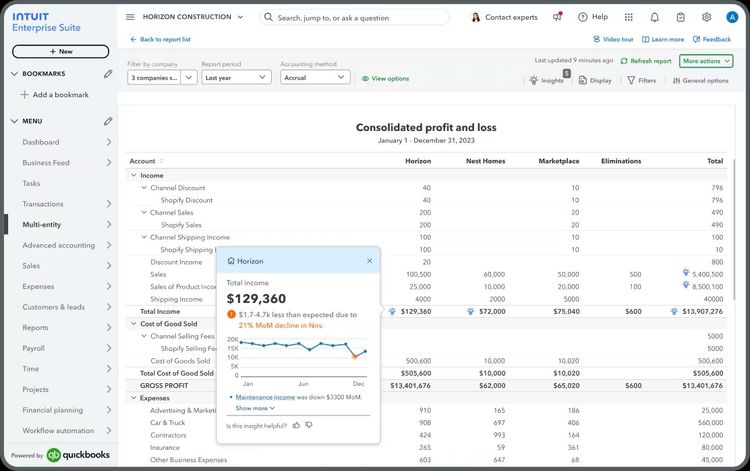
- Multi-entity consolidation: Maintains separate books for each office, subsidiary, or practice group. Consolidates them into one set of financials, including intercompany entries and eliminations. See our multi-entity accounting software roundup for more options.
- Trust accounting: Tracks client funds in a dedicated trust ledger with a running balance per client. Produces the three-way reconciliation between trust ledger, client ledgers, and bank statements that state bars require. Our legal accounting software roundup covers more.
- Financial reporting: Reports standard financial statements alongside project margin, utilization, and realization. Used to review pricing, staffing levels, and write-downs.
- Integrations: Connect accounting to payroll, banking, payment processing, and the practice management or professional services automation system that runs operations. Eliminates double entries between systems.
Benefits of Using Accounting Software in Professional Services
The main benefits of using accounting software built for professional services include:
Knowing Which Clients and Projects Actually Make Money
You know what the firm billed last month. You probably cannot say which clients or projects produced it. When labor and overhead sit in one pool, a client who burns senior hours at a discounted rate looks identical to one who pays the full rate for junior work. Project accounting software applies individual labor rates, overhead, and expenses against each engagement. Once you can see which work generates profit and which quietly loses money, you can tighten the scope, negotiate better rates, or stop working on those projects or clients altogether.
Billing for Work You Forgot
Firms lose real money on work nobody ever invoiced. Someone logs hours two weeks late, a final invoice never goes out, and at month-end nobody wants to bill a client for work they barely remember agreeing to. Professional services accounting software captures time and expenses for the project as the work happens, then flags what remains unbilled. If entering time in the first place is the issue, our time and billing software roundup goes into it in more depth. Either way, you catch the gap while the client still remembers the work.
Avoid Under and Over Staffing Projects
Every firm hits the point where the team says they are drowning in work but you have no data to back it up. Professional services accounting software pulls utilization rates from the timesheets your team already fills out and breaks them down by person, role, and project. Allowing you to see the difference between a whole team running hot for months and a single person stuck on a badly scoped project.
Staying out of Compliance Trouble
For a law firm, one commingled retainer is a bar complaint. Accounting software built for professional services keeps a separate ledger for every client and matter, blocks disbursements that would overdraw a client balance, and produces the three-way reconciliation most state bars require. Firms billing on subscriptions or milestones get a related benefit from automated revenue recognition, which keeps ASC 606 schedules out of a spreadsheet one person understands. Either way, staying compliant means not relying on someone to remember a compliance check.
Closing the Month on Time
A close that keeps slipping means you are making decisions about this quarter on numbers from the last one. Professional services accounting software automates the consolidation that one person usually rebuilds by hand every month, and pulls project billing and time data in without re-entry. Tools like Campfire and Digits push further with AI-assisted reconciliation. Firms running several offices or entities gain the most. When the close lands on schedule, you get numbers while there is still time to act on them.
How to Choose Professional Service Accounting Software
-
Figure out what process is actually broken: If your books are managed well but nobody enters time, a time and billing software connected to your existing accounting software costs a fraction of a new system. But if your books cannot tell you what an individual project earned, the accounting system is what needs replacing. Either way, ask each vendor whether the product replaces QuickBooks or sits on top of it, because several products sold as professional services accounting are project layers that still need a ledger underneath them.
-
Match the system to how you bill: A firm billing straight hourly has a much simpler problem than one running hourly, fixed-fee, milestone, and retainer work at the same time. Products built for one billing method might not hold up for others. Bring your messiest client project to the demo and make the vendor run it for you. Then ask yourself a question: “Did that make the work simpler, or did it just move it somewhere else?”
-
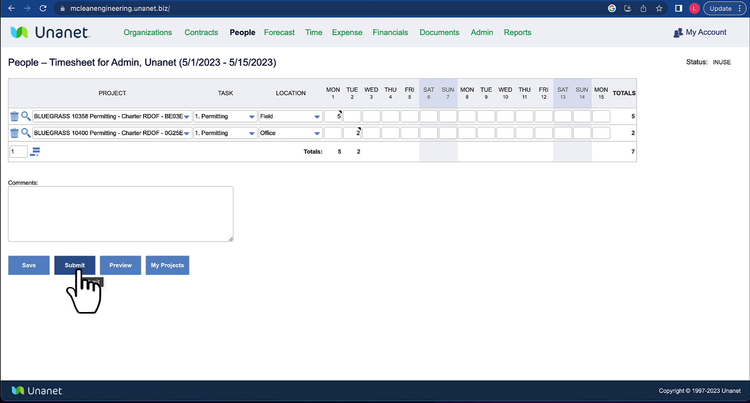
Know who has to keep it updated: Work in progress, percent complete, and earned value all depend on somebody updating projects every week, and that somebody is usually a project manager rather than an accountant. Include one of your project managers in the demo and have them enter their own time and update a project. If it takes them more than a few minutes, or if entering information feels cumbersome, they will stop doing it, and your reports will be wrong.
-
Know the compliance rules you have to meet: Law firms need trust accounting with a ledger for every matter and three-way reconciliation on their state bar’s schedule. Government contractors have DCAA requirements to meet on timekeeping and job costing. Firms billing retainers or fixed fees have ASC 606 revenue recognition to handle. Ask the vendor to run the reconciliation or report your rule requires, rather than pointing at the feature list that says they support it.
-
Decide what you are keeping: Most firms do not replace everything at once, so work out which systems have to stay, whether that is your practice management, time tracking, payroll, or CRM software. Ask whether the vendor builds the integration themselves or hands it off to a paid third-party connector, and which direction the data actually flows. Integrations get discontinued, so ask how long the current one has been in place and who fixes it when it breaks.
-
Price the whole thing, not the license: Accounting, project accounting, and payroll are often sold as separate modules. Additionally, project-based systems often charge based on the type of users accessing the platform, so understand who will use the software and for what. A full user with time tracking and approvals will cost more than a report or view-only user. Also, ask what implementation costs, who performs it, and how long it takes.
Pricing
The cost of accounting software for professional service firms ranges from about $70 per month for a solo practice to $100,000 or more per year for an enterprise firm. There is no one-size-fits-all system, and pricing varies widely based on how many users need logins and the complexity of your firm. Below is a breakdown of typical costs based on company size.
| Tier | Cost | Features Expected |
|---|---|---|
| Small Business (solo to 5 people) | $75 to $400 per month | Core accounting, invoicing, and expense tracking, plus basic time tracking and estimate-versus-actual reporting on a project. |
| Growing (10 to 40 people) | $400 to $2,000 per month | Adds project accounting by phase and task, billing for fixed-fee and time-and-materials work, WIP and unbilled reporting, and utilization tracking. |
| Mid-Market (25 to 75 people) | $25,000 to $60,000 per year | Includes revenue recognition on a schedule separate from billing, multi-entity consolidation, resource planning, and custom financial reporting. |
| Enterprise (75 people and up) | $100,000+ per year, custom | Adds intercompany eliminations, multi-currency, dedicated integrations, and custom training and implementation. |
Budget for implementation separately. Small firms going with QuickBooks, Xero, or FreshBooks usually handle their own setup, while mid-market and enterprise systems typically require a separate implementation fee. Budget for one to two times your first-year software cost for training and customization.

